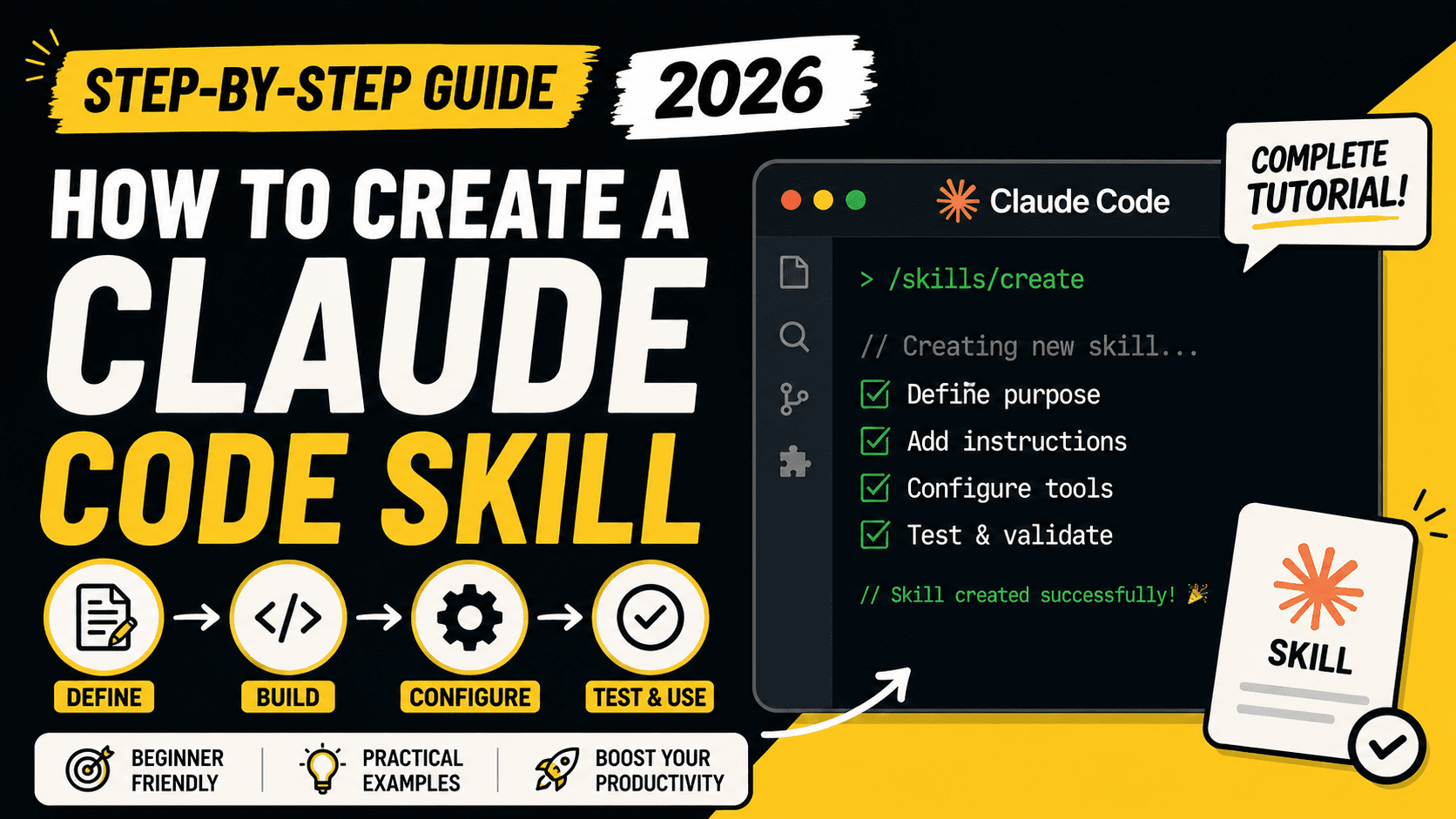
How to Create a Claude Code Skill: Step-by-Step Guide (2026)
A step-by-step guide to creating a Claude Code Skill — SKILL.md structure, YAML frontmatter fields, dynamic context injection, and best practices for building, testing, and sharing skills in 2026.
How to Create a Claude Code Skill: Step-by-Step Guide (2026)
Quick Answer
A Claude Code Skill is a folder containing a SKILL.md file with YAML frontmatter (name, description) and markdown instructions. To create one: make a directory at ~/.claude/skills/<skill-name>/ (personal) or .claude/skills/<skill-name>/ (project-only), write the frontmatter and instructions, then invoke it by typing /skill-name or letting Claude trigger it automatically when your prompt matches the description. No restart is required for most changes — Claude Code watches skill folders and picks up edits live.
What Is a Claude Code Skill?
A Skill is Claude Code's mechanism for extending the agent's behavior without writing code. Instead of pasting the same checklist or procedure into chat every session, you save it once as a SKILL.md file, and Claude loads it automatically whenever a task calls for it — or you trigger it manually with a slash command.
Claude Code skills implement the open Agent Skills standard, which means a skill written for Claude Code also works across other compatible AI coding tools. On top of that shared standard, Claude Code adds a few extras: control over who can invoke a skill, the ability to run a skill inside an isolated subagent, and dynamic context injection (pulling live command output into the prompt before Claude ever sees it).
A useful mental model: a skill is "on-demand expertise." Unlike a CLAUDE.md file, whose content is always loaded into every session, a skill's body only enters the context window when it's actually used — so you can store large reference material at near-zero ongoing token cost.
When should you create a skill instead of just writing a longer prompt?
- You find yourself pasting the same multi-step instructions into chat repeatedly.
- A section of your
CLAUDE.mdhas turned into a procedure rather than a static fact. - You want a repeatable, shareable workflow — commit messages, deploy checklists, code review rules — that behaves the same way every time, for every teammate.
Prerequisites
- Claude Code installed and working (check your version with
claude --version). - A terminal and a basic text editor.
- Some frontmatter fields and behaviors described below require newer Claude Code builds — the guide flags version requirements where they apply. If a field doesn't seem to work, run
/statusto confirm your version.
Step 1: Create the Skill Directory
Skills live in one of several locations depending on who should be able to use them:
| Location | Path | Scope |
|---|---|---|
| Personal | ~/.claude/skills/<skill-name>/ | All your projects |
| Project | .claude/skills/<skill-name>/ | This repository only |
| Plugin | <plugin>/skills/<skill-name>/ | Wherever the plugin is enabled |
| Enterprise | Managed settings | Everyone in the organization |
For a personal skill you can use everywhere, run:
mkdir -p ~/.claude/skills/summarize-changes
For a team-shared, project-only skill, use the project path instead and commit it to version control:
mkdir -p .claude/skills/summarize-changes
Step 2: Write the SKILL.md File
Every skill needs exactly one required file: SKILL.md. It has two parts — YAML frontmatter between --- markers, and markdown instructions below it.
Here's a working example: a skill that summarizes uncommitted git changes and flags anything risky.
---
description: Summarizes uncommitted changes and flags anything risky. Use when the user asks what changed, wants a commit message, or asks to review their diff.
---

## Current changes

!`git diff HEAD`

## Instructions

Summarize the changes above in two or three bullet points, then list any
risks you notice such as missing error handling, hardcoded values, or
tests that need updating. If the diff is empty, say there are no
uncommitted changes.
Save this as ~/.claude/skills/summarize-changes/SKILL.md.
Two things worth noticing:
- The directory name becomes the command. This skill is invoked with
/summarize-changes. - The
!command`` syntax injects live data. Before Claude ever sees the skill, Claude Code runsgit diff HEADand substitutes the actual output into the prompt. This is called dynamic context injection — it's preprocessing, not something the model executes itself.
Step 3: Test the Skill
Open a project with uncommitted changes and start a session:
claude
Test it two ways:
Automatic invocation — ask something that matches the description:
What did I change?
Direct invocation — call it by name:
/summarize-changes
If nothing happens, check that the skill shows up when you ask "What skills are available?", and confirm the YAML frontmatter parses correctly — a malformed frontmatter block still loads the skill body but strips the description Claude needs to match it automatically. Running with --debug surfaces parsing errors.
SKILL.md Frontmatter Reference
Only description is genuinely important — it's what Claude reads to decide whether to load your skill, and everything else is optional. Here are the fields worth knowing:
| Field | What it does |
|---|---|
name | Display name in skill listings. Defaults to the directory name. |
description | What the skill does and when to use it. Put your primary use case first — the listing gets truncated at 1,536 characters. |
when_to_use | Extra trigger phrases or example requests, appended to the description. |
argument-hint | Autocomplete hint, e.g. [issue-number]. |
arguments | Named positional arguments for $name substitution. |
disable-model-invocation | Set true to stop Claude from auto-loading the skill — useful for anything with side effects, like a deploy or send-message action you want to trigger manually. |
user-invocable | Set false to hide a skill from the / menu while still letting Claude load it as background knowledge. |
allowed-tools | Tools Claude can use without an approval prompt during the turn that invokes the skill. |
disallowed-tools | Tools removed from Claude's pool while the skill is active. |
model / effort | Override the active model or reasoning effort for the turn. |
context: fork | Run the skill in an isolated subagent rather than inline in your conversation. |
paths | Glob patterns limiting automatic activation to matching files. |
A practical rule of thumb: spend most of your writing time on the description field, not the body. It's the single biggest lever for whether Claude actually finds and uses your skill at the right moment.
Two Skill Patterns: Reference vs. Task
Thinking about how a skill should be invoked shapes what you put in it.
Reference-style skills hand Claude knowledge to apply inline — coding conventions, style guides, domain rules:
---
name: api-conventions
description: API design patterns for this codebase
---

When writing API endpoints:
- Use RESTful naming conventions
- Return consistent error formats
- Include request validation
Task-style skills give Claude a concrete, step-by-step action to execute, often something you want to trigger deliberately rather than leave to the model's judgment:
---
name: deploy
description: Deploy the application to production
context: fork
disable-model-invocation: true
---

Deploy the application:
1. Run the test suite
2. Build the application
3. Push to the deployment target
Note the disable-model-invocation: true here — you don't want Claude deciding on its own that a deploy looks safe to run.
Adding Supporting Files
Skills aren't limited to a single file. You can bundle templates, examples, and executable scripts alongside SKILL.md, and reference them from it so Claude only loads the heavy material when it's actually needed:
my-skill/
├── SKILL.md          # required — overview and navigation
├── reference.md       # detailed docs, loaded on demand
├── examples.md         # usage examples
└── scripts/
    └── helper.py       # executed, not loaded into context
Keep SKILL.md itself under roughly 500 lines; push detailed reference content into separate files instead.
Passing Arguments to a Skill
Skills can accept arguments through the $ARGUMENTS placeholder, or access them individually with $ARGUMENTS[N] / the $N shorthand:
---
name: fix-issue
description: Fix a GitHub issue
disable-model-invocation: true
---

Fix GitHub issue $ARGUMENTS following our coding standards.

1. Read the issue description
2. Understand the requirements
3. Implement the fix
4. Write tests
5. Create a commit
Running /fix-issue 123 passes "123" into the prompt in place of $ARGUMENTS.
Best Practices for Writing Skills
- Front-load the description with the primary use case. The listing shown to Claude is character-limited, so the most important trigger phrase should come first.
- Keep the body concise. Once loaded, a skill's content stays in the conversation for the rest of the session — every line is a recurring token cost.
- State what to do, not why. Instructions, not narration.
- Use
disable-model-invocation: truefor anything with side effects — deployments, sending messages, destructive commands — so a human decides when it runs. - Move large reference material into supporting files instead of bloating
SKILL.md. - Test with a fresh session. A skill that seems to work might just be riding on leftover context from when you were authoring it — validate in a clean session before trusting it.
Evaluating and Iterating on a Skill
Seeing a skill trigger only tells you Claude found it — not that the output was correct. A reliable way to check both is a baseline comparison: run the same realistic prompts once with the skill available and once with it disabled, in fresh sessions each time, and compare results.
Anthropic's official skill-creator plugin automates this loop — generating test cases, running isolated subagent evaluations, grading output against assertions, and benchmarking with-skill versus without-skill performance. It's the fastest way to tune a skill's description so it triggers on the right prompts and stays quiet on the wrong ones.
Sharing Skills
- Project skills — commit
.claude/skills/to version control so your whole team gets the same skill. - Plugins — package a skill inside a plugin's
skills/directory for wider distribution. - Managed/enterprise — roll skills out organization-wide through managed settings.
Troubleshooting
Skill doesn't trigger automatically
- Check that the description uses the words a user would naturally type.
- Ask "What skills are available?" to confirm it's registered.
- Try invoking it directly with
/skill-nameas a sanity check.
Skill triggers too often
- Narrow the description.
- Add
disable-model-invocation: trueif it should only run when you call it explicitly.
Descriptions get cut short
- Claude Code allocates a limited character budget to the skill listing. If you have many skills installed, less-used ones may lose their description text first. Put the essential trigger phrase at the very start of the description to protect it from truncation.
FAQ
Do I need to restart Claude Code after creating a skill? No, in most cases. Claude Code watches skill directories and picks up new or edited skills within the current session. A restart is only needed when you create an entirely new top-level skills directory that didn't exist at session start.
What's the difference between a skill and a custom command?
They're closely related — a file in .claude/commands/ and a skill both create a slash command and work the same way. Skills add extra capabilities: a directory for supporting files, frontmatter for controlling who can invoke them, and automatic loading when Claude judges them relevant.
Can a skill run without me approving every tool call?
Yes — the allowed-tools frontmatter field grants specific tools for the turn that invokes the skill, so Claude doesn't have to ask permission each time.
Can I make a skill only I can run, never Claude automatically?
Yes, set disable-model-invocation: true. This is the recommended setting for anything with real-world side effects, like deployments.
Key Takeaways
- A Claude Code Skill = a folder +
SKILL.mdwith YAML frontmatter + markdown instructions. descriptionis the single most important field — it decides whether Claude finds your skill at the right moment.- Use
disable-model-invocation: trueto keep side-effect-heavy actions under manual control. - Bundle scripts, templates, and reference docs as supporting files to keep
SKILL.mdlean. - Test in a fresh session and consider the
skill-creatorplugin for structured evaluation before rolling a skill out to a team.
Sources: Anthropic Claude Code documentation (code.claude.com/docs/en/skills), Claude Help Center.