AI Christmas Photo: The Viral Prompt + How to Actually Do It (2026)
How to make an AI Christmas photo of yourself using ChatGPT or Gemini — the exact viral prompt, style variations, and the one technique everyone gets wrong.
AI Christmas Photo: The Viral Prompt Everyone's Using (and How to Actually Do It)
Quick Answer
The AI Christmas photo trend works by uploading a real selfie to ChatGPT or Gemini and asking it to transform the photo into a festive holiday portrait while explicitly preserving your actual face — not by typing a text description and hoping for a generic result. The core prompt structure is: describe the photo style (ultra-realistic, a specific lens, a lighting mood), explicitly instruct the AI not to alter your face, then describe the outfit and festive scene you want around you. Results vary by tool and photo quality, but this upload-and-edit approach is the difference between a photo that actually looks like you in a Christmas scene and a generic AI-generated stranger in a Santa hat.
The technique everyone's actually using (and why it matters)
Most guides to "AI Christmas photos" jump straight to a list of festive prompts without mentioning the one detail that makes the viral trend actually work: you upload your own photo first, then edit it — you don't just type a description and generate from scratch. Text-only generation produces a plausible-looking person in a Christmas scene, but not you; it's the same fundamental limitation that shows up across nearly every AI photo category, from headshots to product mockups — AI can't reliably reproduce a specific real person's face from a text description alone.
The trend that's actually spread across TikTok, Instagram, and Facebook through 2025 and into 2026 works around this by using image-editing capability rather than pure text-to-image generation: you provide a real photo of yourself as the starting point, and the AI edits that photo into a festive scene while being explicitly told to keep your actual facial features intact. This is a meaningfully different workflow from most of the prompt guides floating around, and it's the reason some AI Christmas photos genuinely look like the person who made them, while others clearly don't.
The viral AI Christmas photo prompt
This is the core structure behind the trend, adaptable to whichever style you want:
"Create an ultra-realistic 8K Christmas portrait using a 55mm lens with [lighting style — e.g., glamorous holiday studio lighting, soft icy studio lighting, warm cozy lighting]. Use my real facial features exactly as they are. Do NOT change or alter my face in any way. I am wearing [outfit description]. The background is [scene description]. The mood is [mood keywords]."
The three parts that matter most:
- The technical photo description — "ultra-realistic 8K," a specific lens (55mm is the most commonly used in the viral version), and a lighting style, which pushes the output toward looking like an actual photograph rather than an illustration
- The explicit face-preservation instruction — repeating "use my real facial features, do not change my face" measurably improves how recognizable the result actually is, compared to a prompt that skips this
- The outfit and scene — this is where you customize the actual festive theme, covered in style variations below
How to make one, step by step
- Choose a clear, well-lit photo of yourself as your starting point — a recent selfie or portrait with your face clearly visible works best
- Open ChatGPT or Gemini and upload that photo
- Paste in the prompt structure above, filling in your preferred lighting, outfit, and scene
- Generate, and review the result — check specifically whether your face still looks like you before worrying about anything else in the image
- If the face doesn't look quite right, regenerate with the same prompt, or add "keep the exact same face as the uploaded photo" as extra emphasis
- Once you're happy with the face, iterate on the outfit or background by describing only what you want changed, rather than rewriting the whole prompt from scratch
Style variations to try
| Style | Prompt addition |
|---|---|
| Candy cane / festive photoshoot | "wearing a sparkly sequin outfit, surrounded by oversized candy canes, lollipops, Christmas trees, snow, and fairy lights, playful and bright mood" |
| Winter wonderland / regal | "wearing an elegant silver or white sparkly outfit, background of frosted trees and falling snow with soft glowing lights, mood is regal, magical, and icy" |
| Cozy sweater / cabin | "wearing a cozy knit Christmas sweater, sitting by a fireplace with warm string lights and a decorated tree in the background, mood is warm and intimate" |
| Classic red and plaid | "wearing a classic red plaid outfit, standing in front of a large decorated Christmas tree with wrapped presents, mood is traditional and warm" |
| Snowy outdoor scene | "wearing a warm winter coat and scarf, standing in a softly falling snow scene with string lights in the background, mood is bright and cheerful" |
| Minimalist modern | "wearing simple neutral-toned winter clothing, background of a modern minimalist room with a small tasteful tree, mood is calm and elegant" |
| Vintage holiday film | "styled like a vintage 1990s holiday photo, warm film grain, soft golden light, retro Christmas sweater, background of classic string lights and tinsel, nostalgic mood" |
| Ugly sweater party | "wearing a colorful, intentionally over-the-top ugly Christmas sweater, standing in front of festive string lights and ornaments, fun and playful mood" |
Family, couple, and pet versions
The same upload-and-edit technique extends naturally beyond a solo portrait:
- Family or couple photos — upload a group photo instead of a solo selfie, and add "preserve everyone's real facial features exactly as they are" to the face-preservation instruction, since it needs to apply to more than one person. A cozy prompt addition: "everyone in matching Christmas pajamas, sitting together by a decorated tree, warm and candid family mood."
- Pet photos — the same technique works well for pets, since there's no face-recognition expectation to manage the same way: "wearing a small Santa hat, sitting in front of a decorated Christmas tree, warm cozy lighting, festive pet portrait style" produces reliably charming results from a clear photo of your pet.
- Christmas card layouts — once you have a result you like, most people still finish the card itself (text, greeting, layout) in a separate design tool like Canva, for the same reason covered in nearly every AI prompt guide in this category: AI-generated text inside an image is unreliable, so "Happy Holidays from the Smiths" reads far more cleanly typeset afterward than generated directly into the photo.
Which AI tool actually works best for this
Both ChatGPT and Gemini support uploading a photo and editing it with a text prompt, which is the core requirement for this trend to work at all — a tool that only does text-to-image generation from scratch won't produce a recognizable version of you no matter how detailed the prompt is. Beyond the two major general-purpose assistants, a handful of dedicated apps (PixPretty AI, PhotoGPT, and similar) package this same upload-and-edit workflow into presets built specifically for Christmas and other seasonal trends, which can save time if you want several style variations quickly without writing your own prompt each time. The underlying technique — upload a real photo, preserve the face, describe the scene — is the same regardless of which tool you use.
This isn't a one-off trend, either — it's the same underlying technique behind a string of viral AI portrait formats that have each had their moment: the AI action figure trend (turning yourself into a boxed collectible toy), Studio Ghibli-style portraits, and seasonal variations for Halloween and Valentine's Day all use the identical upload-and-edit-with-face-preservation approach, just with a different outfit and scene description swapped in. Once you understand the Christmas version, you already know how to do the next one that goes viral.
Getting a realistic result — troubleshooting
- Face looks noticeably different from your real photo — regenerate with the same prompt, or add extra emphasis like "keep the exact same facial structure, eyes, and expression as the uploaded photo." Results vary between attempts even with identical prompts, so a second or third try often improves accuracy.
- Outfit or scene looks inconsistent with the description — simplify the request. Asking for too many specific elements at once (an exact outfit, an exact background, an exact prop arrangement) increases the chance the AI drops or alters some of them.
- Result looks obviously AI-generated (odd hands, strange lighting artifacts) — try a different lighting description, since dramatic or unusual lighting setups tend to expose more visible artifacts than simpler, evenly-lit portrait styles.
- Group photos with multiple faces changing more than expected — group face-preservation is generally less reliable than a single portrait, since the instruction has to apply consistently to everyone in frame at once. Expect to regenerate more often for family or group versions than for a solo photo.
A quick note on uploading personal photos
Since this trend specifically requires uploading a real photo of yourself (or your family) rather than just typing a description, it's worth a brief, practical note: check the privacy policy of whichever tool you're using regarding uploaded images, particularly if you're uploading photos of children, and avoid uploading images to apps or websites you don't recognize or trust just to chase a trend. Established, well-known tools (ChatGPT, Gemini) are a safer default than an unfamiliar app promising a "free trendy filter," which is a common pattern used to collect uploaded photos for other purposes.
Hands-on impressions
Running the core viral prompt against a clear, front-facing selfie produced a result that was genuinely recognizable on the first attempt — the overall face shape, eyes, and expression carried through clearly, even though a close look showed the AI had smoothed skin texture slightly more than the original photo. Dropping the "do NOT change my face" instruction from an otherwise identical prompt, as a direct comparison, produced a noticeably different-looking person: same general vibe (dark hair, similar build), but not a result anyone would immediately recognize as the original photo. That side-by-side made the face-preservation instruction feel far less like a superstition and more like a genuinely load-bearing part of the prompt.
The group-photo version was less consistent, matching the troubleshooting note above: across several attempts with a two-person photo, one face reliably preserved better than the other each time, requiring a couple of regenerations before both people looked like recognizable versions of themselves in the same output. The pet version, by contrast, worked well on the first try — likely because there's no equivalent expectation around exact facial recognition for a pet photo the way there is for a person, so the AI has more creative room without it reading as "wrong."
FAQ
How do I make an AI Christmas photo of myself? Upload a clear photo of yourself to ChatGPT or Gemini, then use a prompt that describes the photo style, explicitly instructs the AI to preserve your real facial features, and describes the festive outfit and scene you want. This upload-and-edit approach, not a text-only prompt, is what makes the result actually look like you.
What is the viral AI Christmas photo prompt everyone's using? A version of: "Create an ultra-realistic 8K Christmas portrait using a 55mm lens with [lighting style]. Use my real facial features exactly as they are. Do NOT change or alter my face in any way," followed by a description of the outfit and background you want.
Why doesn't my AI Christmas photo look like me? This usually happens when the photo was generated from a text description alone rather than by editing an uploaded photo, or when the face-preservation instruction was left out or under-emphasized. Upload your actual photo and explicitly instruct the AI not to change your face.
Can I make an AI Christmas photo with my family or pet? Yes. Upload a group or pet photo instead of a solo selfie, and adjust the face-preservation instruction to cover everyone in the frame ("preserve everyone's real facial features"). Group photos are somewhat less consistent than solo portraits, so expect to regenerate a few times.
Is it safe to upload my photo to make an AI Christmas photo? Stick to well-known, established tools like ChatGPT and Gemini, and check the privacy policy of any less-familiar app before uploading personal photos, especially of children. Unfamiliar apps promising a free trendy filter are a common way personal photos get collected for other purposes.
Can ChatGPT add text like "Happy Holidays" directly onto the photo? It can, but the result is often unreliable — AI-generated text inside an image tends to come out garbled or oddly spaced. Most people generate the photo first, then add greeting text separately in a design tool like Canva for a cleaner final card.
Which AI tool is best for the Christmas photo trend? ChatGPT and Gemini both support the upload-and-edit workflow the trend relies on. Dedicated seasonal apps package the same technique into ready-made presets, which can be faster if you want several styles without writing prompts yourself.
Do I need a professional photo to start with? No. A clear, well-lit, front-facing selfie taken on a phone works fine as a starting point — what matters more than professional quality is that your face is clearly visible and not obscured by shadows, sunglasses, or an extreme angle.
Can I use this same technique for other holidays or occasions? Yes. The upload-and-edit approach with a face-preservation instruction is the same technique behind other viral AI photo trends — Halloween, New Year's, birthdays, or any occasion-themed portrait — just swap the outfit, scene, and mood description for the occasion you're going for.
Conclusion
The AI Christmas photo trend works because it's built around editing a real photo of you, not generating a fictional stranger from a text description — that one distinction is the difference between a festive portrait that actually looks like you and one that clearly doesn't. Start with a clear, well-lit photo, use the face-preservation instruction every time, and treat the outfit and scene description as the part you get to have fun customizing. If a result doesn't look quite right, regenerating a couple of times usually fixes it faster than rewriting the whole prompt — and for the greeting text on an actual card, a design tool will always render it more cleanly than asking the AI to write it into the photo itself.
Related
Resources
ChatGPT Professional Photo Prompt: 15 Studio-Quality Templates (2026)
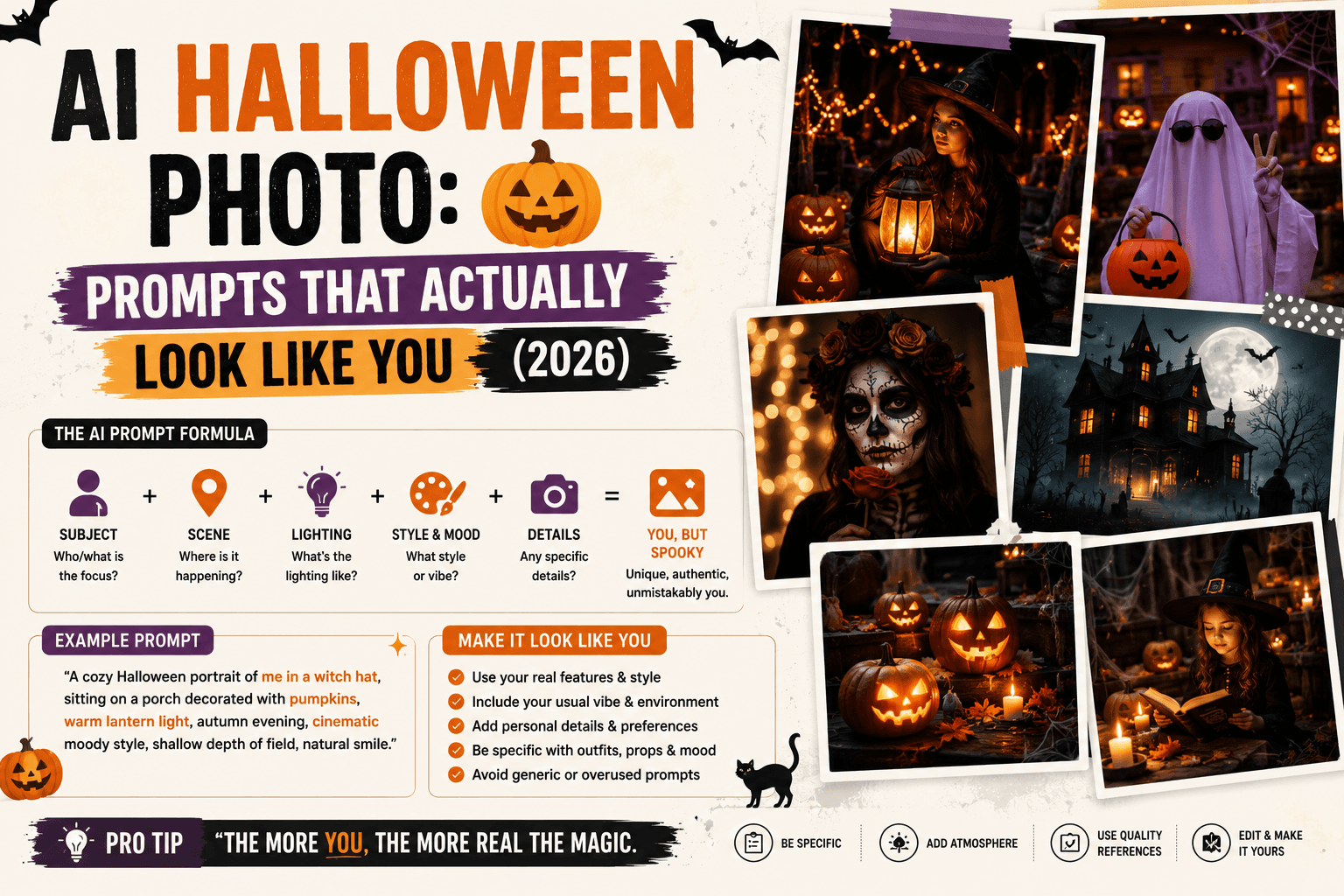
AI Halloween Photo: Prompts That Actually Look Like You (2026)
AI Prompt for Instagram Post: Formula + Templates (2026)
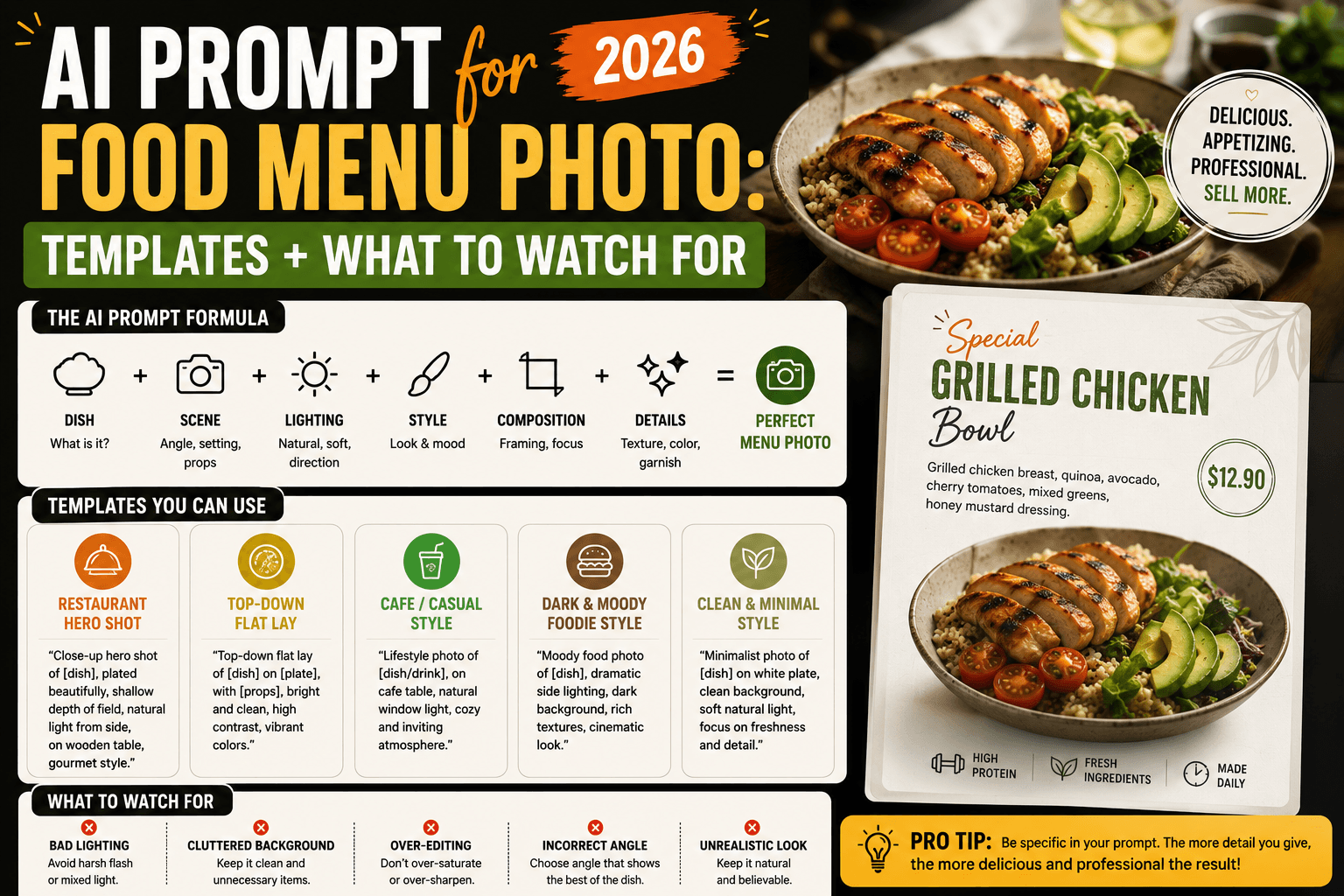
AI Prompt for Food Menu Photo: Templates + What to Watch For (2026)