AI Prompt for Instagram Post: Formula + Templates (2026)
AI prompts for Instagram posts, Reels covers, and carousels — by content type, with tips for keeping your grid aesthetic consistent across every generation.
AI Prompt for Instagram Post: Formula, Templates & Grid Aesthetic Tips (2026)
Quick Answer
A good AI prompt for an Instagram post needs a clear subject or scene, lighting and color tone that matches your personal brand or business aesthetic, the correct format for where it's going (square or 4:5 for feed, 9:16 for Reels covers and Stories), and — if you're posting regularly — a consistent style keyword you reuse across generations so your grid doesn't look like nine different accounts. Unlike an ad, an organic Instagram post prompt doesn't need to leave room for a CTA button; it needs to feel authentic and visually cohesive with everything else on your profile.
Organic post vs. paid ad — why the prompt is different
An Instagram ad has to justify a click or a sale in a split second. An organic post has a different job: it has to feel like it belongs on your profile, build a consistent visual identity over time, and earn engagement without looking like it's selling something. That changes what the prompt should prioritize — less "scroll-stopping contrast," more "on-brand and cohesive." If you're specifically building paid ad creative rather than organic content, our AI prompt for social media ad guide covers that version of this problem, including aspect ratios and ad-specific formats.
Instagram format cheat sheet
| Placement | Aspect ratio | Typical size |
|---|---|---|
| Feed post | 1:1 or 4:5 | 1080×1080 or 1080×1350 |
| Reels cover | 9:16 | 1080×1920 |
| Stories | 9:16 | 1080×1920 |
| Carousel slides | 1:1 or 4:5 (consistent across all slides) | 1080×1080 or 1080×1350 |
Carousels are worth a special note: every slide needs the same aspect ratio and, ideally, a visually consistent style so the set reads as one cohesive post rather than several unrelated images stitched together.
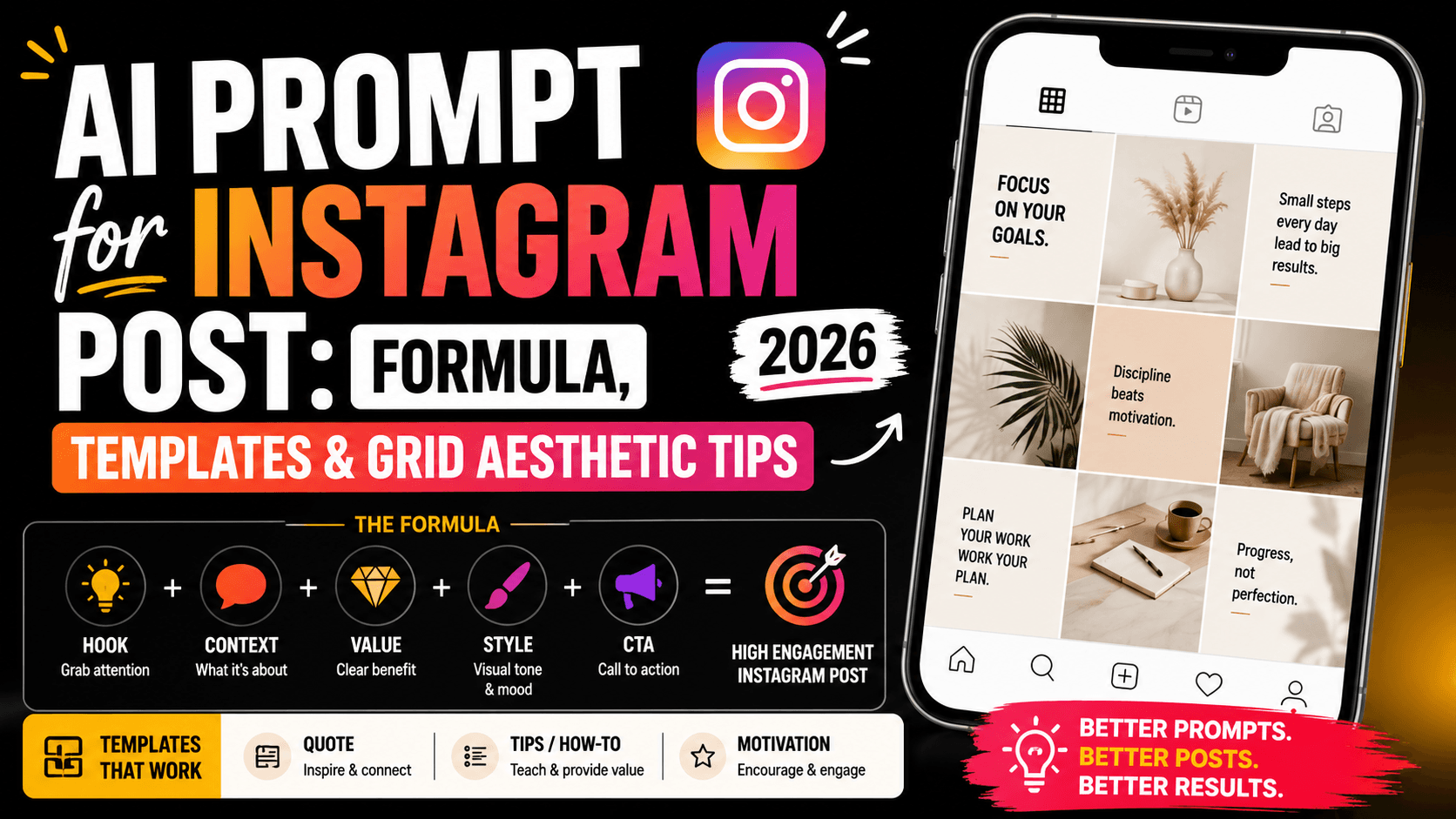
The Instagram post prompt formula
- Subject or scene — what the post is actually about
- Mood and lighting — matched to your brand's overall feel (warm and cozy, bright and minimal, moody and editorial)
- Color palette — 2–3 tones that match your existing grid, stated explicitly
- Format — feed, Reels cover, Stories, or carousel, with the matching aspect ratio
- Style keyword — "aesthetic Instagram style," "editorial," "cottagecore," "clean minimalist" — whatever matches your brand
Formula in one line:
[Subject/scene], [mood/lighting], [color palette], [format], [style keyword]
Prompt templates by content type
| Content type | Sample prompt |
|---|---|
| Lifestyle/aesthetic feed post | "Person sipping coffee by a sunlit window, warm golden-hour lighting, soft muted tones, aesthetic lifestyle photography, Instagram feed style" |
| Quote / motivational graphic | "Minimalist background in soft beige and cream tones, clean composition with generous negative space in the center, calming aesthetic, Instagram quote post style" |
| Behind-the-scenes / process | "Candid workspace shot, natural window light, slightly relaxed authentic desk setup, warm inviting mood, behind-the-scenes Instagram style" |
| Product feature (organic) | "Product styled on a neutral linen background, soft natural light, minimal props, aesthetic flat lay, Instagram product feature style" |
| Mood/aesthetic still life | "Still life arrangement of dried flowers in a ceramic vase, soft diffused light, muted earthy color palette, cozy aesthetic, Instagram mood post" |
| Carousel slide (informational) | "Clean minimalist background, single bold accent color block on one side, simple geometric shapes, space reserved for text overlay, consistent branding, carousel slide style" |
| Reels cover | "Vertical composition, subject centered in the top two-thirds, bright bold background color, expressive engaging pose, space at the bottom for caption text, Reels cover style" |
| Travel/outdoor content | "Wide scenic landscape shot, golden hour lighting, small figure in frame for scale, warm saturated tones, travel Instagram aesthetic" |
For more prompt inspiration beyond these categories, the best AI prompt websites roundup indexes several image-focused libraries organized by aesthetic and theme.
Keeping your grid aesthetic consistent
This is the one consideration that's specific to Instagram and doesn't really apply to a single ad or thumbnail: your posts are judged as a set, not just individually, every time someone lands on your profile. The simplest fix is picking 2–3 color tones and one mood keyword — "warm and muted," "bright minimalist," "moody editorial" — and reusing that exact phrasing across every prompt you generate, regardless of what the post is actually about. A coffee shot, a product flat lay, and a quote graphic can all share the same "warm golden tones, soft natural light" descriptor and end up feeling like they belong to the same account, even though the subjects are completely different.
The text problem, briefly
If you're generating quote graphics or carousel slides with text, the same limitation that affects thumbnails and ads applies here too: AI still isn't reliable at rendering clean text inside an image. The dependable approach is the same — generate the background and mood with AI, then add your actual quote, caption, or slide text afterward in Canva or a similar tool, where it stays perfectly legible and easy to edit later.
Common mistakes
- A new aesthetic every post. Skipping a consistent color/mood keyword is the fastest way to end up with a grid that looks like nine unrelated accounts instead of one cohesive brand.
- Treating every post like an ad. Overly polished, sales-forward visuals often underperform organic reach compared to something that feels authentic and native to the platform.
- Wrong ratio for carousels. Mixing 1:1 and 4:5 slides in the same carousel creates an uneven, unprofessional-looking scroll experience.
- Asking AI to render your caption or quote text. Same issue as thumbnails and ads — handle readable text in a design tool, not inside the generation.
Hands-on impressions
Generating five different post concepts — a coffee shot, a product flat lay, a quote graphic, a behind-the-scenes desk photo, and a travel shot — with no shared language between the prompts produced five images that looked like they came from five different accounts, which was the expected outcome but still useful to see side by side. Reusing "warm golden tones, soft natural light, muted aesthetic" across all five prompts, changing only the subject, produced a set that actually looked like a cohesive grid on first generation — a small, repeatable habit with a bigger visual payoff than expected.
FAQ
What's the best AI prompt for an Instagram post? Combine the subject or scene, a mood and lighting style matched to your brand, 2–3 specific color tones, the correct format (feed, Reels cover, Stories, or carousel), and a consistent style keyword you reuse across posts.
How do I keep my Instagram grid looking cohesive with AI-generated images? Pick 2–3 color tones and one mood phrase, and reuse that exact wording in every prompt regardless of subject — it's the single biggest factor in whether AI-generated posts feel like they belong to the same account.
What aspect ratio should I use for an Instagram carousel? Use either 1:1 or 4:5 consistently across every slide in the same carousel — mixing ratios within one carousel creates an uneven, unprofessional scroll experience.
Can AI write my quote or caption text directly into the post? Not reliably. Generate the background and mood with AI, then add your actual text in a design tool like Canva, where it renders cleanly and stays easy to edit.
Is this different from an AI prompt for a social media ad? Yes — an organic Instagram post prioritizes authenticity and grid consistency, while an ad needs negative space for a CTA and has to justify a click quickly. See our AI prompt for social media ad guide if you're building paid creative specifically.
Where can I find more Instagram-style AI prompt ideas? Our best AI prompt websites roundup covers several libraries with aesthetic, lifestyle, and theme-based prompt collections worth browsing.
Conclusion
An Instagram post prompt succeeds less on any single generation and more on consistency across many of them — the same 2–3 color tones and mood keyword, reused deliberately, do more for how your profile looks than any individual prompt's cleverness. Start from the content-type templates above, lock in a style phrase that matches your brand, and reuse it every time you generate something new. As with thumbnails and ads, leave the actual caption or quote text to a design tool afterward rather than asking the AI to render it — the visual is where AI earns its keep here, not the words.
Related
Resources
ChatGPT Professional Photo Prompt: 15 Studio-Quality Templates (2026)
AI Halloween Photo: Prompts That Actually Look Like You (2026)
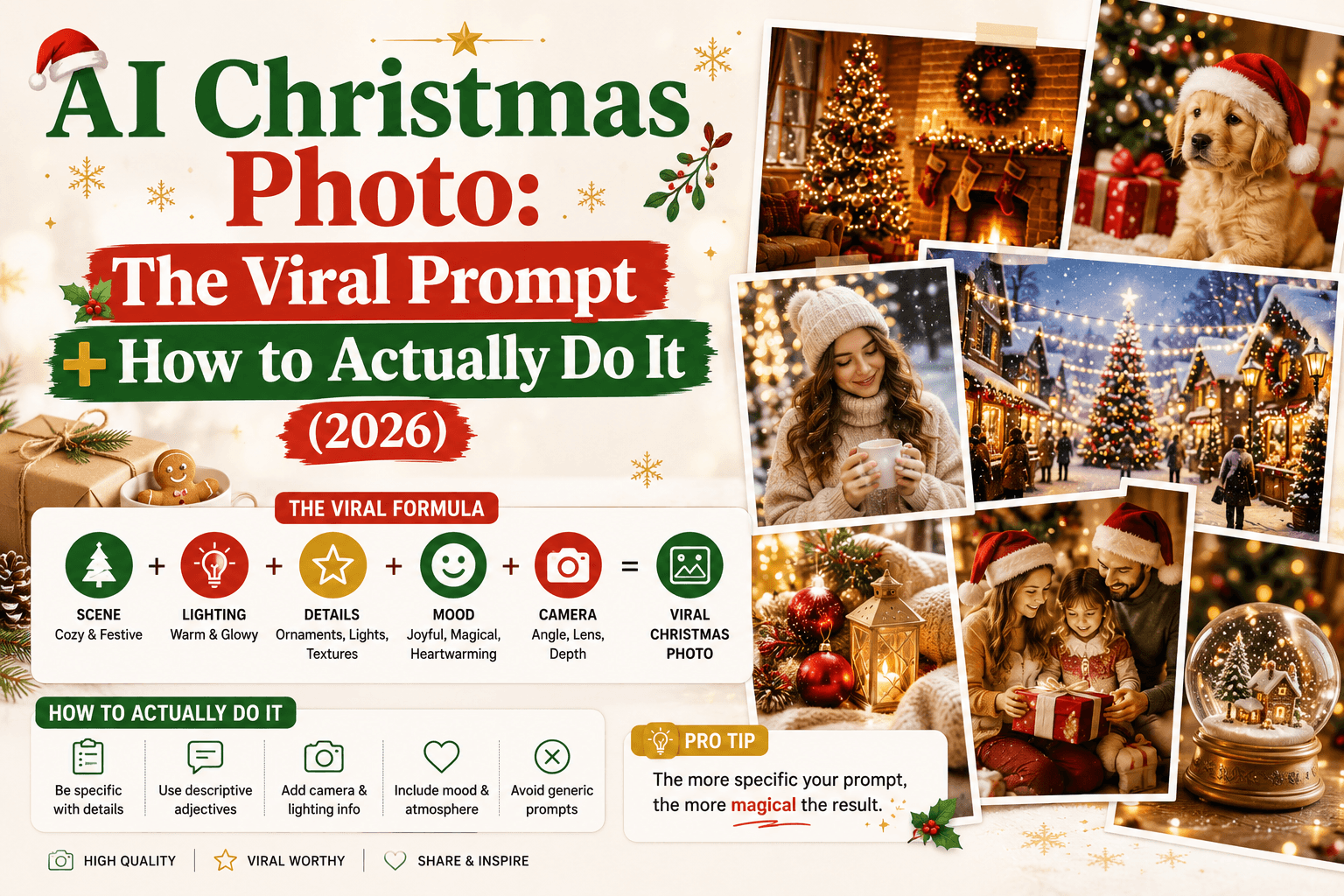
AI Christmas Photo: The Viral Prompt + How to Actually Do It (2026)
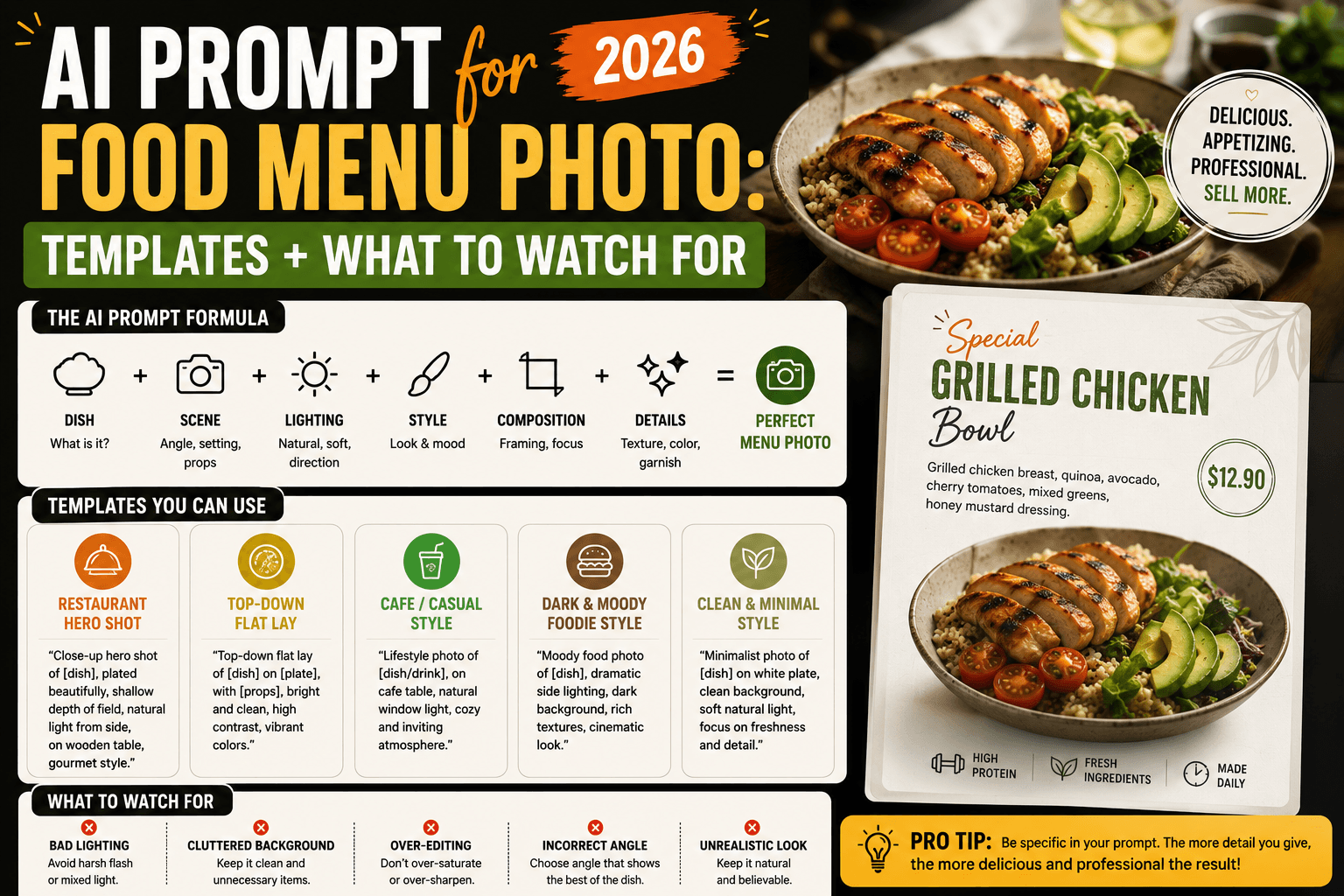
AI Prompt for Food Menu Photo: Templates + What to Watch For (2026)