AI Halloween Photo: Prompts That Actually Look Like You (2026)
How to make an AI Halloween photo of yourself with Gemini or ChatGPT — the face-preservation prompt, 12 costume templates, and the 2026 trend of inventing your own spooky character.
AI Halloween Photo: Prompts, the Face-Preservation Trick, and 2026's Original-Character Trend
To make an AI Halloween photo that actually looks like you, upload a clear, front-facing photo to Gemini or ChatGPT and use a prompt that does three things: names the photo style (realistic, a lens, a lighting mood), tells the AI to keep your facial features exactly as they are, and then describes the costume and scene in specific terms. Generate two or three versions and pick the best one, because small variation between attempts is normal. A text-only prompt with no uploaded photo will give you a convincing stranger, not you — the upload-and-edit approach is the whole trick.
Why some AI Halloween photos look like you and most don't
Scroll through any Halloween AI trend and you'll see two very different kinds of results side by side: portraits that are obviously the person who posted them, and portraits of a generic spooky-looking someone. The difference is almost never the costume idea. It's whether the person started from their own photo.
Text-to-image generation invents a face from your description, so it can't reproduce yours — that limitation applies to every tool in this category. Image editing works the other way around: you supply the face, and the AI changes everything around it. That's the same mechanism behind our AI Christmas photo guide, and it's why the Halloween version of the trend works the same way. If you read that guide, you already know the core technique; this one just swaps the festive sweater for a cape.
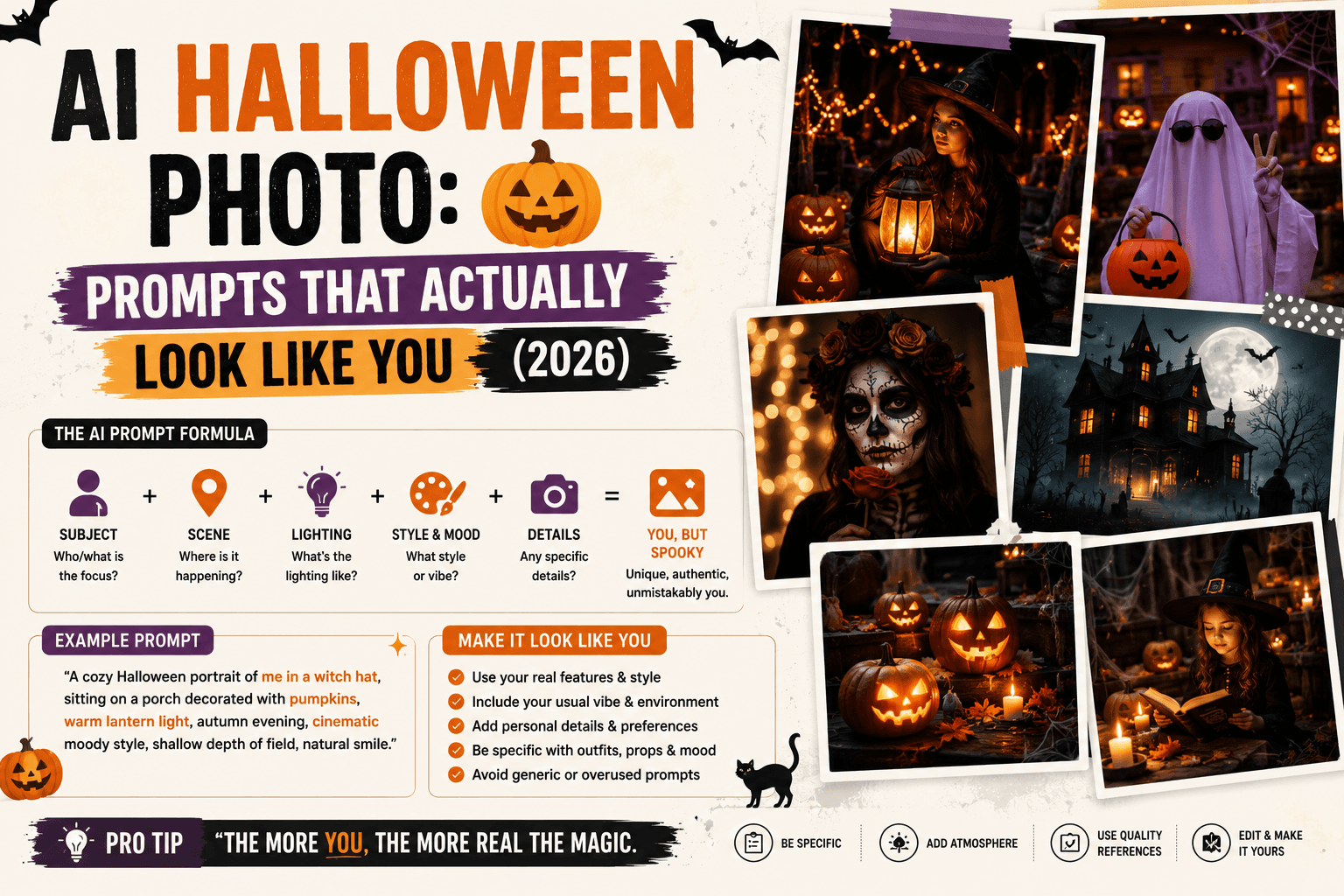
The prompt formula
A reliable structure is Subject, Style, Lighting, Camera, Mood, and Resolution, with one extra line that does most of the heavy lifting: the face-preservation instruction.
"Create a realistic, high-resolution Halloween portrait of the person in the uploaded photo. Keep my facial features exactly the same — do not change my face. I am wearing [costume]. The setting is [specific place]. Lighting is [lighting style], shot on an 85mm lens, [mood keywords]."
Why each piece matters:
- "Realistic, high-resolution portrait" pushes the output toward a photograph rather than an illustration.
- The face-preservation line is repeated in virtually every prompt that works well in the trend. Leaving it out is the most common reason results drift away from your real face.
- A specific setting ("an abandoned carnival at midnight, fog low on the ground") consistently beats a vague one ("a spooky background"), because it gives the model concrete details to render instead of defaulting to a generic dark scene.
- Lighting and lens ("candlelight from the left, 85mm lens") add the cinematic quality that separates a Halloween portrait from a filter.
How to make one, step by step
- Pick the right source photo. A clear, front-facing shot with good light works best. Side angles, sunglasses, and busy backgrounds make it harder for the AI to keep your real features.
- Open Gemini or ChatGPT and upload the photo.
- Paste the formula above, filling in your costume, setting, and lighting.
- Generate two or three versions of the same prompt before judging. Variation between runs is normal, and the third try is often noticeably better than the first.
- Check the face first. If it doesn't look like you, fix that before touching anything else by re-running or adding extra emphasis ("keep the exact same face, eyes, and expression as the uploaded photo").
- Iterate on one detail at a time. Once the face is right, change only the costume or the background rather than rewriting everything.
12 costume and scene templates
Each of these is a starting point to paste after the face-preservation line. Keep them family-friendly and tweak the details to match you.
| Look | Prompt addition |
|---|---|
| Classic vampire | "wearing a high-collared black cape with a deep red lining, pale complexion, standing in a candlelit gothic library, warm flickering light from the left, elegant and mysterious mood" |
| Witch | "wearing a wide-brimmed pointed hat and dark robes, holding an old leather spellbook, misty forest clearing at dusk with lanterns hanging in the trees, moody and enchanting" |
| Skeleton glam | "wearing a black outfit with a detailed white skeleton bone pattern painted on, dramatic studio lighting against a deep black backdrop, high-contrast, stylish and striking" |
| Elegant gothic ballroom | "wearing a dark formal outfit in a grand candlelit ballroom with tall arched windows and drifting mist, rich shadows, dramatic and refined mood" |
| Friendly ghost | "wearing a flowing translucent white sheet-style costume with soft glow around the edges, standing in a moonlit old garden, gentle and whimsical mood" |
| Pumpkin patch portrait | "wearing a cozy autumn sweater, sitting among large orange pumpkins, warm late-afternoon golden light, playful and inviting mood" |
| Retro Y2K party | "styled like a 2000s flash-photo party shot, slightly overexposed direct flash, glittery costume with a spooky twist, casual candid pose, nostalgic and playful" |
| Masked mystery figure | "wearing an ornate masquerade mask and dark tailored clothing, standing in a foggy cobblestone alley lit by a single lamp, cinematic and mysterious" |
| Autumn forest walk | "wearing a long dark coat and scarf, walking a leaf-covered path through a fog-lit forest at dawn, quiet and slightly eerie mood" |
| Couples pair | "two people in coordinated vampire-and-witch costumes standing close in a candlelit gothic hallway, preserve both people's real facial features exactly, romantic-spooky mood" |
| Group party selfie | "a group of friends in mixed Halloween costumes taking a selfie at a decorated party, warm string lights and paper bats in the background, preserve everyone's real facial features, fun and energetic" |
| Party invite poster | "portrait framed with clear empty space at the top for text, autumn leaves and glowing jack-o'-lanterns around the edges, warm orange and deep purple palette" |
If you want more prompt inspiration beyond Halloween, the best AI prompt websites roundup covers libraries organized by theme and season, and our Gemini AI photo prompt guide goes deeper on Gemini-specific phrasing.
The 2026 twist: inventing an original character
The most interesting shift this year is that the trend has moved past recreating existing characters. Instead of asking the AI to turn you into someone from a movie, a growing number of people are asking it to invent a spooky creature that doesn't exist yet, based on a few traits they describe. Brands have noticed too, with at least one major soft-drink company running an AI-driven original-character Halloween campaign this season.
It's an easy variation to try, and it sidesteps the character-name problem covered below:
"Turn me into an original spooky creature that doesn't exist yet. It has [two or three traits — e.g., moth-like translucent wings, glowing amber eyes, bark-textured skin]. Keep my facial structure recognizable. Setting: a foggy midnight marsh, faint lantern light, cinematic."
Give the AI two or three concrete traits to anchor on. "A scary creature" produces something generic; "moth wings, amber eyes, bark skin" produces something that feels designed.
Be specific about the setting
If there's one lesson repeated across nearly every well-performing Halloween prompt, it's this: name the exact place and the exact light. "Midnight fog in an abandoned carnival" produces a more consistent, more cinematic result than "spooky background," and "single candle burning, fog rolling through broken windows" beats "haunted house." The same rule applies to mood: "quiet, eerie, slightly nostalgic" gives the model more to work with than "scary."
A note on famous characters
A lot of the viral prompts you'll see name specific fictional characters and horror-movie icons. Whether a given tool will honor those requests varies, and results can change from one update to the next, since image tools apply their own rules around copyrighted characters. The more dependable route is to describe the look instead of naming the character — "a long black robe, a white elongated mask, dramatic shadowy hallway" rather than a character's name. You'll usually get a comparable mood, and you avoid depending on a filter that might refuse the request or behave differently tomorrow.
Family, couple, and pet versions
The same upload-and-edit approach carries over:
- Couples and groups. Upload a photo with everyone in it and change the face line to "preserve everyone's real facial features exactly." Group photos are less reliable than solo portraits because the instruction has to hold for several faces at once, so plan on a few more regenerations.
- Kids' costumes. A cozy pumpkin-patch or costume-party scene works fine as a family keepsake. Keep it lighthearted and family-friendly, and read the privacy note below before uploading photos of children to any tool.
- Pets. This is the low-stakes, high-charm option. Google has itself shown this kind of use — turning a pet into a cartoon-style wizard — and it works well because there's no exact-likeness expectation to manage. Try "wearing a tiny witch hat, sitting beside a glowing jack-o'-lantern, warm cozy lighting" with a clear photo of your pet.
Which tool to use
Gemini and ChatGPT both accept an uploaded photo plus a text prompt, which is the one requirement that matters. Gemini's free tier handles most style-transfer edits well through Google's Nano Banana image model, while the Pro version is generally described as better at preserving facial identity and skin texture — worth trying if you want the closest likeness. Most well-structured prompts work in ChatGPT's image tool as well, since both respond to the same detailed format. Midjourney and other text-to-image tools use different syntax and, as discussed above, can't reproduce your specific face at all, so they're better for original creatures and backgrounds than for portraits of you.
Google Photos also added a Halloween option to its Remix feature this season, which applies a style transformation to a photo with one tap — a good choice if you want a quick, playful result without writing a prompt. Dedicated photo apps package the same upload-and-prompt flow into presets, which can save time but are worth checking for privacy terms before you upload anything.
Turning the photo into a video
Once you have a portrait you like, the natural next step is animating it — flickering candlelight, drifting fog, a slow head turn. Most video tools accept a still image as a starting frame. Google's Veo family is the most commonly recommended route since OpenAI retired Sora, and our best AI video generator roundup compares the current options. If you want to try it without paying, our free AI video generator guide covers which tools give you usable free allowances and which put watermarks on the result.
Troubleshooting
- The face doesn't look like you. Re-run, or reinforce the instruction: "keep the exact same face, eyes, and expression as the uploaded photo." Also check your source photo — a sharp, front-facing shot makes a big difference.
- The costume ignores details. Simplify. Asking for many specific items at once increases the chance some get dropped. Get the base look right, then add one detail per iteration.
- The scene looks generic. Replace vague words with specific ones: the exact place, the exact light source, the exact time of night.
- It looks obviously artificial. Dramatic or unusual lighting exposes more artifacts than simple, even lighting. Try a calmer lighting description, or check hands and edges before you post.
- Group faces drift. Regenerate a few times, or generate each person separately with the same setting description and combine them afterwards.
Hands-on impressions
Running the same costume prompt with and without the face-preservation line was the clearest test of what actually matters. With the line, the portrait was recognizably the person in the source photo, even if skin texture came out a little smoother than reality. Without it, the result kept the general vibe — hair color, build — but not the face, and nobody would have picked it as the same person. That side-by-side made the instruction feel less like superstition and more like the core of the prompt.
The setting-specificity advice held up too. "A spooky background" returned a competent but forgettable dark scene, while "an abandoned carnival at midnight with low fog and a single flickering bulb" returned something that looked like a still from a film. The original-creature prompt was the most fun and the least predictable: results varied a lot between attempts, which is fine for a creature that doesn't exist, but it took a few generations to land one that felt right. Pets, again, were the easiest win — charming on the first try, with nothing to get "wrong."
Privacy and posting notes
Because this trend needs a real photo of you, treat the upload step seriously. Stick with established tools, read the privacy terms before uploading, and be extra careful with photos of children — an unfamiliar app promising a free trendy filter is a common way personal images get collected for other purposes. When you post the result, consider saying it's AI-generated; it avoids confusion and is increasingly the norm on social platforms.
FAQ
How do I make an AI Halloween photo of myself? Upload a clear, front-facing photo to Gemini or ChatGPT, then use a prompt that asks for a realistic Halloween portrait, tells the AI to keep your facial features exactly the same, and describes your costume and setting. Generate two or three versions and pick the best.
What's the best Gemini Halloween photo prompt? A structure that works well: a realistic-portrait request, a face-preservation instruction, a specific costume, a specific setting, and a named lighting style — for example, a vampire in a candlelit gothic library with warm light from one side and an 85mm lens look.
Why doesn't my AI Halloween photo look like me? Usually because the image was generated from text alone instead of edited from your uploaded photo, or because the face-preservation instruction was missing or weak. Upload a clear front-facing photo and repeat the instruction.
Can I make an AI Halloween photo with my family or pet? Yes. Upload a group or pet photo and adjust the instruction to cover everyone in the frame. Pets tend to work well on the first try; groups usually need more regenerations.
Can AI turn me into a specific movie character? Sometimes, but it depends on the tool and can change between updates because image generators apply their own rules around copyrighted characters. Describing the look — costume, mask, mood — is more dependable than naming the character.
What is the "original creature" Halloween trend? Instead of copying an existing character, people ask the AI to invent a new spooky creature from a few described traits, such as translucent wings or glowing eyes, while keeping their own face recognizable.
Is it safe to upload my photo for a Halloween AI trend? Use well-known tools, check privacy terms first, and be especially cautious with photos of children. Avoid unfamiliar apps offering a free viral filter.
Which is better for Halloween photos, Gemini or ChatGPT? Both accept an uploaded photo and a text prompt. Gemini's Pro image model is often cited for stronger identity preservation, while ChatGPT works well with the same detailed prompt structure. Try both with the same prompt and compare.
Conclusion
An AI Halloween photo that looks like you comes down to three habits: start from your own photo, tell the AI to keep your face, and be specific about the costume, the place, and the light. The 2026 wrinkle — inventing an original character instead of copying an existing one — is the most fun way to use the same technique, and it sidesteps the guesswork around named characters. Generate a couple of versions, fix the face before the costume, and keep the privacy basics in mind before you upload anything. Once you have a portrait you love, animating it is one more step away.
Related
Resources
AI Christmas Photo: The Viral Prompt + How to Actually Do It (2026)
AI Prompt for Instagram Post: Formula + Templates (2026)
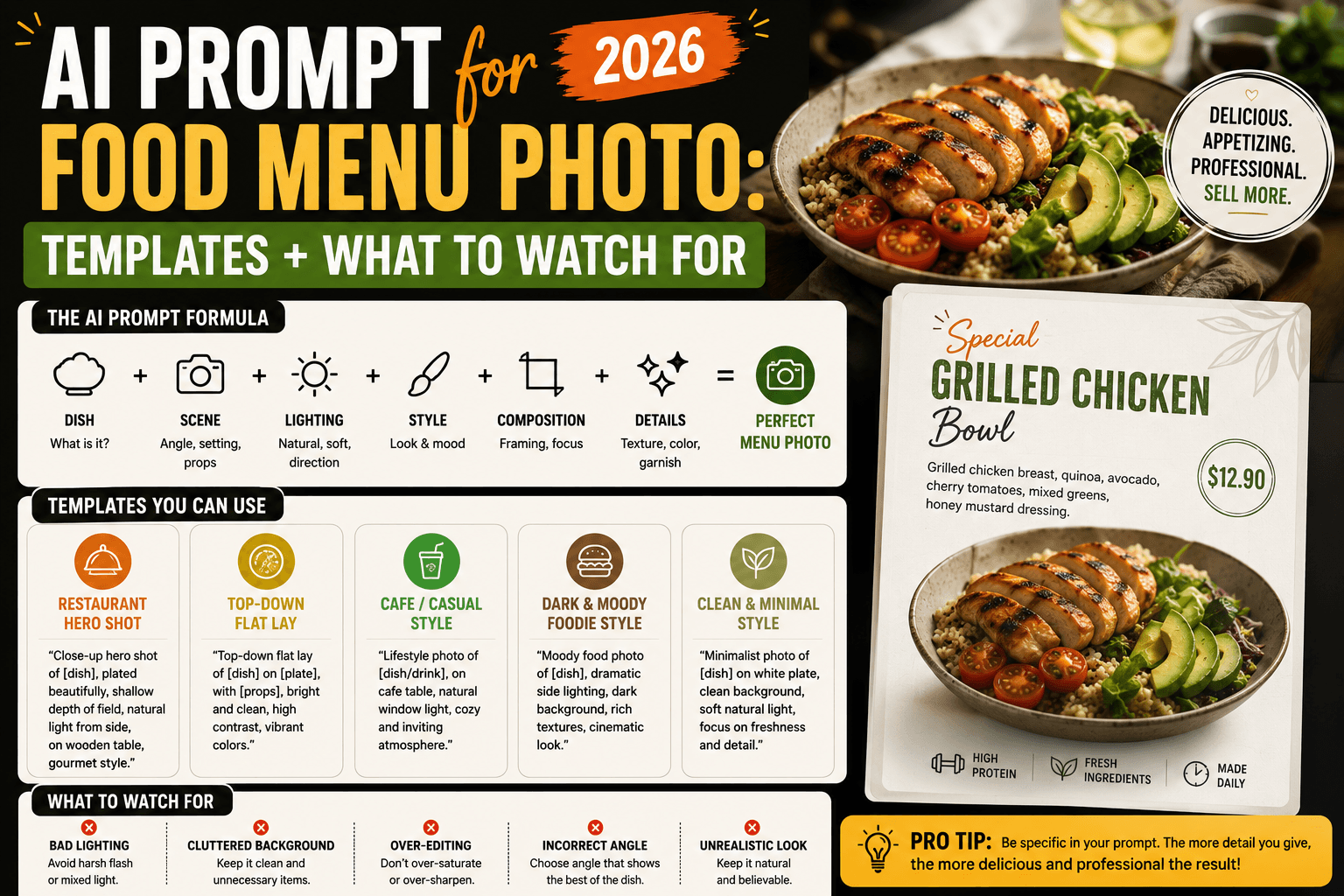
AI Prompt for Food Menu Photo: Templates + What to Watch For (2026)
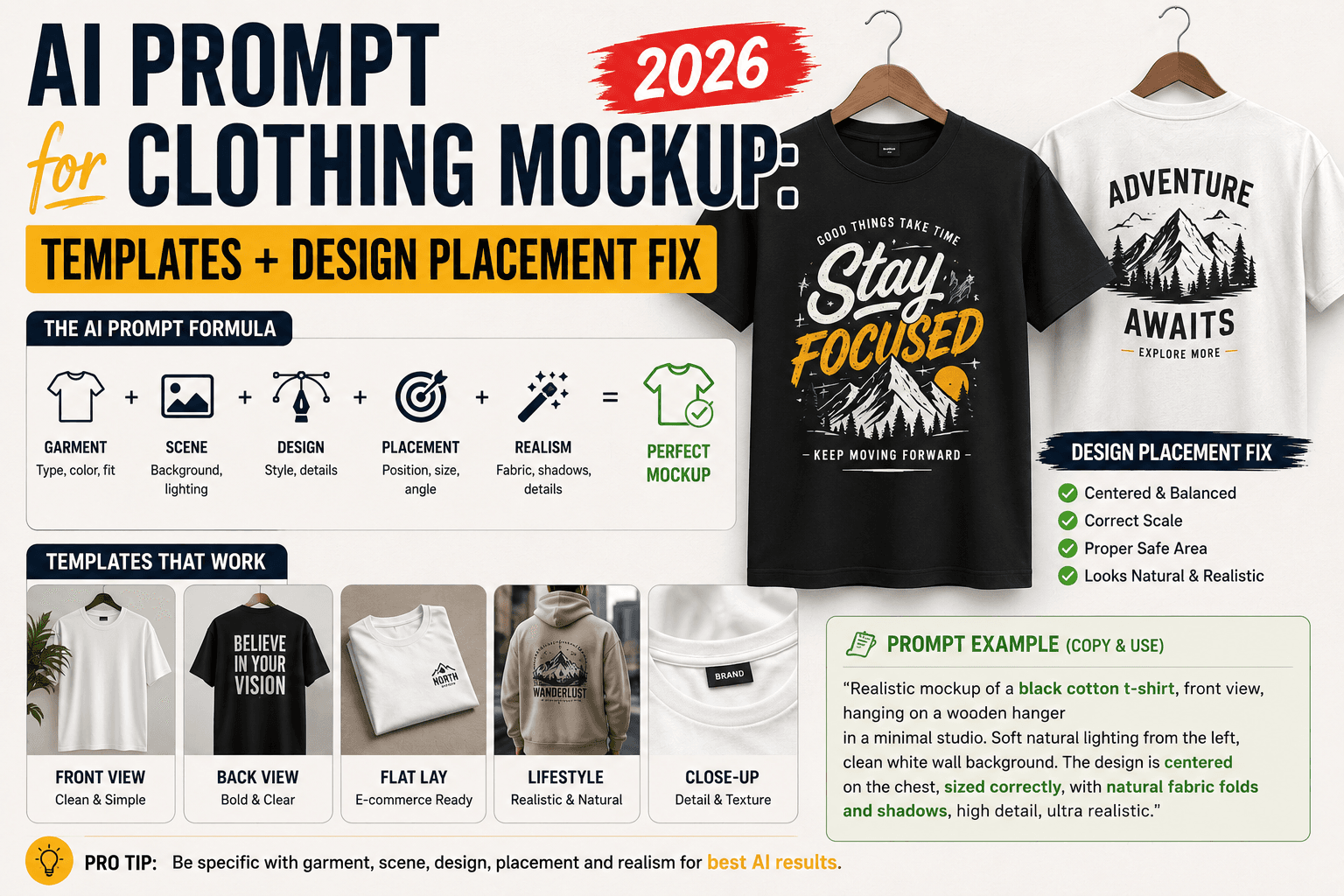
AI Prompt for Clothing Mockup: Templates + Design Placement Fix (2026)