ChatGPT Professional Photo Prompt: 15 Studio-Quality Templates (2026)
The 5-part prompt formula that turns flat, plastic-looking ChatGPT images into studio-grade photo shoots — plus 15 copy-paste templates for headshots, product, fashion, and lifestyle photography.
The ChatGPT Photo Prompt Formula for Studio-Quality, Professional Results (2026)
A professional ChatGPT photo prompt — also called an AI photo prompt, headshot prompt, photo shoot prompt, or formal photo prompt depending on the use case — needs five elements: subject description, shot type (portrait/product/lifestyle), lighting style (studio softbox, golden hour, Rembrandt), camera specs (85mm lens, f/1.8, shallow depth of field), and background/mood. Combining all five in one sentence consistently produces studio-quality, realistic results instead of flat, "AI-looking" images.
ChatGPT's built-in image generation can produce results that rival a real studio shoot — but only when the prompt is structured correctly. Most people get flat, plastic-looking images because they describe what they want but skip how it should look photographically. This guide breaks down the exact prompt formula, gives you 15 copy-paste templates by category, and shows the mistakes that quietly ruin realism.
What Makes a "Professional Photo" Prompt Different
A generic prompt like "a photo of a woman in a suit" gives ChatGPT almost no photographic direction, so it defaults to generic, often unrealistic output. A professional prompt reads more like a photographer's shot brief: it specifies lighting equipment, lens choice, composition, and mood — the same vocabulary a real photographer would use on set.
The difference in outcome is significant:
| Element | Generic Prompt | Professional Prompt |
|---|---|---|
| Lighting | Not mentioned | "Softbox lighting from the left, subtle rim light" |
| Lens/Camera | Not mentioned | "Shot on 85mm lens, f/1.8, shallow depth of field" |
| Composition | Not mentioned | "Rule of thirds, subject slightly off-center" |
| Background | Vague | "Seamless studio grey backdrop" or "blurred bokeh office" |
| Result | Flat, cartoon-like | Realistic, editorial-grade |
The 5-Part Prompt Formula
Use this structure for any photo shoot prompt:
- Subject — who/what, key details (clothing, pose, expression)
- Shot type — headshot, half-body, full-body, product close-up, flat lay
- Lighting — studio softbox, natural window light, golden hour, dramatic side light
- Camera & lens specs — focal length, aperture, depth of field
- Background & mood — solid color, blurred environment, editorial/corporate/lifestyle tone
Formula in one line:
[Subject + action/pose], [shot type], [lighting style], shot on [lens/aperture], [background], [mood/style keyword]
15 Ready-to-Use Prompt Templates
| Category | Sample Prompt |
|---|---|
| Corporate headshot | "Professional headshot of a confident businesswoman in a navy blazer, studio softbox lighting, shot on 85mm f/1.8, shallow depth of field, plain grey backdrop, LinkedIn-style" |
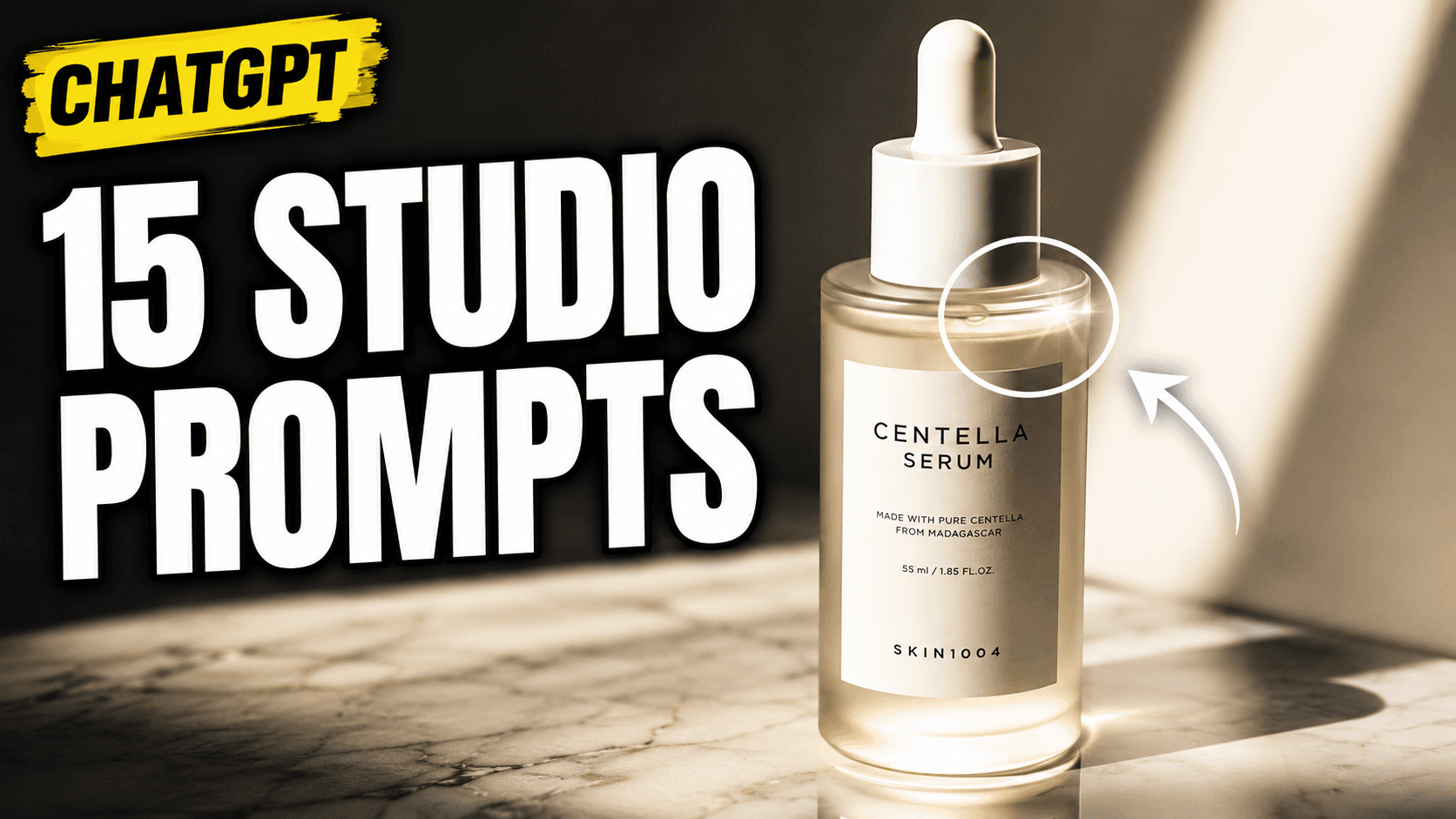
| Product photography | "Minimalist skincare bottle on a marble surface, soft diffused studio lighting, shot on 100mm macro lens, f/8, clean white background, e-commerce catalog style" |
| Fashion editorial | "Full-body shot of a model in streetwear, dramatic side lighting, shot on 50mm f/2, urban rooftop background at golden hour, editorial magazine style" |
| Real estate lifestyle | "Bright modern living room interior, natural window light, wide-angle 16mm lens, warm and inviting mood, real estate listing photo" |
| Food photography | "Overhead flat lay of a gourmet pasta dish, natural window light, shot on 35mm f/2.8, rustic wooden table background, food blog style" |
| Team/company photo | "Small team of five professionals standing together, even studio lighting, shot on 35mm f/4, office background softly blurred, corporate website style" |
| Product-in-hand | "Hand holding a smartphone, soft ring light, shot on 50mm f/2.2, shallow depth of field, gradient background, tech review style" |
| Restaurant ambiance | "Cozy restaurant interior with warm ambient lighting, shot on 24mm f/1.8, bokeh candles in foreground, evening dining mood" |
| Fitness portrait | "Athlete mid-stretch in a gym, dramatic contrast lighting, shot on 70mm f/2, dark background, motivational fitness campaign style" |
| Jewelry close-up | "Gold ring on black velvet, macro lens 100mm f/11, precise studio lighting, high-contrast luxury product shot" |
| Beauty/skincare model | "Close-up beauty portrait, glowing skin, soft beauty dish lighting, shot on 85mm f/2, clean pastel background" |
| Startup founder portrait | "Casual professional portrait of a startup founder, natural window light, shot on 50mm f/1.4, blurred modern office background, approachable tone" |
| Real estate agent | "Confident real estate agent standing in front of a house, natural daylight, shot on 35mm f/2.8, mid-body shot, warm and trustworthy mood" |
| Cosmetics flat lay | "Flat lay of cosmetic products arranged symmetrically, soft top lighting, shot on 50mm f/5.6, pastel pink background, Instagram-ready" |
| Coffee shop lifestyle | "Person holding a coffee cup in a cozy café, warm natural light, shot on 35mm f/1.8, shallow depth of field, lifestyle brand tone" |
Before/After: Weak Prompt vs. Strong Prompt
✕ "A man in a suit, professional photo"

✓ "Confident businessman in a charcoal suit, three-quarter body shot, softbox studio lighting from the front-left, shot on 85mm f/1.8, shallow depth of field, seamless grey backdrop, corporate LinkedIn style"
The strong version controls lighting, lens, framing, and mood — the four variables that separate a flat AI image from one that reads as professionally shot.
Common Mistakes That Kill Photo Realism
- Skipping lens/aperture details — without this, images often look artificially sharp everywhere (no natural depth of field).
- Vague lighting terms ("nice lighting") instead of specific setups (softbox, Rembrandt, golden hour).
- Overloading the prompt with too many conflicting styles in one request — pick one mood.
- Ignoring background description — a plain "background" instruction produces inconsistent, sometimes distracting results.
- Not specifying aspect ratio for the intended use case (square for Instagram, vertical for stories, 3:2 for print).
How to Iterate When a Prompt Is Almost Right
Rarely does the first generation come out perfect — treat it as a starting draft, not a final shot. The fastest way to fix a near-miss result is to change one variable at a time rather than rewriting the whole prompt:
- Lighting looks off → keep everything else the same, only swap the lighting clause (e.g., "softbox lighting" → "natural window light")
- Pose feels stiff → adjust only the action/pose phrase in the subject clause
- Background is distracting → replace just the background clause, keep lens and lighting untouched
- Skin/texture looks too smooth or artificial → add a texture qualifier like "visible skin texture, natural imperfections, unretouched"
Ask ChatGPT directly to "keep the same lighting and framing, but change [X]" — referencing the previous result explicitly produces far more consistent iterations than starting a brand-new prompt from scratch.
Group & Family Portrait Prompts
Group shots need extra direction on arrangement and eye-line consistency, which single-subject prompts don't require:
| Scenario | Sample Prompt |
|---|---|
| Small business team | "Group of five colleagues standing in two rows, even studio lighting, shot on 35mm f/4, all facing camera, consistent eye level, office background softly blurred" |
| Family portrait | "Family of four seated together outdoors, natural golden hour light, shot on 50mm f/2.8, warm and candid mood, park background" |
| Founders/co-founders | "Two co-founders standing side by side, arms crossed, confident expression, studio lighting, shot on 85mm f/2, grey backdrop, tech startup style" |
Tip: for groups larger than 4-5 people, explicitly state "everyone facing the camera, similar lighting on each face" — without this instruction, group generations often produce inconsistent lighting or expressions across subjects.
ChatGPT vs. Midjourney vs. DALL-E for Photo Shoots
All three tools can generate photo-shoot-style images, but they aren't interchangeable — each has a different strength:
| Tool | Best For | Prompt Style |
|---|---|---|
| ChatGPT (image generation) | Fast iteration inside a conversation, editing/refining an existing image, product & headshot mockups | Conversational, descriptive sentences (as used throughout this guide) |
| Midjourney | Highly stylized, artistic, editorial-grade fashion/portrait work | Short keyword-stacked prompts with parameters (--ar, --stylize) |
| DALL-E (via API) | Programmatic/bulk generation for apps or catalogs | Structured, consistent prompt templates for automation |
For most small business use cases — headshots, product photos, social content — ChatGPT's conversational editing (ask it to tweak the same image repeatedly) is faster than switching tools mid-project.
Can ChatGPT Generate Photos of Real People? (Policy & Limits)
The honest answer depends on which workflow you're using, and this is a distinction most prompt guides blur together:
- Generating from a text description alone — ChatGPT's image generation is designed to create original, AI-generated depictions rather than exact likenesses of specific real individuals, and it includes safeguards against generating photorealistic images of real public figures without consent. Describe "a businesswoman in her 30s" and you'll get a plausible, fictional person — not a specific real individual, even if you name them.
- Uploading an actual photo and editing it — this is a different workflow, and it does preserve a real person's actual likeness. If you upload your own clear photo and explicitly instruct ChatGPT to keep your facial features exactly as they are while changing the lighting, background, or styling around you, the result genuinely looks like you, not a generic stranger. This is the same upload-and-edit technique behind the viral AI Christmas photo and AI Halloween photo trends, and it's worth using for the templates in this guide too if the final photo needs to actually be recognizable as a specific real person — a founder's headshot or a team photo, for instance, rather than a generic stock-style image.
In practice, this means:
- For a generic or fictional subject, text-only generation works fine — describe the person and let ChatGPT create them from scratch.
- For a real, specific person (yourself, an employee, a client), upload their actual photo and add an explicit instruction like "keep my facial features exactly as they are" before describing the lighting, lens, and background from the formula above. Our AI headshot prompt guide goes deeper on this specific use case.
- For verified use cases (ID photos, passports, official documents), a real photograph is always required — neither workflow is a substitute.
Always check OpenAI's current usage policies before using generated or edited images commercially, since content policies are updated periodically.
Pros & Cons of AI-Generated Photo Shoots
| Pros | Cons |
|---|---|
| No studio booking, near-instant results | Less control than a real photographer on fine details |
| Very low cost vs. hiring a team | Inconsistent results for the same subject across generations |
| Fast iteration on styles/concepts | Not ideal for real identifiable people (e.g., verified headshots) |
| Great for concept testing, mockups, social content | May need touch-ups for commercial-grade final assets |
Conclusion
The gap between a generic and a professional ChatGPT photo result almost always comes down to prompt structure, not luck. Anchor every prompt to the five-part formula — subject, shot type, lighting, camera specs, and background/mood — and reuse the templates above as starting points for your own shoots.
FAQ
1. What's the best prompt structure for ChatGPT photo shoot images? Combine subject, shot type, lighting style, camera/lens specs, and background/mood in a single descriptive sentence for the most realistic, studio-quality results.
2. Can ChatGPT generate realistic product photos for e-commerce? Yes. Specifying a macro lens, clean background, and diffused studio lighting produces catalog-ready product shots suitable for online stores.
3. Why do my ChatGPT-generated photos look flat or fake? Most flat results come from missing lighting and lens details. Add specific camera specs (e.g., 85mm f/1.8) and a named lighting setup to add realistic depth and texture.
4. Is it okay to use AI-generated photos for real business headshots? For social profiles, mockups, and marketing content, AI headshots work well. For official verified identity photos (passports, ID badges), a real photograph is still required.
5. What aspect ratio should I request for social media photos? Use square (1:1) for Instagram feed posts, vertical (9:16) for Stories/Reels, and landscape (16:9) for website banners or YouTube thumbnails.
6. What's the best way to fix a ChatGPT photo prompt that's almost right? Change one variable at a time — lighting, pose, or background — instead of rewriting the whole prompt, and explicitly ask ChatGPT to keep the same framing while adjusting only that one element.
7. Can ChatGPT accurately generate a photo of a real, named person? Not from a text description alone — that workflow creates an original, fictional depiction even if you name a real person. It's a different story if you upload an actual photo of that person and instruct ChatGPT to preserve their real facial features while changing the styling around them; that upload-and-edit approach genuinely keeps the likeness recognizable, which is how most real headshot and portrait use cases actually work in practice.
8. Is a "formal photo" prompt the same as a "professional photo" prompt? Yes — "formal photo" and "professional photo" describe the same goal and use the same five-part formula. "Formal" is more commonly used for corporate headshots, ID-style photos, and official-looking portraits specifically, so for a strictly formal result, lean toward a plain solid-color backdrop, even studio lighting, a straightforward front-facing pose, and neutral, professional attire in the subject description.
9. What's a good ChatGPT prompt for a LinkedIn profile picture? Start from the corporate headshot template above — LinkedIn photos work best with a plain or softly blurred background, even studio lighting, and a friendly, direct-to-camera expression. A reliable version: "Professional headshot, warm approachable expression, soft studio lighting, shot on 85mm f/1.8, plain light-grey backdrop, LinkedIn profile style."
10. Can I get a free professional headshot prompt with ChatGPT? Yes — writing and using the prompt itself costs nothing beyond whatever ChatGPT plan you're already on, including the free tier's image generation allowance where available. The templates in this guide work the same way regardless of plan; higher tiers mainly affect how many images you can generate before hitting a usage limit.
11. What's the best ChatGPT prompt for a resume or CV photo? Keep it simple and neutral: a close, front-facing headshot, even lighting, a plain background, and professional attire, with no stylistic flourishes. Example: "Simple professional headshot, direct eye contact, neutral expression, even soft lighting, plain white or light-grey background, business casual attire" — resume photos generally read best without dramatic lighting or an artistic angle.
Related
Resources
AI Halloween Photo: Prompts That Actually Look Like You (2026)
AI Christmas Photo: The Viral Prompt + How to Actually Do It (2026)
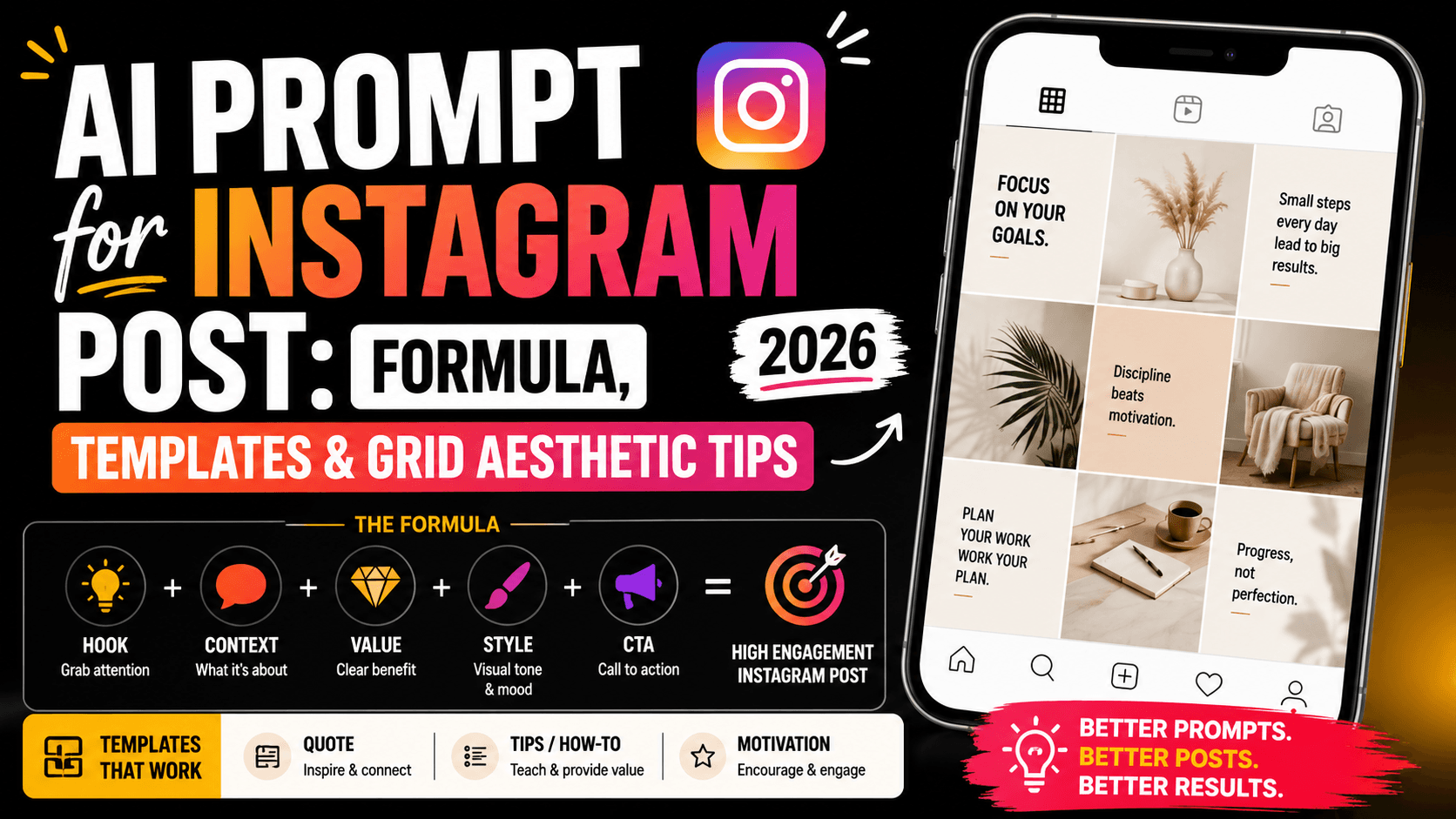
AI Prompt for Instagram Post: Formula + Templates (2026)
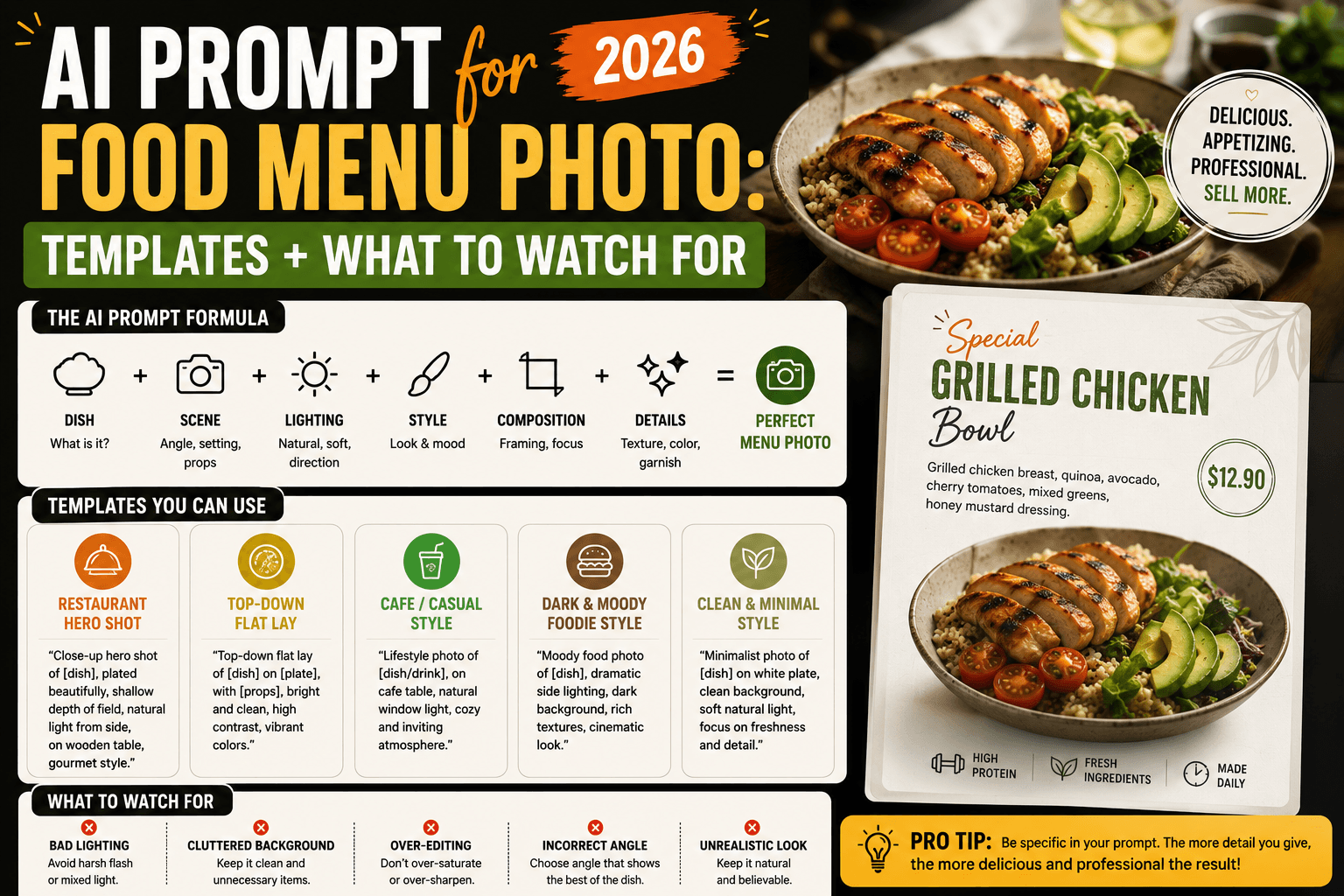
AI Prompt for Food Menu Photo: Templates + What to Watch For (2026)