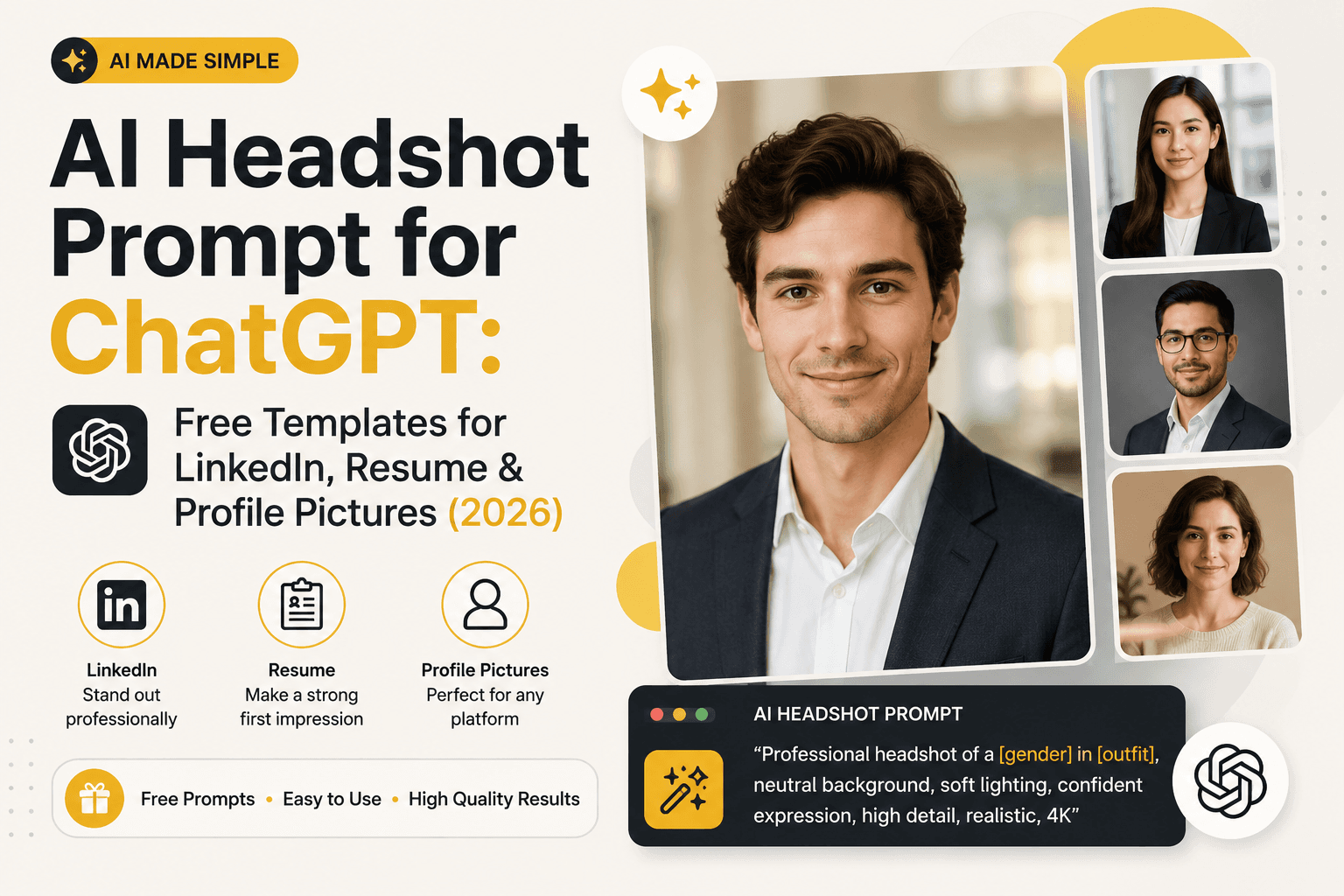
AI Headshot Prompt for ChatGPT: Free Templates (2026)
Copy-paste AI headshot prompts for ChatGPT — LinkedIn profile pictures, resume photos, and professional headshots, free with any ChatGPT plan. No studio booking required.
AI Headshot Prompt for ChatGPT: Free Templates for LinkedIn, Resume & Profile Pictures (2026)
Quick Answer
Yes, you can generate a professional AI headshot with ChatGPT for free — the prompt itself costs nothing beyond whatever ChatGPT plan you already have, including the free tier's image allowance where available. A good headshot prompt needs four things: a plain or softly blurred background, even studio-style lighting, a direct-to-camera expression, and a specific use case (LinkedIn, resume, team page) so ChatGPT matches the right tone. The templates below are built for that — copy, adjust the details, and generate.
Is there a free AI headshot prompt for ChatGPT?
Yes. Writing and using a headshot prompt doesn't cost anything beyond your existing ChatGPT plan — there's no separate fee for "headshot mode" or anything like it. If you're on ChatGPT's free tier, you get a limited number of image generations before hitting a usage cap; paid tiers raise that cap but don't unlock a different or better headshot capability. In other words: the templates in this guide work exactly the same regardless of which plan you're on. The only cost difference is how many attempts you get before you need to wait for your limit to reset.
The headshot prompt formula (short version)
A headshot is a narrower job than a full photo shoot, so it needs fewer moving parts. Four things matter most:
- Framing — headshot (face and shoulders) or half-body
- Lighting — even, soft, studio-style (avoid harsh shadows for professional use)
- Background — plain solid color or softly blurred, matched to the platform
- Expression and attire — matched to the specific use case below
Formula in one line:
[Framing] of [subject description], [expression], [lighting style], plain [background color/style], [use-case style keyword]
If you want the fuller five-part formula used for product shots, fashion photography, and other non-headshot use cases, see our complete ChatGPT professional photo prompt guide.
Headshot prompt templates by use case
| Use case | Prompt |
|---|---|
| LinkedIn profile picture | "Professional headshot, warm approachable expression, soft studio lighting, shot on 85mm f/1.8, plain light-grey backdrop, LinkedIn profile style" |
| Resume / CV photo | "Simple professional headshot, direct eye contact, neutral expression, even soft lighting, plain white or light-grey background, business casual attire, no stylistic flourishes" |
| Company team page | "Professional headshot, friendly confident expression, even studio lighting, shot on 85mm f/2, consistent plain backdrop matching a corporate team page, shoulders square to camera" |
| Freelancer/portfolio profile | "Approachable professional headshot, relaxed genuine smile, natural window light, softly blurred neutral background, casual-professional attire" |
| Speaker/conference bio photo | "Confident professional headshot, three-quarter angle, dramatic but flattering studio lighting, dark or blurred background, editorial bio-photo style" |
| Email signature photo | "Simple close headshot, even soft lighting, plain background, friendly neutral expression, cropped tight for small-format display" |
| Formal/official-style portrait | "Formal professional headshot, straightforward front-facing pose, neutral expression, even studio lighting, plain solid-color backdrop, neutral professional attire" |
Small adjustment tip: for a group of headshots that need to look consistent — a whole team, for example — explicitly state "everyone facing the camera, similar lighting and background on each" when generating each person's photo separately, so the set matches when placed side by side later.
What makes a headshot prompt fail
Headshots fail differently than full photo shoots do, mostly because the face is doing all the work:
- No expression guidance → default output often looks stiff or unnaturally neutral. Specify "warm," "approachable," "confident," or "relaxed" rather than leaving it blank.
- Background too busy → anything other than a plain or gently blurred background tends to distract from the face, which defeats the purpose of a headshot.
- Skipping lighting entirely → produces flat, slightly artificial-looking skin texture. "Soft studio lighting" or "even natural window light" fixes this in most cases.
- Not specifying the platform → a prompt with no context defaults to a generic look. Naming the use case ("LinkedIn style," "resume photo," "team page") noticeably improves how well the output actually fits where you're going to use it.
Headshot vs. full photo shoot prompt — which do you need?
If you specifically need a face-forward professional photo — LinkedIn, a resume, a team page, a bio — the templates above are the faster, more targeted starting point. If you're generating something broader — product photography, lifestyle or fashion shots, group/family portraits, or anything where the "shoot" involves more than a single face and shoulders — our full ChatGPT photo prompt guide covers the complete five-part formula and 15 additional templates across those categories.
FAQ
Is there a free AI headshot prompt for ChatGPT? Yes. The prompt itself is free to use on any ChatGPT plan, including the free tier's image generation allowance where available. Paid plans raise your generation limit but don't unlock a separate or better headshot feature.
What's a good ChatGPT prompt for a LinkedIn profile picture? "Professional headshot, warm approachable expression, soft studio lighting, shot on 85mm f/1.8, plain light-grey backdrop, LinkedIn profile style" is a reliable starting point — adjust the expression and attire details to match your field.
What's the best ChatGPT prompt for a resume or CV photo? Keep it simple and neutral: a close, front-facing headshot, even lighting, a plain background, and professional attire, with no dramatic lighting or artistic angle — resume photos generally read best when they're understated.
Can ChatGPT generate a headshot that looks like a specific real person? No. ChatGPT's image generation creates original AI depictions rather than exact likenesses of real individuals, and it includes safeguards against reproducing a specific named person's face from a text description alone.
Can I use an AI headshot for official ID or passport photos? No. For verified identity documents — passports, ID badges, official credentials — a real photograph is required. AI-generated images are suitable for profile pictures, resumes, and marketing use, not verified identification.
Why does my ChatGPT headshot look stiff or fake? Usually a missing expression cue or lighting detail. Add a specific expression word ("warm," "confident," "relaxed") and a lighting style ("soft studio lighting" or "natural window light") rather than leaving the prompt generic.
How is a headshot prompt different from a full photo shoot prompt? A headshot prompt only needs framing, lighting, background, and expression/use case — four elements focused entirely on the face. A full photo shoot prompt (for product, fashion, or lifestyle photography) needs a fifth element, camera/lens specs, and covers a much wider range of shot types.
Conclusion
A professional-looking AI headshot doesn't need a complicated prompt — it needs the right four details: framing, lighting, background, and an expression that matches where the photo is actually going to be used. Start from the template that matches your use case above, adjust the wording to fit your field or personal style, and iterate on one element at a time if the first result isn't quite right. For anything beyond headshots — product shots, lifestyle photography, group portraits — the full photo prompt guide picks up where this one leaves off.
Related
Resources
ChatGPT Professional Photo Prompt: 15 Studio-Quality Templates (2026)
AI Halloween Photo: Prompts That Actually Look Like You (2026)
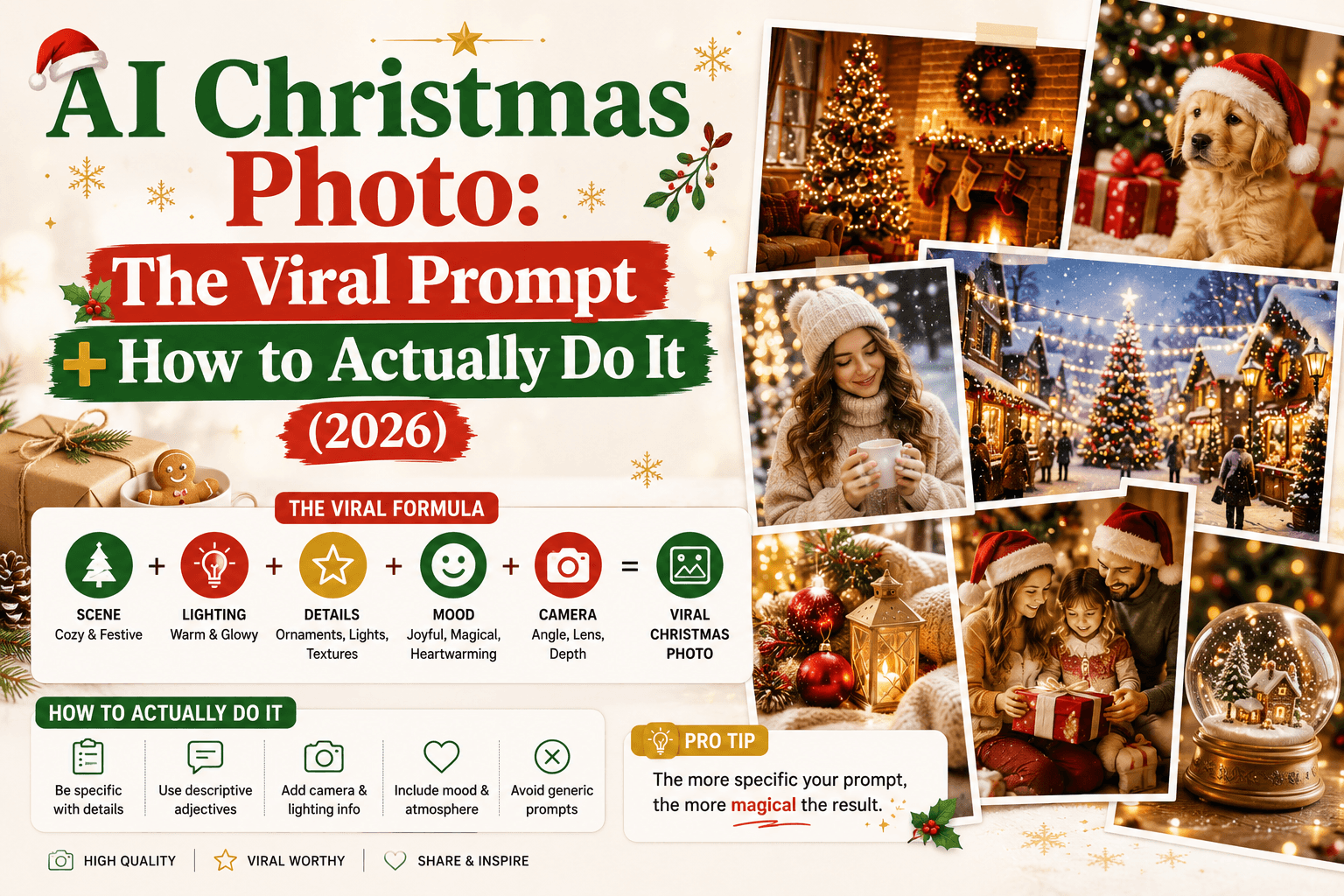
AI Christmas Photo: The Viral Prompt + How to Actually Do It (2026)
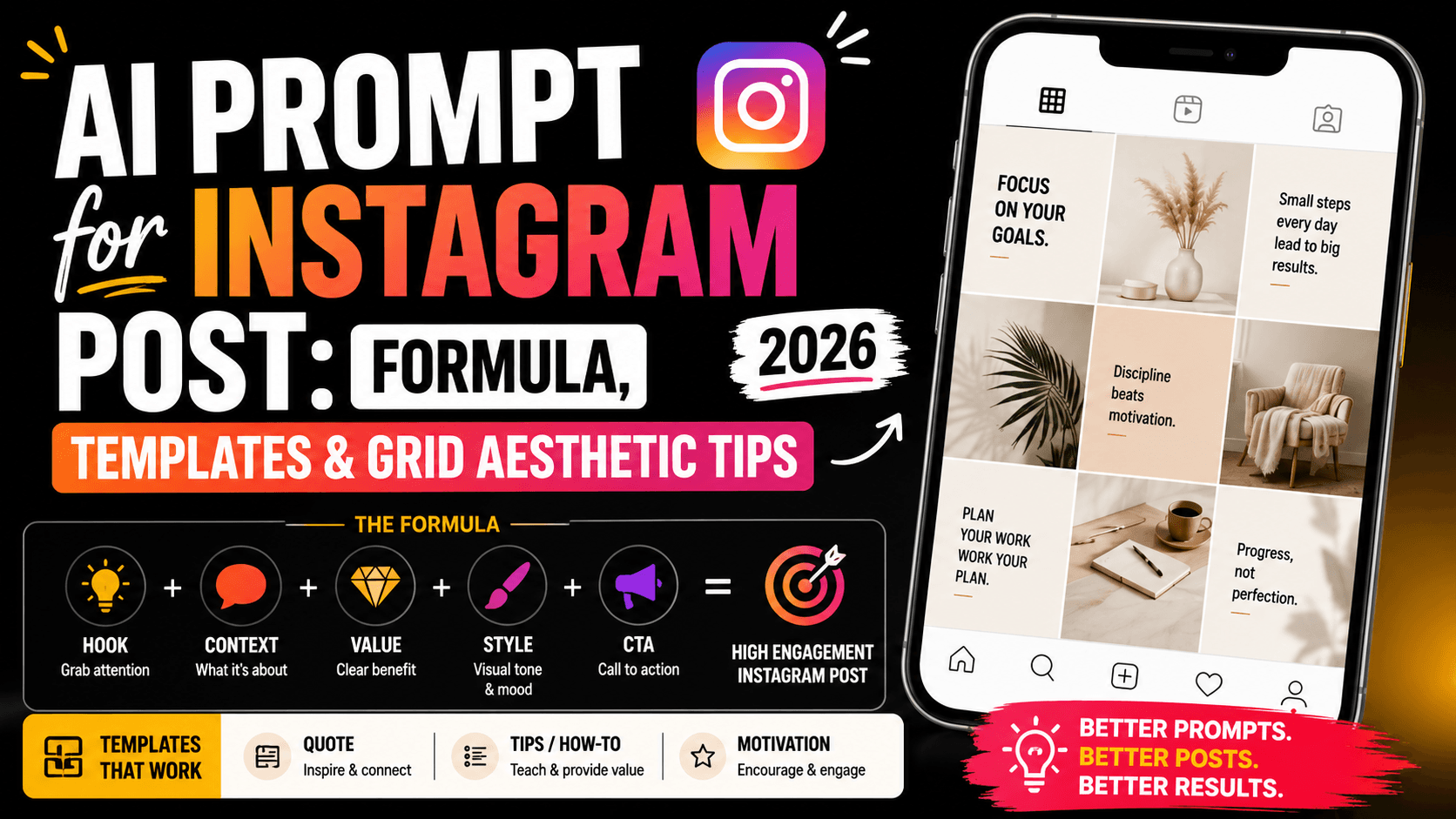
AI Prompt for Instagram Post: Formula + Templates (2026)