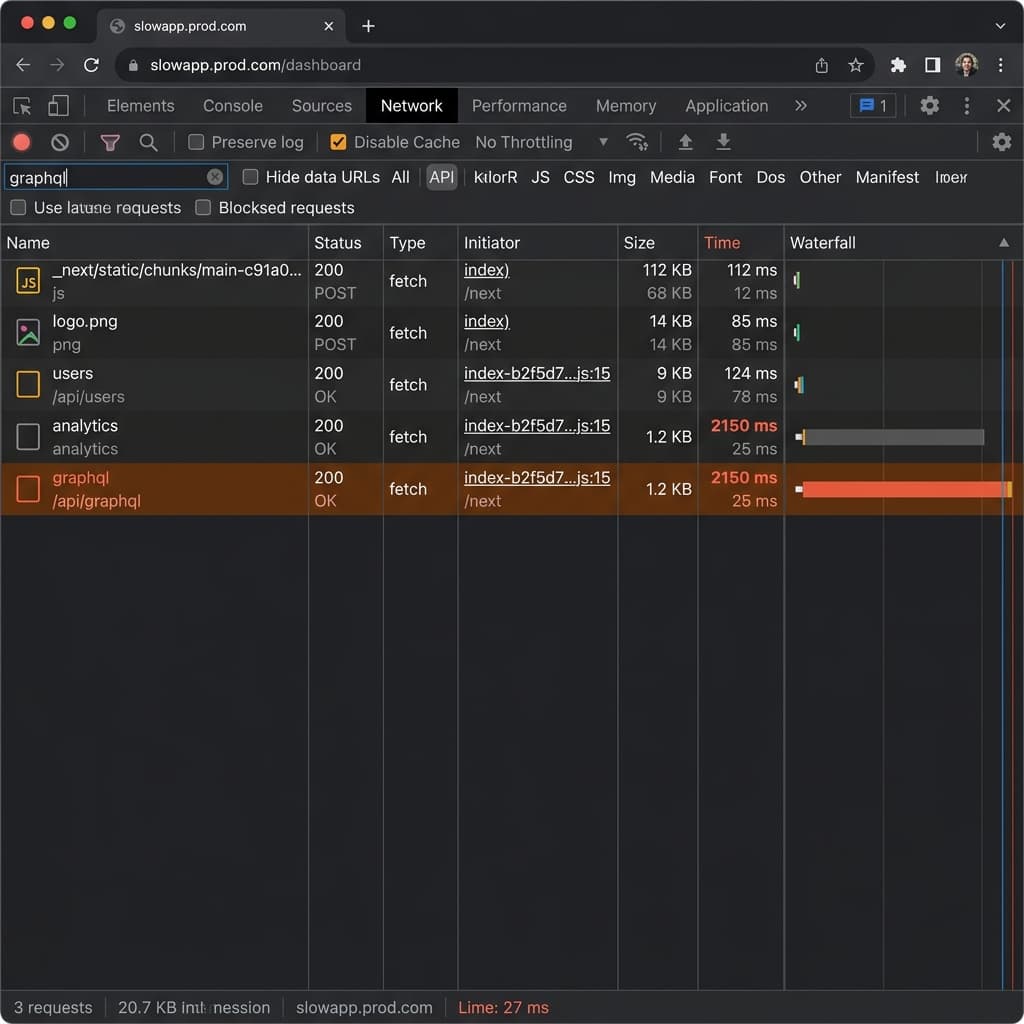
The Modern Developer's AI Stack: Beyond ChatGPT
Discover the integrated AI toolkit that high-performance developers are using to ship code 10x faster. We're moving from chatbots to AI-native workflows.
The Modern Developer's AI Stack: Moving Beyond ChatGPT
In late 2022, the world changed with the release of ChatGPT. For software engineers, the initial reaction was a mix of awe and skepticism. We marveled at its ability to explain a recursive function or debug a simple CSS centering issue. But as the "honeymoon phase" faded, a new reality emerged: copying and pasting code between a browser tab and your IDE is a slow, friction-heavy, and ultimately outdated way to build software.
In 2024, the conversation has moved far beyond simple chatbots. We are now entering the era of AI-native development. This isn't just about having an AI that "knows code"; it's about having an entire ecosystem of tools that are deeply integrated into every layer of the developer experience (DX). High-performance engineers have shifted their focus from using AI as a utility to building AI-augmented workflows.
This comprehensive guide explores the "Modern Developer's AI Stack"—the essential toolkit that is helping developers ship production-ready code 10x faster while maintaining (or even improving) code quality.
1. The Heart of the Stack: AI-Native IDEs (Cursor)
For years, GitHub Copilot was the undisputed king of AI coding. As a plugin for VS Code, it offered "autocomplete on steroids," predicting the next few lines of code based on your current file. While revolutionary at the time, the "plugin model" has inherent limitations. It lacks deep context of your entire codebase, and it can't easily perform complex, multi-file refactors.
Enter Cursor. Cursor is a fork of VS Code that was built from the ground up to be AI-native. This distinction is critical.
Why Context is King
The biggest hurdle for any AI assistant is context. If an AI doesn't know how your database schema is structured or how your authentication middleware works, its suggestions will be generic and often wrong.
Cursor solves this by indexing your entire codebase locally. When you type a prompt, it uses RAG (Retrieval-Augmented Generation) to find the relevant snippets across your project.
The Workflow Shift: Instead of asking "How do I add a new route?", you can now say: "@Files add a new API route for user authentication using the existing pattern in
/lib/auth.ts. Make sure to include the Zod validation schema found in@types/auth.ts."
Because Cursor "sees" your whole project, it can implement the logic across three different files simultaneously, respecting your naming conventions and architectural patterns. It moves you from being a "line-writer" to being a "code-reviewer" and "architect."
The Multi-File Refactor
One of the most impressive features of AI-native IDEs is the ability to perform sweeping changes. Imagine you want to switch from axios to fetch across a 50-page application. Doing this manually is a recipe for typos. With a tool like Cursor, you can describe the refactor once, and the AI will propose changes across every relevant file, which you can then "Accept All" or review one by one.
2. Frontend Revolution: Generative UI and v0.dev
Writing boilerplate JSX and CSS is arguably the most tedious part of frontend development. We spend hours tweaking margins, alignment, and responsiveness. v0.dev (by Vercel) has effectively disrupted this workflow.
The "Prompt-to-UI" Bridge
v0.dev uses a "generative UI" approach. Instead of dragging and dropping components in a builder, you describe the interface in natural language. It generates clean, production-ready code using Tailwind CSS and Shadcn/ui.
Example Scenario: You need a complex dashboard for an analytics platform.
- Prompt 1: "Create a responsive user profile dashboard with a glassmorphism sidebar and a dark-themed data table."
- Prompt 2 (Refinement): "Add a line chart for 'User Growth' in the top right using Recharts, and make the sidebar collapsible."
Within minutes, you have a functional, beautiful prototype. You don't just get a "screenshot"—you get the actual React code that you can copy into your project and immediately start hooking up to your backend. This bridges the gap between design and development, allowing engineers to iterate on UI at the speed of thought.
3. Knowledge Synthesis: Perplexity over Google
The traditional "Google and StackOverflow" workflow is dying. When we encounter a niche library error or a breaking change in a framework, Google often fails us by returning SEO-bloated blog posts from 2021 or irrelevant forum threads.
Perplexity AI has emerged as the developer's "Search with a Brain."
Real-Time Synthesis
Perplexity doesn't just give you a list of links. It reads the latest documentation, GitHub issues, and real-time web data to synthesize a single, cited answer.
Why this matters for Devs:
- Zero Hallucination (mostly): Since it cites every source, you can click through to the official documentation to verify.
- Latest Info: If Next.js releases a version 15 update today, Perplexity will know about it by tomorrow, whereas traditional LLMs like GPT-4 might have a training cutoff from months ago.
- Deep Technical Insight: You can ask, "What are the breaking changes in the latest Framer Motion update regarding exit animations?" and get a concise summary instead of reading a 5000-word changelog.
4. Local Intelligence: Ollama and the Privacy Edge
While cloud-based LLMs (like Claude 3.5 Sonnet or GPT-4o) are incredibly powerful, they come with two major drawbacks: privacy and latency.
Protecting Intellectual Property
Many companies have strict policies against sending proprietary code to external APIs. This is where Ollama comes in. Ollama allows you to run powerful open-source models—like Llama 3, Mistral, or DeepSeek-Coder—directly on your local machine.
The Benefits of Local AI:
- Security: Your code never leaves your local network.
- Performance: If you have a decent GPU (like an M2/M3 Mac or an NVIDIA RTX card), the response time is nearly instant, with no network overhead.
- Cost: You can run these models as much as you want for $0.
Running a local model like deepseek-coder:33b provides coding capabilities that rival GPT-4 for many common tasks, making it a viable daily driver for privacy-conscious developers.
5. Agentic Testing: Automated QA and Debugging
The next frontier of the AI stack is Agentic QA. Tools like CodiumAI or the built-in "Terminal AI" features in modern IDEs are moving beyond just writing code to validating it.
The "Test-Driven AI" Workflow
Instead of writing a function and then struggling to write unit tests, you can now generate comprehensive test suites based on the code's intent.
- Boundary Testing: AI is exceptionally good at identifying edge cases you might miss (e.g., "What happens if the input array is empty?", "What if the timestamp is in a different timezone?").
- Self-Healing Tests: Some emerging tools can even detect when a test fails due to a minor UI change and propose a fix for the test code itself.
6. The Mindset Shift: From "Coder" to "Architect"
As these tools become more powerful, the role of the software engineer is fundamentally changing. We are moving away from being "syntacticians" and toward being "problem-solvers" and "architects."
Prompt Engineering for Architecture
To get the most out of an AI-native stack, you must learn to "Prompt for Architecture." This means instead of asking for a single function, you define the system's requirements, the data flow, and the security constraints.
A 10x Developer in 2024 is someone who:
- Understands the abstractions: They know why a certain design pattern is better, even if the AI writes the implementation.
- Reviews with Rigor: They don't blindly accept AI code; they treat AI suggestions like PRs from a very fast, but occasionally overconfident, junior developer.
- Optimizes the Workflow: They know when to use v0.dev for UI, when to use Cursor for logic, and when to use Perplexity for research.
7. The Future: Towards Autonomous Feature Agents
We are currently in the "Assistant" phase. The next phase is the "Agent" phase. Projects like Devin or OpenDevin are attempting to build autonomous AI engineers that can take a Jira ticket, plan the implementation, write the code, debug it, and submit a PR without human intervention.
While we aren't quite there for complex, enterprise-level features yet, the trajectory is clear. The "AI Stack" you build today is the foundation for the "Autonomous Team" you will lead tomorrow.
Conclusion: The 1x Human, 10x AI
The fear that AI will replace developers is largely unfounded. However, the fear that developers who use AI will replace those who don't is very real.
The Modern Developer's AI Stack isn't about replacing your brain; it's about offloading the cognitive overhead of syntax, boilerplate, and search so you can focus on what actually matters: building great products.
The question is no longer if you should use AI, but how deeply you will integrate it into your flow. Start small, pick one tool (like Cursor or v0.dev), and watch your productivity transform.
Keywords: AI coding assistant, developer productivity tools 2024, Cursor IDE vs Copilot, v0.dev tutorial, Ollama local LLM, AI software engineering, Next.js AI integration, prompt engineering for developers, future of coding.
Related
Resources
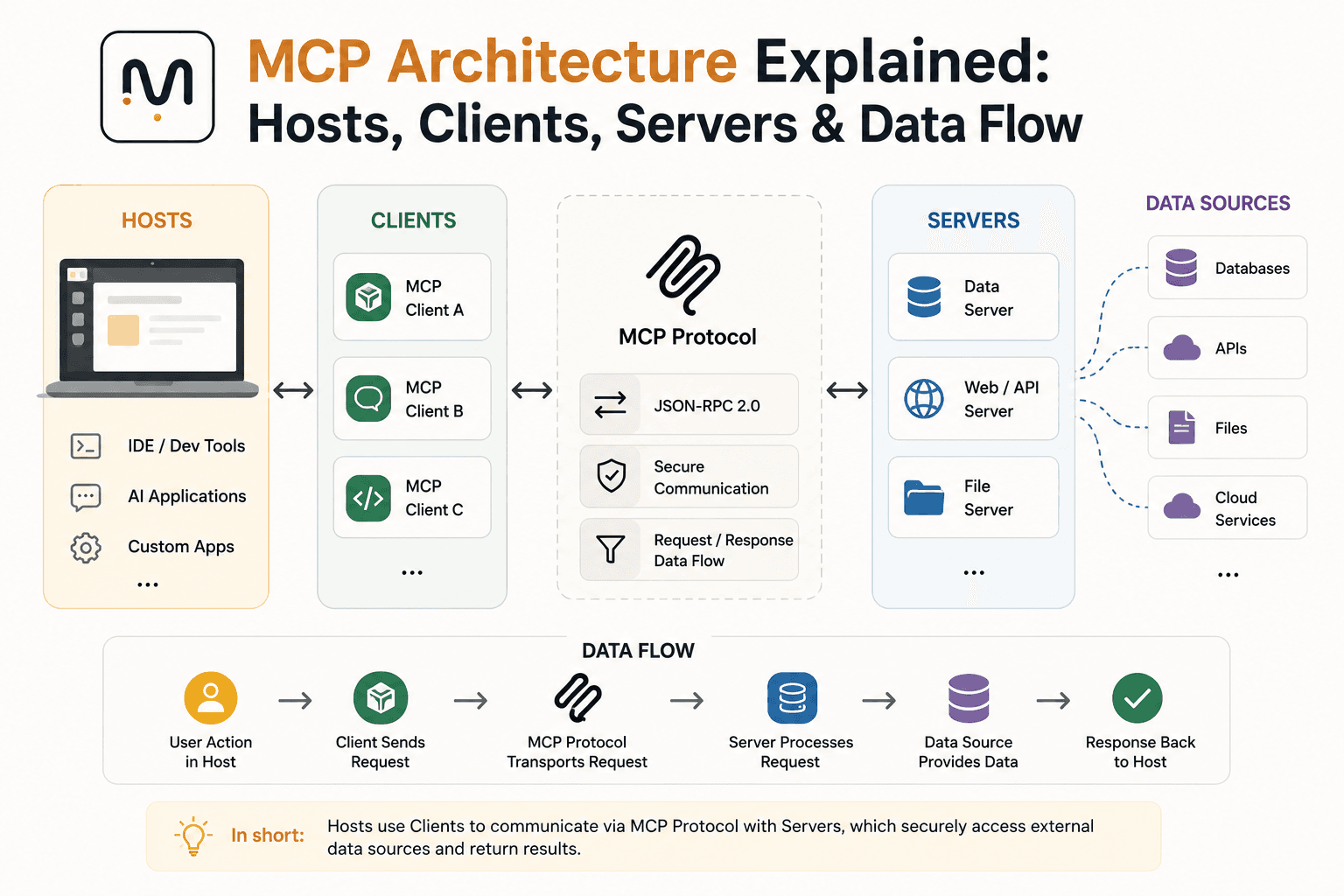
MCP Architecture Explained: Hosts, Clients, Servers & Data Flow
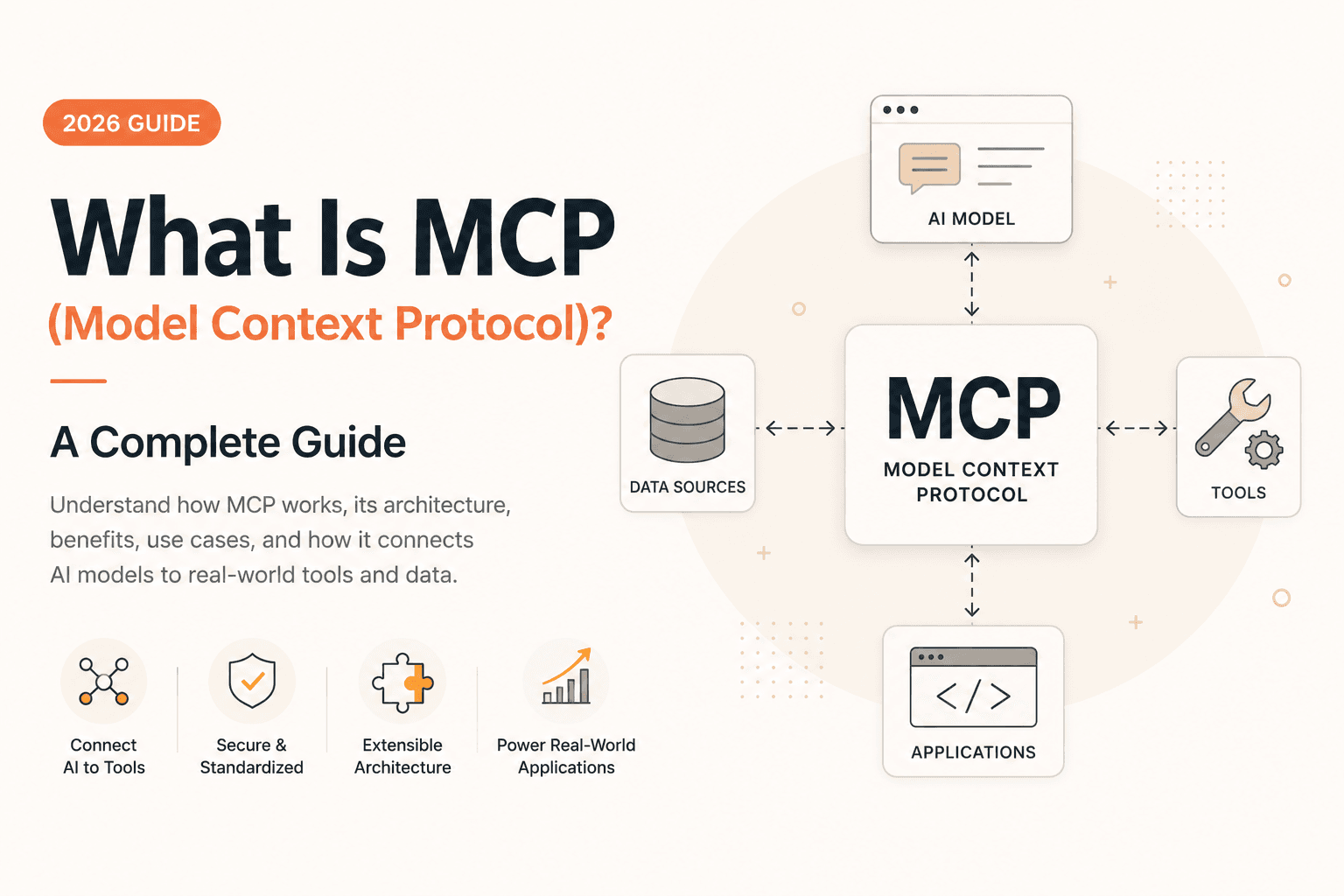
What Is MCP (Model Context Protocol)? A Complete Guide (2026)

OpenRouter API Tutorial: How to Connect & Fetch LLM Responses (JS/Node.js)
The Best AI Tools for Developers in 2026