
OpenRouter API Tutorial: How to Connect & Fetch LLM Responses (JS/Node.js)
Step-by-step OpenRouter API tutorial for developers: connect with JavaScript/Node.js, authenticate your key, and fetch responses from top LLMs (GPT, Claude, Llama) using a ready-to-run fetch API example — including free model options.
How to Connect to the OpenRouter API: A JavaScript & Node.js Guide
Integrating large language models (LLMs) into your applications has never been easier, thanks to unified interfaces like OpenRouter. Instead of juggling separate API keys and billing systems for OpenAI, Anthropic, or Google, OpenRouter gives you access to hundreds of models through a single, OpenAI-compatible API.
In this tutorial, we'll show you how to connect to the OpenRouter API step by step — from creating your account and generating an API key, to running a ready-to-use JavaScript and Node.js example, to troubleshooting the most common connection errors.
Why Use OpenRouter?
Before jumping into the code, here are a few reasons developers prefer OpenRouter:
- Unified Billing: Pay for exactly what you use across different models with one balance.
- OpenAI-Compatible: You can often swap
api.openai.comwithopenrouter.aiand reuse your existing SDK code. - Model Diversity: Access everything from GPT-4o and Claude 3.5 Sonnet to open-source models like Llama 3 and Mistral — all through one endpoint.
- Free Models: OpenRouter offers a tier of free-to-use models, ideal for development, testing, and side projects with zero budget.
How to Get Your OpenRouter API Key
Before you can make a single request, you need an account and a key. Here's the full process:
- Create an account. Go to openrouter.ai and sign up using your email, GitHub, or Google account. It's free and takes under a minute.
- Open the Keys dashboard. Once logged in, navigate to your account settings and find the API Keys section.
- Generate a new key. Click Create Key, give it a descriptive name (e.g.,
my-app-dev), and copy the value immediately — most platforms only show the full key once. - Store it securely. Save the key in an environment variable or
.envfile. Never hardcode it directly in source code or commit it to a public repository. - (Optional) Add credits. Paid models require credits in your account balance. If you only plan to use free models, you can skip this step and start testing right away.
With your key in hand, you're ready to make your first request.
Prerequisites
- OpenRouter account and API key — see the steps above.
- Node.js 18+ — required if you want to run the example outside the browser, since it needs native
fetchsupport. - Basic familiarity with JavaScript and REST APIs.
Code Example: JavaScript Fetch
Here's a ready-to-run, dependency-free example using the native fetch API. You can run this in a Node.js environment (v18+) or directly in a browser context.
// index.js
async function fetchChatCompletion() {
  const OPENROUTER_API_KEY = "YOUR_OPENROUTER_API_KEY"; // Replace with your actual key
  const YOUR_SITE_URL = "https://yourdomain.com"; // Optional, for OpenRouter rankings
  const YOUR_SITE_NAME = "My Awesome App"; // Optional

  try {
    const response = await fetch("https://openrouter.ai/api/v1/chat/completions", {
      method: "POST",
      headers: {
        "Authorization": `Bearer ${OPENROUTER_API_KEY}`,
        "HTTP-Referer": YOUR_SITE_URL,
        "X-Title": YOUR_SITE_NAME,
        "Content-Type": "application/json"
      },
      body: JSON.stringify({
        // Specify the model you want to use.
        // Example: "anthropic/claude-3.5-sonnet" or "openai/gpt-4o"
        "model": "meta-llama/llama-3-8b-instruct:free",
        "messages": [
          { "role": "system", "content": "You are a helpful coding assistant." },
          { "role": "user", "content": "Write a quick explanation of HTTP status 200." }
        ]
      })
    });

    if (!response.ok) {
      throw new Error(`HTTP error! status: ${response.status}`);
    }

    const data = await response.json();

    // The response structure matches OpenAI's API format
    console.log("Assistant Reply:", data.choices[0].message.content);

  } catch (error) {
    console.error("Failed to connect to OpenRouter:", error);
  }
}

// Execute the function
fetchChatCompletion();
Running the Code
- Save the snippet above into a file named
index.js. - Replace
"YOUR_OPENROUTER_API_KEY"with your generated key. - Run the script from your terminal:
node index.js
Using OpenRouter's Free Models
Notice the :free suffix on the model name in the example above (meta-llama/llama-3-8b-instruct:free). OpenRouter marks certain models as free to use, which makes them perfect for prototyping without spending any credits.
A few things to know about free models:
- Rate limits apply. Free models typically have lower requests-per-minute and daily quotas than paid ones, since they're shared across many users.
- Model selection changes over time. OpenRouter periodically updates which models carry the
:freetag, so check the OpenRouter models page for the current list before deploying. - Quality varies by model. Free-tier models are usually smaller, open-source models (like Llama or Mistral variants). They're great for testing your integration logic, but for production workloads you'll likely want to switch to a paid model such as
openai/gpt-4ooranthropic/claude-3.5-sonnet. - No separate signup needed. Free models use the same API key and endpoint as paid ones — just change the
modelstring in your request body.
This makes it easy to build and test your entire integration on $0, then swap in a paid model string later with no other code changes.
Using the Official OpenAI SDK
Since OpenRouter is compatible with the OpenAI API format, you can also use the official openai npm package instead of raw fetch calls. This is often preferred for production apps because of built-in type safety and error handling.
First, install the package:
npm install openai
Then configure the client to point at OpenRouter's base URL:
import OpenAI from "openai";

const openai = new OpenAI({
  baseURL: "https://openrouter.ai/api/v1",
  apiKey: "YOUR_OPENROUTER_API_KEY",
  defaultHeaders: {
    "HTTP-Referer": "https://yourdomain.com",
    "X-Title": "My Awesome App",
  }
});

async function main() {
  const completion = await openai.chat.completions.create({
    model: "anthropic/claude-3.5-sonnet",
    messages: [
      { role: "user", content: "Hello, how are you?" }
    ],
  });

  console.log(completion.choices[0].message.content);
}

main();
By swapping just the baseURL and the model string, your existing OpenAI SDK code now talks to any model on OpenRouter — no rewrite required.
Troubleshooting: Why Isn't My Key Working?
If your request fails, it's almost always one of these four issues:
- 401 Unauthorized. Your API key is missing, mistyped, or wasn't sent with the
Bearerprefix in theAuthorizationheader. Double-check you copied the full key with no extra spaces. - 402 Payment Required / insufficient credits. You're calling a paid model but your account balance is empty. Either add credits or switch to a model with the
:freesuffix. - 400 Bad Request with an invalid model error. The
modelstring doesn't match OpenRouter's naming format (provider/model-name). Check the exact slug on the models page — model names are updated periodically and older slugs can be deprecated. - 429 Too Many Requests. You've hit a rate limit, which is common on free models under shared load. Add basic retry logic with exponential backoff, or upgrade to a paid model for higher limits.
If none of these apply, log the full response body from a failed request — OpenRouter's error messages usually state the exact problem in plain text.
Conclusion
Connecting to the OpenRouter API takes just three things: an account, an API key, and either a raw fetch call or the OpenAI SDK pointed at OpenRouter's base URL. From there, switching models — free or paid — is as simple as changing one string. This drastically reduces the friction of testing different LLMs for your agentic workflows and standardizes your developer experience across providers.
Happy coding!
Related
Resources
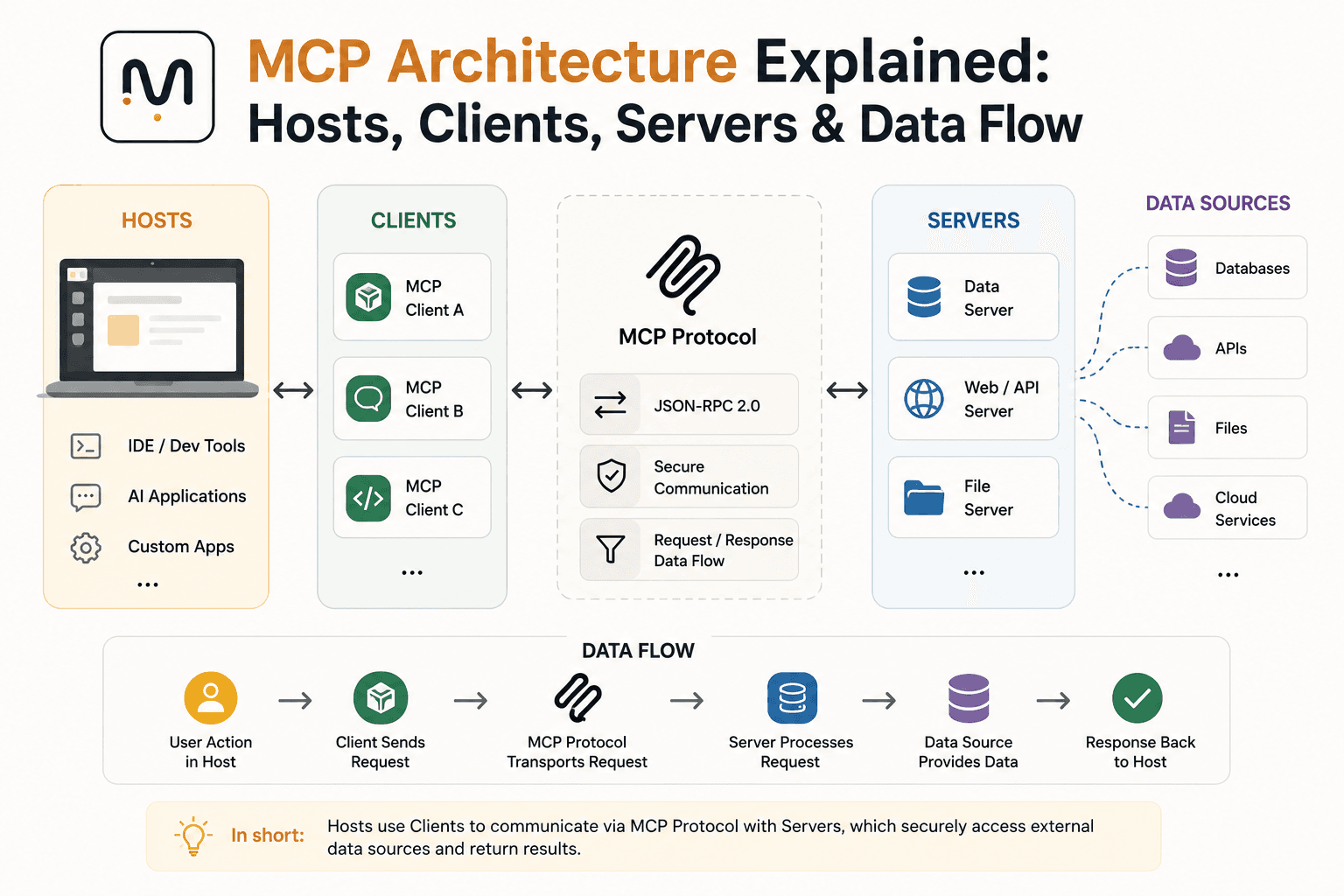
MCP Architecture Explained: Hosts, Clients, Servers & Data Flow
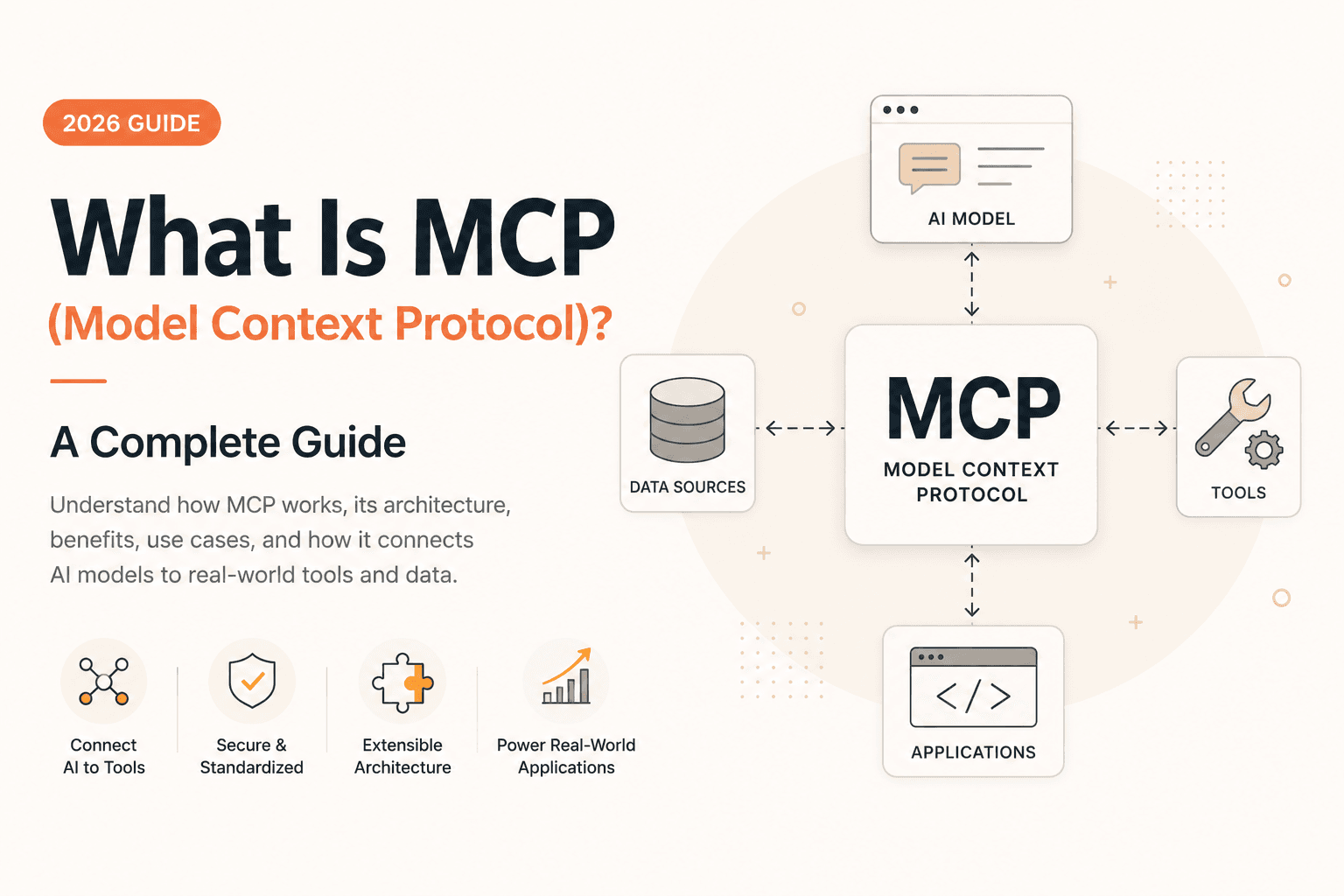
What Is MCP (Model Context Protocol)? A Complete Guide (2026)
The Best AI Tools for Developers in 2026
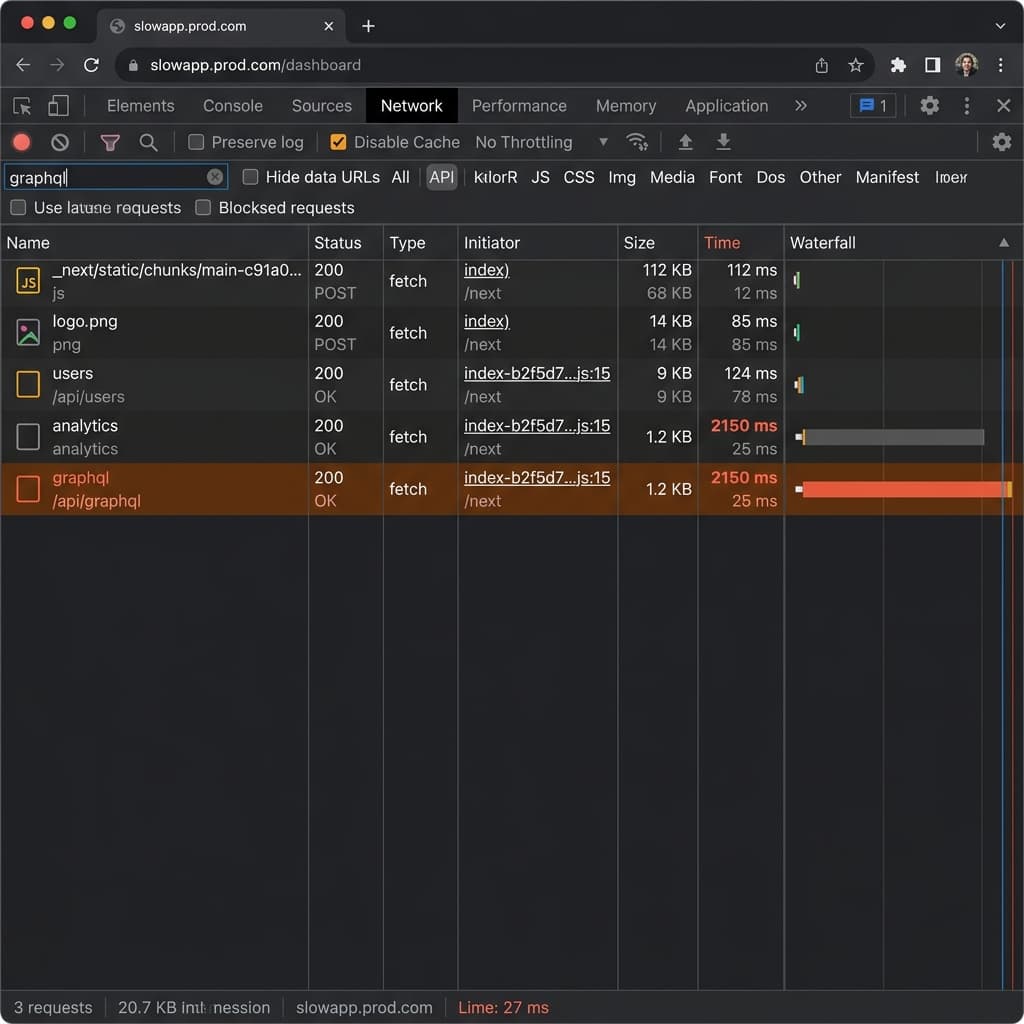
Why Is Next.js Fast Locally but Slow on Vercel + Supabase?