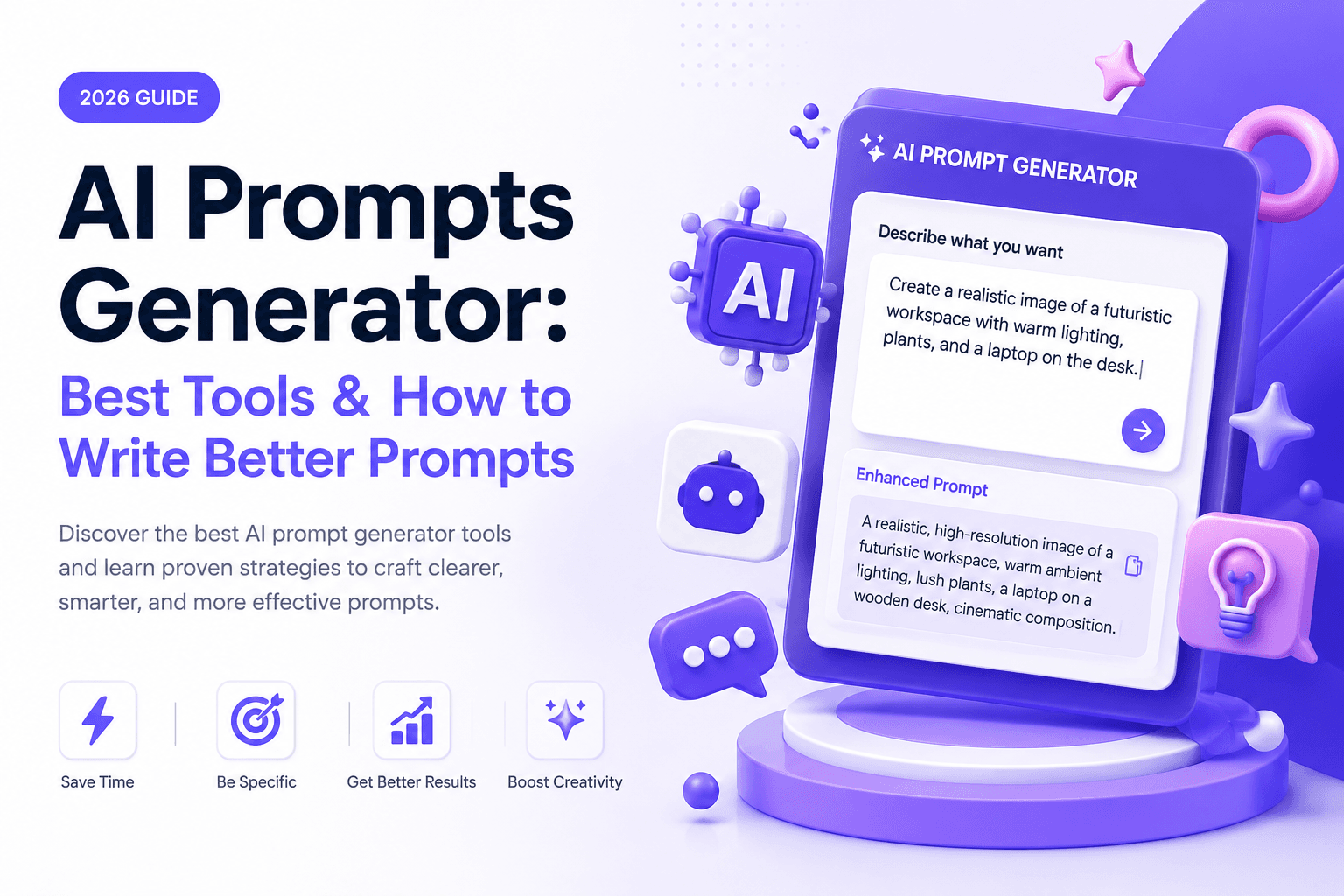
AI Prompts Generator: Best Tools & How to Write Better Prompts (2026)
What an AI prompts generator does, the different types worth trying, and a copy-paste framework to write sharper prompts yourself — with real hands-on testing.
Best AI Prompt Generators in 2026: Tools, Examples & Tips
Quick Answer
An AI prompts generator is a tool that turns a plain-English description of what you want into a structured, ready-to-use prompt for a chatbot or image/video model. Some are built directly into AI platforms (like Anthropic's Console prompt generator), others are standalone web apps or browser extensions, and some focus on optimizing prompts you've already written rather than creating new ones. They're genuinely useful for beginners and for repetitive tasks, but for one-off questions, a simple five-part framework — role, context, task, format, constraints — usually gets you a better result faster than any tool.
What Is an AI Prompt Generator?
An AI prompt generator is software that helps you write instructions for an AI model without starting from a blank page. You describe your goal in a sentence or two — "write a product description for a running shoe" or "create a cinematic prompt for a sunset over mountains" — and the tool returns a fuller, more structured prompt: one with a defined role, clear context, explicit formatting instructions, and any constraints that shape the output.
The category splits into two related but different jobs:
- Text/chat prompt generators — build prompts for conversational models like ChatGPT, Claude, and Gemini, usually for tasks like writing, coding, classification, or data extraction.
- Image and video prompt generators — build prompts for models like Midjourney, Stable Diffusion, DALL-E, Sora, or Veo, which respond much better to prompts with specific visual language (lighting, camera angle, style, composition) than to plain descriptions.
Both exist because writing a genuinely good prompt takes a specific skill — role framing, context-setting, and output-format specification — that most people haven't had a reason to practice.
How Does an AI Prompt Generator Work?
Most generators follow a similar pattern under the hood: your plain-English input is fed into a language model (often the same one you're going to use the prompt with) along with a template or a set of prompt-engineering rules. That model then assembles a structured output — typically including a role definition, background context, the specific task, and formatting instructions — and hands it back to you as a ready-to-use prompt template.
Anthropic's own Console includes a good example of this in practice: it's a built-in prompt generator that takes a short description of your task and constructs a full prompt template using Anthropic's own documented prompt-engineering techniques — role-setting, chain-of-thought reasoning sections, and variable placeholders you can swap out for different inputs. It's aimed at developers building with the Claude API rather than casual chat users, and it requires a free Anthropic Console account, but it's a useful reference for what a well-structured, generator-built prompt actually looks like.
Prompt Generator vs. Prompt Optimizer
These two terms get used interchangeably, but they solve different problems:
- A prompt generator starts from zero. You describe a goal, and it writes a new, structured prompt for you.
- A prompt optimizer (sometimes called a "prompt improver") starts from a prompt you've already written. It analyzes wording, clarity, and missing constraints, then rewrites your existing prompt to make it sharper — closer to an editor than a ghostwriter.
If you don't have a prompt yet, you want a generator. If you have one that's giving inconsistent results, you want an optimizer. Anthropic's Console offers both under one roof: a prompt generator for starting from scratch, and a separate prompt improver for refining what you've already got.
Types of AI Prompt Generators
| Type | What It Does | Typical Examples | Cost | Best For |
|---|---|---|---|---|
| Built into the AI platform | Native generator/improver inside a model provider's own developer console | Anthropic Console prompt generator, OpenAI's prompt tooling | Free with an account | Developers building apps on a specific model's API |
| Standalone web generators | Describe a goal in plain English, get a structured prompt back, no setup | General-purpose prompt-builder web apps | Free tier + paid plans | Beginners who want a quick, structured prompt with zero configuration |
| Prompt libraries/marketplaces | Browse and copy pre-written prompts by category instead of writing one | Community prompt-sharing sites and marketplaces | Free + paid premium prompts | People who'd rather adapt an existing prompt than write one from scratch |
| Prompt optimizers | Take a prompt you already wrote and tighten the wording, format, and constraints | Dedicated optimization tools | Free + paid | Anyone getting inconsistent results from a prompt they've already written |
| Workflow/embedded tools | Prompt generation built into a broader workspace (spreadsheets, shared team libraries) | Spreadsheet AI add-ons, team prompt-management tools | Paid, team-oriented | Teams standardizing prompts across a shared workspace |
Note: New prompt tools launch constantly and "best of" rankings from tool vendors' own blogs are rarely neutral — most rank their own product first. Treat any specific tool recommendation as a starting point to test yourself rather than a final verdict.
Prompt Generators Worth Trying in 2026
Rather than crowning one "best" tool — a claim nearly every vendor makes about itself — here's a category-by-category starting point:
- If you're building with a specific model's API: start with that provider's own console. Anthropic's Console, for example, includes a free built-in prompt generator and a separate prompt improver, both grounded in the provider's own documented best practices — a reasonable baseline before trying a third-party tool.
- If you want a quick prompt with zero setup: general-purpose web-based prompt generators let you pick a target platform (ChatGPT, Claude, Gemini, or an image model) and get a usable prompt in seconds, often without creating an account.
- If you'd rather browse than write: prompt libraries and marketplaces are worth checking first, especially for common tasks like marketing copy, image styles, or coding boilerplate — someone has likely already written and refined a prompt close to what you need.
- If you already have a prompt that isn't working well: a dedicated prompt optimizer (or a provider's built-in prompt improver) is a better fit than a generator, since the problem isn't a blank page, it's an existing prompt that needs tightening.
For a full, side-by-side rundown of specific sites and tools worth trying — rather than just categories — see our complete list of the best AI prompt websites.
How to Write Effective AI Prompts Yourself
Tools help, but the underlying skill isn't complicated, and it transfers across every AI model you'll ever use. A well-structured prompt generally covers five things:
- Role — who should the model act as? ("You are an experienced technical editor...")
- Context — what background does it need? (audience, purpose, prior constraints)
- Task — what exactly do you want done, stated as specifically as possible?
- Format — how should the output be structured? (length, tone, bullet points vs. prose, specific sections)
- Constraints — what should it avoid, or what limits apply? (word count, banned phrases, required facts to include)
This is essentially what every prompt generator is doing under the hood — assembling these five elements into a template. Once you've internalized the pattern, you can often write a better prompt directly, faster than describing your goal to a generator and then editing its output.
A Copy-Paste Prompt Template
Here's a generic template built from the framework above. Swap in the bracketed sections for your task:
Role: You are a [specific expert role] with experience in [relevant domain].

Context: [Background information — audience, purpose, prior attempts, relevant constraints]

Task: [The specific thing you want done, stated as precisely as possible]

Format: [Length, structure, tone — e.g., "500 words, three sections with headers, conversational tone"]

Constraints: [What to avoid, what must be included, any hard limits]
For a concrete example: "Role: You are a senior copywriter who specializes in D2C fashion brands. Context: This is for a running shoe aimed at first-time marathoners. Task: Write a product description that emphasizes comfort over speed. Format: 150 words, three short paragraphs, no bullet points. Constraints: Avoid technical jargon, don't mention competitors."
Hands-On Experience: Testing a Few Approaches
Testing the same task — building a prompt for a customer-support email classifier — through three different approaches surfaced some clear patterns:
Using Anthropic Console's built-in prompt generator: describing the task in one sentence produced a genuinely usable starting template, complete with role-setting and a reasoning section, in well under a minute. The catch matched what the documentation suggests: it's clearly built for developers wiring up an API call, not for someone who just wants to paste a quick prompt into a chat window. The interface and output format assume you already know what an API-based prompt template looks like.
Using a standalone web generator: faster to get into (no account needed), but the output was noticeably more generic — it nailed the basic structure but needed manual editing to match the specific classification categories the task actually required.
Writing the prompt manually using the role/context/task/format/constraints framework: took about the same amount of time as editing a generated prompt, but the result needed no further editing, mostly because writing it directly forced clarity about the classification categories from the start rather than adding them in afterward.
Bottom line from testing: generators are genuinely useful for the "blank page" problem — getting a reasonable structure fast when you don't know where to start. But once the framework is familiar, writing directly is often just as fast and produces a more precisely-targeted result, especially for anything with specific requirements a generic tool can't guess.
Common Mistakes to Avoid
Whether you're using a generator or writing prompts by hand, a few recurring mistakes account for most of the disappointing results people get from AI models:
- Being vague about the task. "Write something about running shoes" leaves the model guessing at audience, length, and angle. A generator can only structure what you give it — if the input is vague, the output will be too.
- Skipping the format instructions. Not specifying length, tone, or structure is the single most common reason output needs heavy editing afterward. It's often faster to state the format up front than to fix it after the fact.
- Treating the first output as final. Even a well-built prompt often needs one round of iteration. Both generators and manually written prompts benefit from a quick "make this more [X]" follow-up rather than expecting perfection on the first try.
- Reusing a generic prompt for a specific task. A prompt pulled from a library is a starting point, not a finished product — it usually needs the context and constraints sections adjusted for your specific situation before it'll perform well.
- Assuming longer prompts are always better. More detail helps up to a point, but padding a prompt with irrelevant context can bury the actual instruction and make output less focused, not more.
When You Actually Need a Generator (and When You Don't)
A generator helps when:
- You're new to prompting and don't yet have a mental model for what a good prompt looks like
- You need to produce many similar prompts quickly (e.g., product descriptions across a catalog)
- You're prompting for an unfamiliar model type, like image or video generation, where the "right" vocabulary (camera angles, lighting terms) isn't intuitive
Writing it yourself is usually faster when:
- You already know the role/context/task/format/constraints pattern
- The task has specific requirements a generic tool can't anticipate
- You're refining an existing conversation rather than starting fresh
FAQ
What is an AI prompts generator? It's a tool that converts a plain-English description of what you want into a structured, ready-to-use prompt for an AI model — handling the role, context, formatting, and constraints so you don't have to write them from scratch.
Is there a free AI prompt generator? Yes. Most standalone web-based generators offer a free tier, and platform-native tools like Anthropic's Console prompt generator are free to use with an account, though usage limits and features vary.
What's the difference between a prompt generator and a prompt optimizer? A generator builds a new prompt from a description of your goal. An optimizer (or "prompt improver") takes a prompt you've already written and rewrites it to fix vague wording or missing constraints. If you don't have a prompt yet, use a generator; if yours isn't working well, use an optimizer.
Can Claude generate prompts for me? Yes. Anthropic's Console includes a built-in prompt generator that turns a short task description into a structured prompt template using Anthropic's documented prompt-engineering techniques. It's primarily aimed at developers building with the API, and requires a free Console account.
Do I need a special generator for ChatGPT vs. Claude vs. Gemini? Not strictly. The core prompting principles — role, context, task, format, constraints — apply across all major chat models. Some generators let you pick a target platform and adjust prompt length or style accordingly, since faster/cheaper models often respond better to shorter prompts while more advanced reasoning models can handle longer, more detailed ones.
Are AI prompt generators different for images versus text? Yes, meaningfully. Image and video prompt generators focus on visual vocabulary — lighting, camera angle, composition, art style — since that's what image and video models respond to, while text prompt generators focus on role, context, and output structure.
Is it worth paying for a prompt generator? For occasional use, free tools and the framework above usually cover it. Paid tools become worth it if you're generating prompts at scale (e.g., for a whole product catalog or a team), want prompt version history, or need collaboration features a free tool doesn't offer.
How do I write a good AI prompt without using a generator? Cover five things: who the model should act as (role), the relevant background (context), exactly what you want done (task), how the output should be structured (format), and anything it should avoid or must include (constraints). This pattern works across nearly every text-based AI model.
What's the best AI prompt generator? There isn't one universal answer — it depends on whether you're a developer working with a specific API, a casual user who wants a quick web-based tool, or someone optimizing prompts you've already written. Most "best of" lists come from the tools' own marketing, so it's worth checking a full comparison of specific AI prompt websites and testing two or three yourself rather than trusting a single ranking.
Can a prompt generator replace learning prompt engineering? For simple, one-off tasks, mostly yes. For anything you'll repeat often or that needs precise results, understanding the underlying framework (role, context, task, format, constraints) will get you better results faster than relying on a generator every time.
Conclusion
An AI prompts generator solves a real, specific problem: the blank-page moment when you know what you want but not how to phrase it for an AI model. Platform-native tools like Anthropic's Console generator are a solid, free starting point if you're comfortable with a developer-facing interface; standalone web generators are faster to jump into for casual use. But the underlying skill — structuring a prompt around role, context, task, format, and constraints — is simple enough to learn in about twenty minutes, and once it clicks, it's often faster than describing your goal to a tool and editing what comes back. The most practical approach for most people: use a generator when you're stuck or scaling up, and write it yourself once you know the pattern.
Related
Resources
ChatGPT Professional Photo Prompt: 15 Studio-Quality Templates (2026)

AI Halloween Photo: Prompts That Actually Look Like You (2026)

AI Christmas Photo: The Viral Prompt + How to Actually Do It (2026)
AI Prompt for Instagram Post: Formula + Templates (2026)