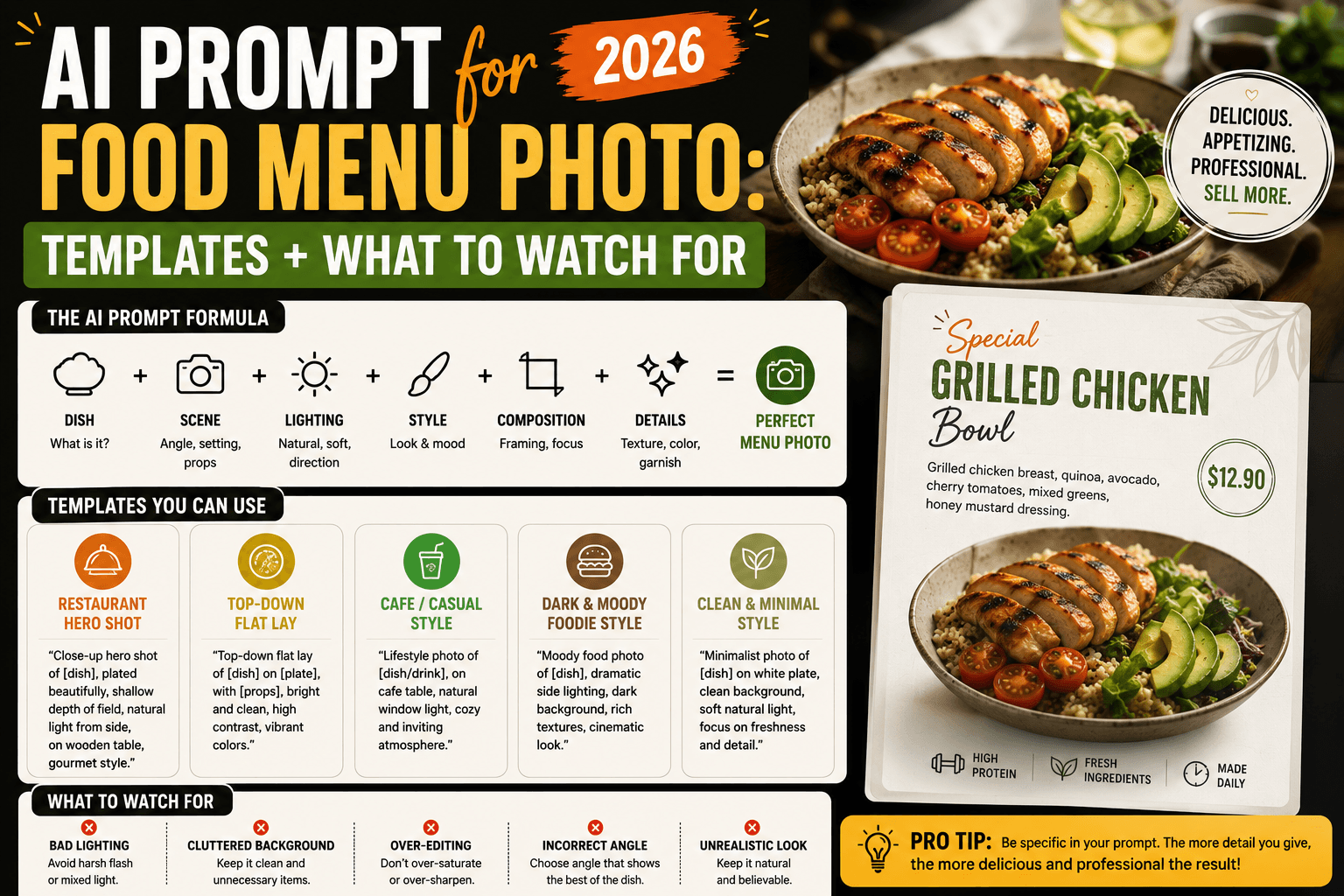
25 Best ChatGPT Photo Prompts (DALL-E) for 2026
25 free ChatGPT (DALL-E) photo prompts to copy and paste — chatgpt photo prompt ideas for logos, illustrations, and product photos, grouped by use case with real examples.
25 ChatGPT Photo Prompts (DALL-E) You Can Copy and Paste
Typing "make me a photo" into ChatGPT and getting something flat and generic back isn't a DALL-E problem — it's a prompt problem. Image models respond to specificity the same way language models do: the more detail you give about style, lighting, composition, and mood, the closer the output lands to what you actually pictured.
This list rounds up the best chatgpt photo prompt ideas for 2026 — free, ready-to-use prompts you can copy and paste, no sign-up or prompt pack required.
Below are 25 chatgpt photo prompts, grouped by the situation you'd actually use them in — marketing visuals, social media graphics, product shots, illustrations, and business assets like icons and thumbnails. Copy one, drop in your own details, and let ChatGPT's built-in image generation (powered by DALL-E) do the rest.
These work as both dall-e prompts and general ai photo prompts, since ChatGPT's image tool runs on DALL-E under the hood — the wording below is written for how the model actually parses instructions, not just what sounds descriptive.
How a ChatGPT Photo Prompt Works
A strong chatgpt photo prompt usually stacks a few layers on top of each other: the subject, the style (photo, illustration, 3D render, flat design), the mood or lighting, and the composition (close-up, wide shot, centered, rule of thirds). Skip a layer and ChatGPT fills the gap with its own default — which is often the safest, blandest choice available. The prompts below build in those layers so you're not starting from a blank slate.
Marketing and Social Media Photo Prompts
These are built for content that needs to stop a scroll — social posts, blog headers, and ad creative.
Generate a bright, minimalist Instagram post photo for [topic/product], flat lay style, soft natural lighting, pastel color palette.Create a bold blog header photo for an article about [topic], modern flat illustration style, one accent color, plenty of negative space for text overlay.Design a LinkedIn banner photo representing [industry/theme], professional and clean, muted color palette, subtle geometric pattern in the background.Generate a square social media photo announcing [event/offer], bold typography-friendly layout, high contrast colors, no actual text in the image.Create a carousel-style photo series for [topic], flat vector art, consistent color palette across 3 related images.
Product and E-Commerce Photo Prompts
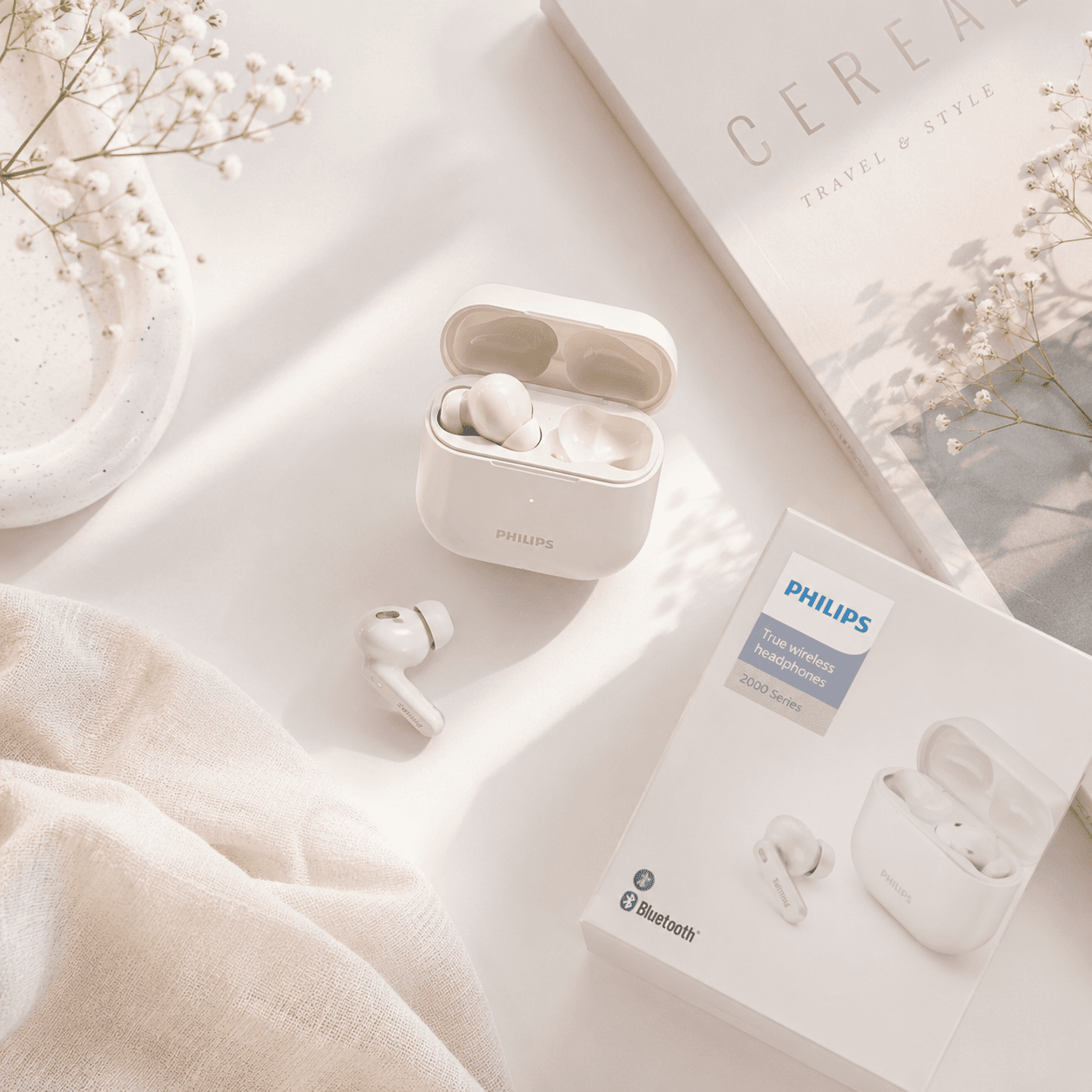
Use these when you need product visuals without a photo studio. These chatgpt photo prompts for product shots are built for e-commerce listings, catalogs, and lifestyle photos — no camera or studio required.
Generate a photorealistic product photo of [product], on a plain white background, studio lighting, centered, e-commerce style.Create a lifestyle photo of [product] being used in a [setting, e.g. cozy home office], natural light, warm tones.Generate a flat lay photo of [product] surrounded by complementary items related to [theme], top-down view, soft shadows.Design a product mockup photo of [product] on a [color] background with subtle gradient lighting, minimalist e-commerce style.Create a close-up macro photo of [product], focusing on texture and detail, shallow depth of field.
Illustration and Art Style Photo Prompts
For when you want something more stylized than a straight photo. These photo prompts double as general-purpose ai art prompts, since the style keywords (watercolor, isometric, flat vector) transfer to most other image models too.
Generate a photo-style illustration of [subject] in a hand-drawn, whimsical children's book style, warm color palette.Create a flat 2D vector photo of [scene/concept], bold outlines, limited color palette of 3-4 colors.Generate a watercolor-style photo of [subject], soft edges, muted tones, light paper texture visible.Create an isometric photo illustration of [concept, e.g. a home office setup], clean lines, pastel colors, no background.Generate a retro 1970s poster-style photo of [subject], grainy texture, warm orange and brown color scheme.
Icon, Logo, and Business Asset Photo Prompts
These are meant for quick concepting, not final brand assets — treat the output as a direction to refine, not a finished logo file. The chatgpt photo prompts here work best for early-stage concepting before handing a chosen direction to a designer.
Generate 4 simple icon concept photos representing [concept, e.g. teamwork], flat design, single color, minimalist line style.Create a logo concept photo for a [industry] brand called [name], modern and minimal, using [color] as the primary color.Generate a set of 3 abstract background texture photos suitable for a presentation slide about [topic], subtle, low-contrast, professional.Create a favicon-style icon photo for [brand/app], simple geometric shape, works well at small sizes.Generate a badge or seal-style photo for [use case, e.g. "customer favorite"], vintage stamp aesthetic, single accent color.
Portrait, Character, and Scene Photo Prompts
Useful for avatars, character concepts, and scene-setting photos.
Generate a friendly, approachable illustrated avatar photo for [description of person/persona], flat style, neutral background.Create a photorealistic environmental portrait photo of a [profession/character description] in a [setting], natural lighting, candid pose.Generate a wide establishing shot photo of [scene, e.g. a busy morning coffee shop], cinematic lighting, warm color grade.Create a character concept sheet photo for [character description], showing front view, simple color palette, plain background.Generate a cozy, atmospheric scene photo of [setting], golden hour lighting, soft focus background.
Getting Better Results from Your ChatGPT Photo Prompt
A few habits separate a usable photo from one you'll immediately regenerate:
- Name the style explicitly. "Photorealistic," "flat illustration," "watercolor," "isometric" — without a style anchor, ChatGPT defaults to a generic middle ground that rarely matches a specific brand look.
- Describe lighting and mood, not just the subject. "Soft natural lighting" and "harsh studio lighting" produce genuinely different photos from the same subject line.
- Ask for options, then iterate on the one that's closest. Requesting a few variations up front and refining the best one is faster than trying to nail it in a single prompt.
- Leave room for text if you're adding it later. For headers, banners, or social graphics, specifically ask for negative space instead of letting ChatGPT generate its own text — AI-generated text in photos is still unreliable.
- Reference real-world comparisons sparingly. Naming a specific artist or copyrighted character can get a prompt rejected; describing the style (brushwork, color palette, era) usually works better and avoids that friction entirely.
Frequently Asked Questions About ChatGPT Photo Prompts
Can ChatGPT actually generate photos, or does it just use DALL-E? ChatGPT's built-in image generation is powered by DALL-E under the hood, but you use it directly inside the ChatGPT interface — there's no need to open a separate DALL-E tool.
Are these chatgpt photo prompts free to use? Yes, the prompts themselves are free. Photo generation availability and any usage limits depend on your ChatGPT plan.
Why does ChatGPT sometimes refuse a photo request? Requests involving real people, copyrighted characters, or certain sensitive content are typically blocked. Rephrasing around a general style or original character usually resolves it.
How specific should a chatgpt photo prompt be? More specific almost always performs better. Naming the subject, style, lighting, composition, and color palette in one prompt gives far more consistent results than a short, general description.
Can I edit or refine a photo after ChatGPT generates it? Yes — you can ask ChatGPT to adjust specific elements of the generated photo (lighting, color, composition) in a follow-up message rather than starting over with a new prompt.
Are there free chatgpt photo prompts I can just copy and paste? Yes — every prompt in this list is a free, ready-to-use chatgpt photo prompt example. Swap the bracketed placeholders for your own subject and details, and paste it directly into ChatGPT.
Where can I find more chatgpt photo prompt examples like these? This list covers the most common use cases — marketing, product, illustration, branding, and portraits — but the same layered structure (subject, style, lighting, composition) can be adapted to build your own prompts for cases not covered here.
Related
Resources
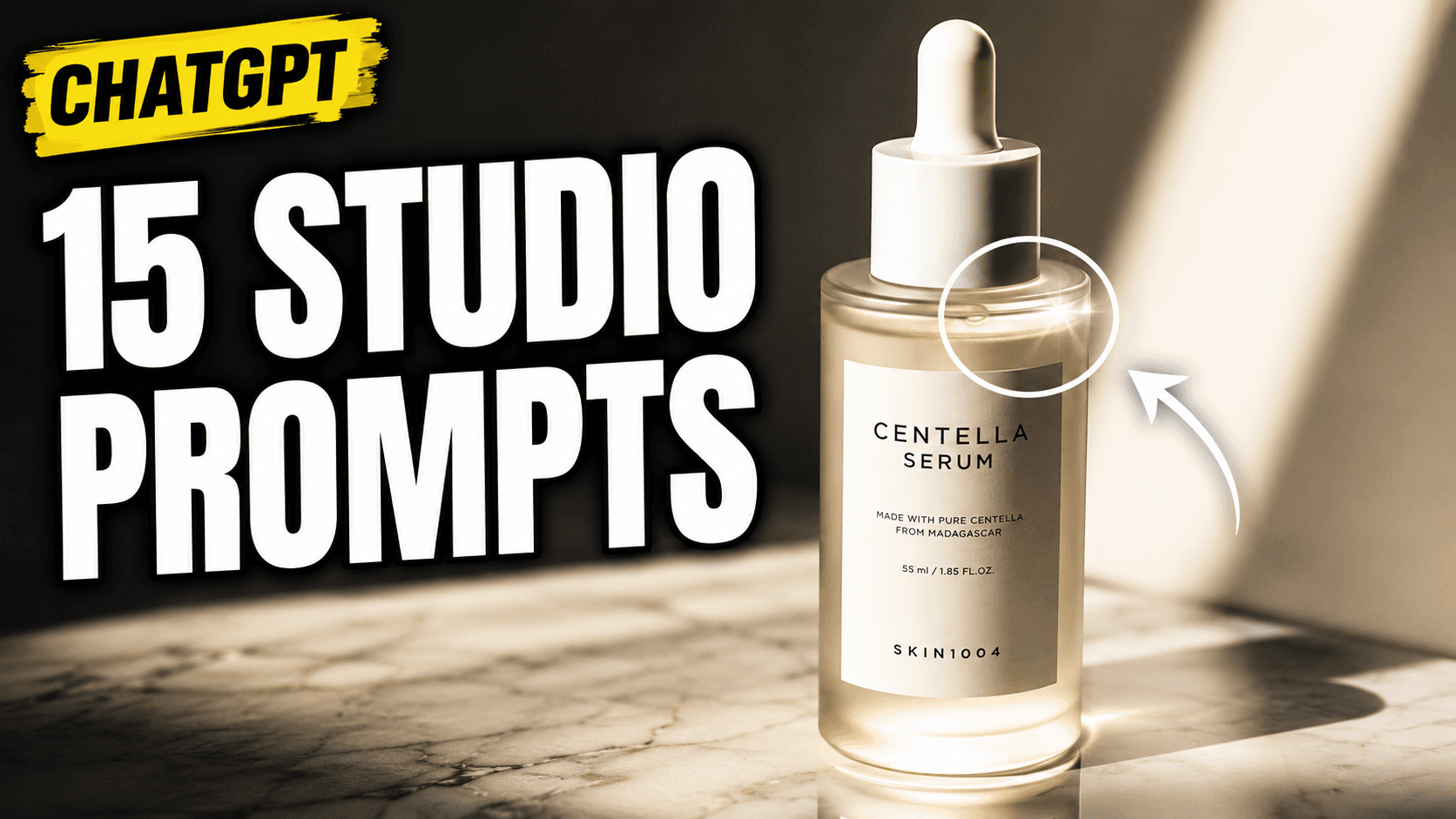
ChatGPT Professional Photo Prompt: 15 Studio-Quality Templates (2026)
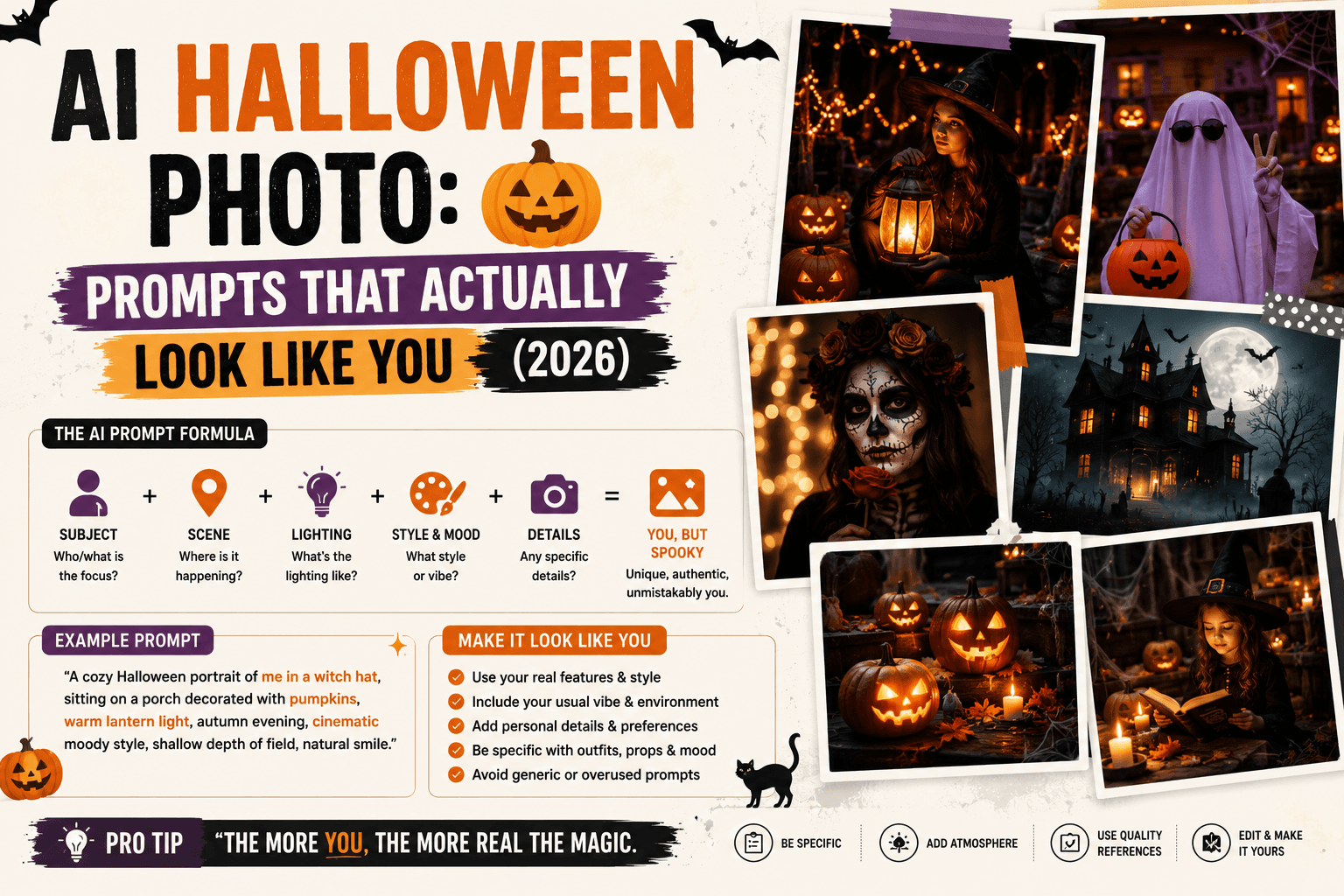
AI Halloween Photo: Prompts That Actually Look Like You (2026)
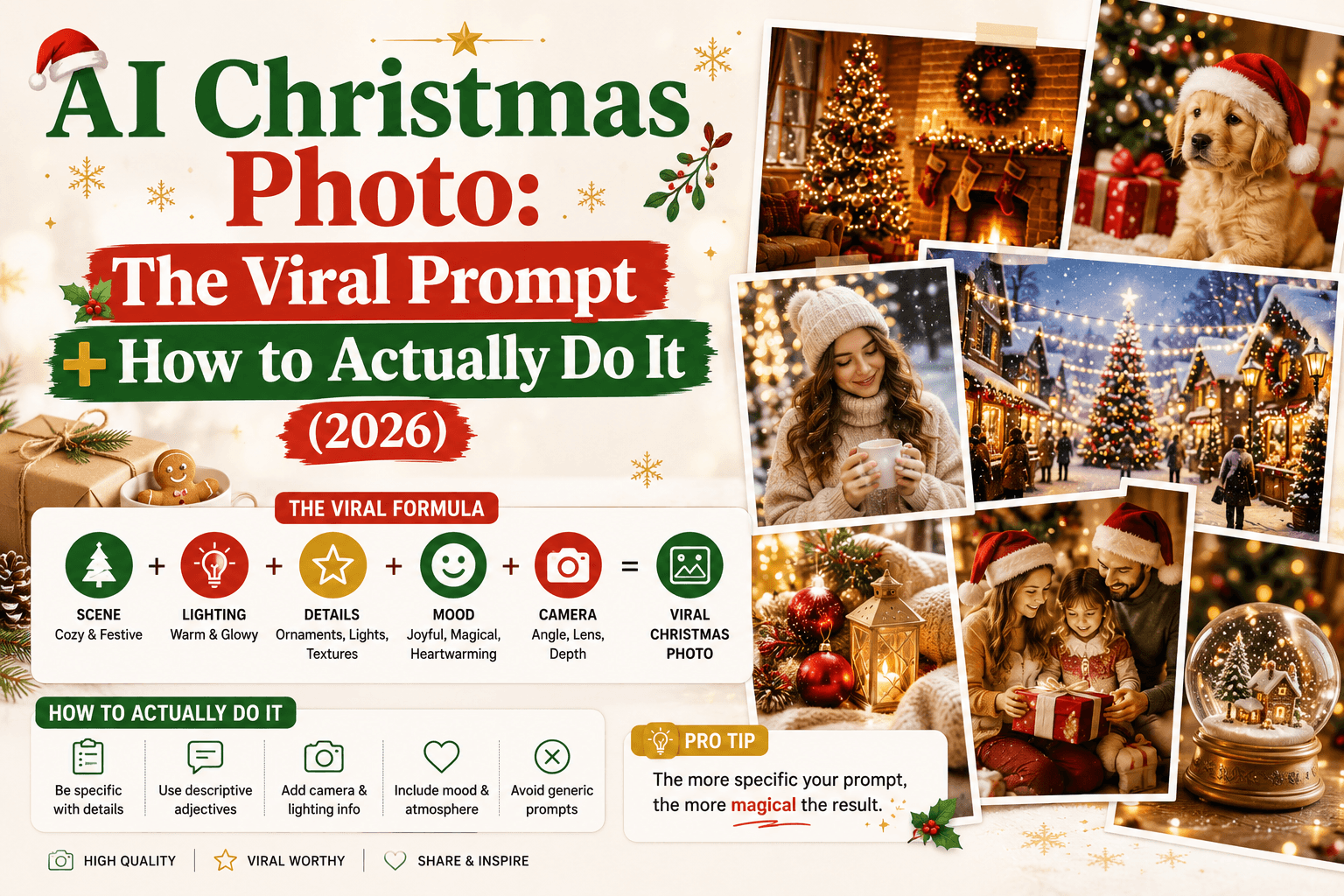
AI Christmas Photo: The Viral Prompt + How to Actually Do It (2026)
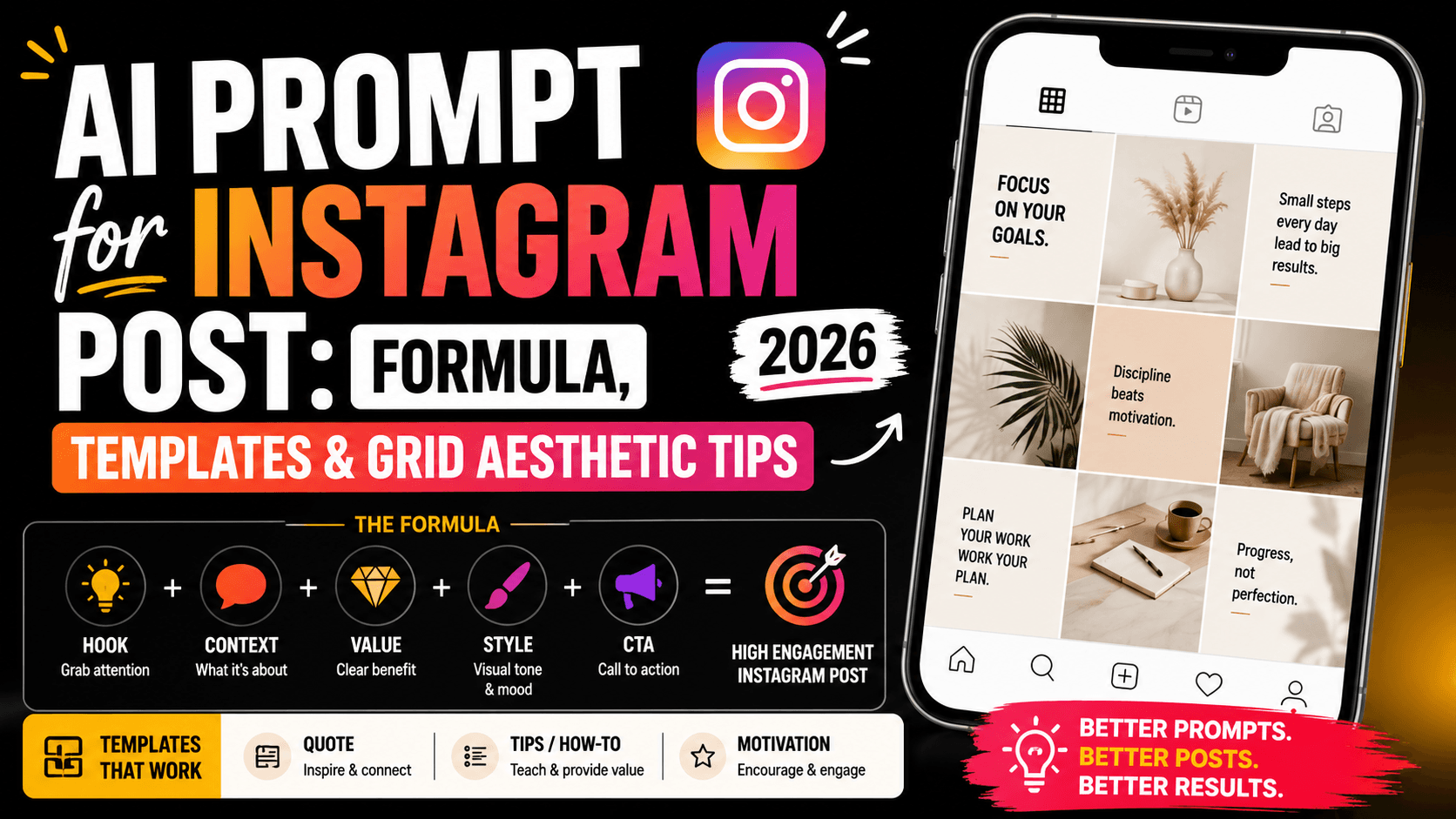
AI Prompt for Instagram Post: Formula + Templates (2026)