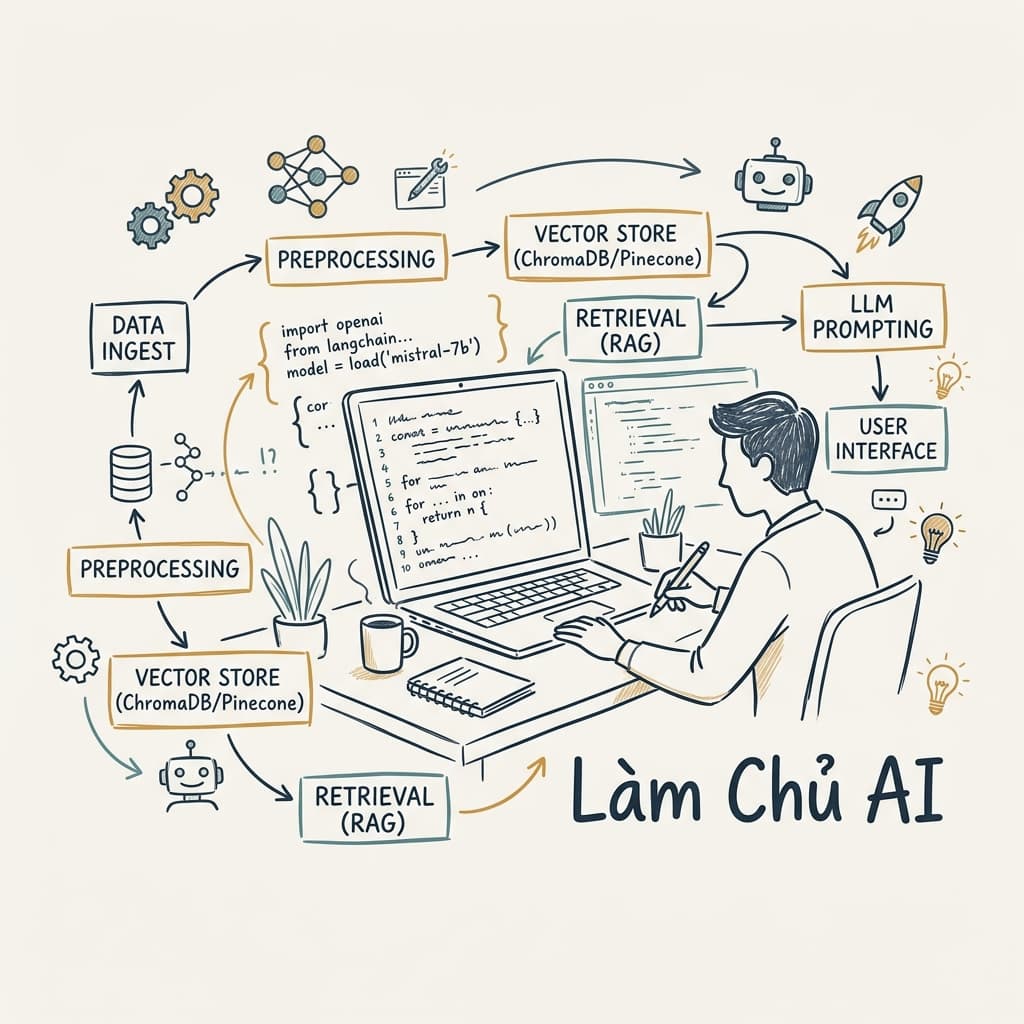
Mastering AI-Assisted Coding: Practical Workflows for 2026
Discover how to integrate AI into your daily development workflow. Learn practical techniques for writing effective prompts, generating high-quality code, automating code reviews, and boosting overall developer productivity.
Mastering AI-Assisted Coding: Practical Workflows for 2026
Artificial intelligence has become part of the everyday toolkit for software developers. It can generate code, explain unfamiliar APIs, write tests, summarize documentation, and even help debug production issues.
Yet one thing has become obvious over the past year: developers who simply ask AI to "write code" rarely gain much of an advantage.
The real productivity boost comes from building a workflow around AI instead of treating it like an advanced autocomplete.
This article walks through practical habits that experienced developers have adopted in 2026. None of them require expensive tools or complicated setups. More importantly, they help you stay in control of your codebase instead of depending on AI for every decision.
Why AI Should Support Your Thinking, Not Replace It
One common mistake is expecting AI to solve an entire feature from a single prompt.
That approach usually creates more work later.
Large responses often include unnecessary abstractions, incorrect assumptions, or implementation details that don't match your project.
A better strategy is to think of AI as another developer sitting beside you.
You wouldn't ask a teammate to build an entire application without context. You would provide:
- the current goal
- project constraints
- existing architecture
- expected output
AI works the same way.
The quality of its response is directly related to the quality of the information you provide.
Start With Context Instead of Questions
Many prompts begin like this:
Write a React component for user authentication.
Technically, this works.
Practically, it leaves too much room for assumptions.
Provide enough information for AI to understand your environment.
Example:
I'm working on a React application using TypeScript and React Query.

Authentication already exists.

I only need a login form component that calls an existing API hook.

Use functional components.
Avoid introducing new dependencies.
Return only the component code.
Notice what changed.
Asking for code, you're describing the problem.
That small difference usually produces cleaner results.
Break Complex Features Into Small Tasks
AI performs surprisingly well when the scope is limited.
Requesting an entire dashboard, split the work into manageable pieces.
As if:
- Design the data model.
- Create API interfaces.
- Build reusable UI components.
- Connect state management.
- Handle loading and error states.
- Improve accessibility.
- Write tests.
Each prompt becomes focused.
Each response becomes easier to verify.
Most importantly, mistakes remain isolated instead of spreading throughout the feature.
Use AI for the Boring Parts
Many development tasks require concentration but very little creativity.
These are perfect candidates for AI assistance.
Examples include:
- generating repetitive interfaces
- writing API clients
- creating mock data
- converting JSON structures
- producing validation schemas
- generating unit test templates
- writing documentation
- translating comments
- creating changelog entries
These tasks consume time without adding much business value.
Reducing that overhead leaves more energy for architectural decisions.
Reviewing Code Is Often More Valuable Than Generating It
Many developers focus on AI code generation.
In reality, reviewing existing code often provides greater value.
Saying:
Improve this function.
Try asking more specific questions.
As:
Review this function.

Focus on:

- readability
- edge cases
- performance
- possible race conditions
- unnecessary allocations

Do not rewrite the entire function unless necessary.
The response usually becomes more analytical instead of replacing everything with different code.
That makes it much easier to apply useful improvements.
Debugging With AI Works Best When You Share Evidence
Developers often paste an error message and expect an accurate diagnosis.
Unfortunately, stack traces rarely tell the whole story.
A better debugging prompt includes:
- the error
- related source code
- expected behavior
- actual behavior
- recent changes
- runtime environment
Example:
Expected:
The application should refresh the access token automatically.

Actual:
Users are logged out after approximately one hour.

Environment:
React 19
TypeScript
React Query
Axios

Relevant files:
(auth.ts)
(api.ts)

Recent change:
Migrated from Fetch API to Axios.
This kind of prompt gives AI enough context to reason instead of guessing.
Don't Accept the First Answer
Experienced developers rarely trust the first implementation.
The same habit should apply when working with AI.
Ask follow-up questions like:
- Can this be simplified?
- What edge cases did we ignore?
- Is there a more maintainable approach?
- What would break if the dataset reached one million records?
- How would this behave under concurrent requests?
Treat every response as the beginning of a conversation rather than the final answer.
Doing so often uncovers better solutions.
Build a Personal Prompt Library
Most developers repeatedly ask similar questions.
Examples include:
- writing SQL queries
- reviewing pull requests
- explaining legacy code
- generating test cases
- improving documentation
- optimizing React components
Rewriting these prompts every time, keep them in a small repository.
Over time, your prompt library becomes another productivity tool alongside snippets and templates.
Even minor improvements add up after hundreds of development sessions.
AI Is Excellent at Explaining Legacy Code
Understanding unfamiliar code usually takes longer than writing new code.
AI can reduce that learning curve significantly.
Asking:
Explain this file.
Ask questions with a clear objective.
Like:
Explain this service as if I joined the project today.

Focus on:

- responsibilities
- external dependencies
- data flow
- potential technical debt
- areas that are difficult to maintain
The explanation becomes far more useful than a line-by-line summary.
It also helps during onboarding or when returning to an old project after several months.
Documentation Doesn't Have to Be an Afterthought
Documentation often gets postponed because developers are busy shipping features.
AI makes that excuse harder to justify.
Once a feature is complete, ask AI to generate:
- README sections
- API documentation
- migration guides
- architecture summaries
- release notes
- onboarding instructions
The important part is reviewing the output before publishing it.
Documentation should reflect how the system actually works—not how AI assumes it works.
AI Works Best as a Pair Programmer
One of the biggest shifts in modern development is how AI fits into the workflow. Replacing the developer, it acts more like a teammate who is always available to review ideas, unfamiliar code, or challenge an implementation before it reaches production.
That mindset changes the conversation.
Rather than asking AI to "build a feature," ask it to evaluate your approach.
For example:
I'm planning to implement role-based access control using middleware.

Here's my current design.

What potential problems do you see?
What would become difficult to maintain six months from now?
Questions like these encourage critical feedback instead of another code dump.
A Practical Daily Workflow
Every developer works differently, but a fairly consistent workflow has emerged among teams that use AI effectively.
Before Writing Code
Clarify the problem.
Opening the editor immediately, spend a few minutes describing what you're trying to build.
AI is particularly good at identifying missing requirements.
Useful questions include:
- What edge cases am I forgetting?
- Is this feature too large?
- Should this be split into smaller components?
- What assumptions am I making?
Even if the answers seem obvious, writing them down often reveals gaps in the design.
During Development
As implementation progresses, AI becomes more useful as a reviewer than as a generator.
Some practical requests include:
- explain an unfamiliar library
- compare two implementation strategies
- simplify a complex function
- suggest clearer variable names
- identify duplicated logic
- review error handling
Notice that none of these replace the developer.
They simply reduce the amount of routine thinking.
Before Opening a Pull Request
Many developers already use automated linting and testing.
Adding one more review step with AI can catch surprisingly small issues.
A useful prompt might look like this:
Review this pull request.

Focus only on:

- readability
- maintainability
- possible bugs
- unnecessary complexity

Ignore formatting issues.
The narrower the scope, the more focused the review becomes.
Writing Better Prompts
Prompt engineering sounds more complicated than it really is.
Most improvements come from being specific rather than clever.
Instead of this:
Optimize this code.
Write something closer to:
Optimize this function for readability.

Do not change its behavior.

Avoid introducing new abstractions unless they reduce duplication.

Explain every suggested change.
The second prompt provides constraints.
Constraints usually produce better answers.
Give AI the Information It Actually Needs
Imagine asking another developer for help while hiding half the project.
That's effectively what happens when prompts lack context.
Useful context includes:
- programming language
- framework
- architecture
- coding conventions
- project size
- performance constraints
- existing APIs
- expected output
You don't need to describe the entire application.
Just provide enough information to remove unnecessary guessing.
Learn to Push Back
AI is confident.
That doesn't mean it's correct.
If something looks suspicious, ask why.
For example:
Why is this implementation better?

Explain the trade-offs.

Compare it with my original version.

Which situations make each approach preferable?
These follow-up questions often expose hidden assumptions.
Sometimes AI even identifies weaknesses in its own proposal.
Keep Business Logic in Your Hands
Business rules deserve extra attention.
AI can help implement them, but it shouldn't define them.
Suppose you're building an invoicing system.
Asking:
Generate invoice calculations.
Provide the actual requirements.
Example:
VAT is applied after discounts.

Shipping fees are not taxable.

Negative totals are invalid.

Round currency values using bankers rounding.
Those details matter more than the syntax.
Without them, AI fills the gaps with assumptions that may not match your domain.
Security Still Requires Human Review
AI has become much better at generating secure code, but it still misses important details.
Always review areas involving:
- authentication
- authorization
- encryption
- payment processing
- file uploads
- database permissions
- personally identifiable information
A generated solution may compile successfully while still exposing sensitive data or creating subtle vulnerabilities.
Security reviews remain a human responsibility.
Don't Skip Testing
Generated code should be treated exactly like handwritten code.
Every change deserves appropriate testing.
AI can help by generating:
- unit tests
- integration tests
- test fixtures
- mock objects
- edge-case scenarios
Developers should still decide what actually needs to be tested.
Coverage numbers don't necessarily reflect software quality.
Common Mistakes
Teams that struggle with AI often repeat the same habits.
Expecting Perfect Code
Generated code is rarely production-ready.
It may compile.
It may even pass tests.
That doesn't automatically make it maintainable.
Review every significant change before merging.
Copying Without Understanding
Perhaps the fastest way to accumulate technical debt is copying code you cannot explain.
If a generated solution feels unfamiliar, spend a few minutes understanding it before committing it.
The time investment usually pays for itself later.
Ignoring Existing Architecture
Every project develops its own conventions.
Introducing completely different patterns because AI suggested them often creates inconsistency.
New code should fit the project—not the other way around.
Writing Extremely Broad Prompts
Broad prompts produce broad answers.
Compare these two requests.
Poor:
Build an e-commerce website.
Better:
Create a responsive product card component using React and TypeScript.
The second request defines a realistic scope.
Measuring Productivity the Right Way
It's tempting to measure AI by counting lines of generated code.
That metric isn't particularly useful.
More meaningful indicators include:
- less time spent debugging
- fewer repetitive tasks
- faster onboarding
- more consistent documentation
- improved code reviews
- shorter feedback loops
- reduced context switching
The goal isn't writing more code.
The goal is solving problems with less friction.
Final Thoughts
AI has become a normal part of software development, much like version control, automated testing, and continuous integration.
Developers who benefit the most aren't necessarily the ones using the most advanced models.
They're the ones who know when to ask questions, when to challenge the answers, and when to rely on their own experience.
Treat AI as a collaborator.
Let it handle repetitive work.
Let it review your thinking.
Let it explain unfamiliar concepts.
But keep ownership of the architecture, the business rules, and the final decisions.
That's where experience still matters most.
Frequently Asked Questions
Will AI replace software developers?
AI can automate repetitive programming tasks, but software development involves architecture, communication, business decisions, and problem solving. Those responsibilities still require human judgment.
Is AI-generated code safe for production?
It can be, but only after proper review, testing, and validation. Generated code should follow the same quality standards as manually written code.
Which tasks benefit the most from AI?
Developers commonly use AI for documentation, debugging, test generation, code reviews, explaining unfamiliar code, writing boilerplate, and learning new technologies.
Should junior developers rely on AI?
AI can accelerate learning, but it shouldn't replace fundamental programming knowledge. Understanding why code works remains more valuable than generating it quickly.
Related Articles
- Building Maintainable React Applications
- Effective Code Review Strategies for Modern Teams
- Writing Cleaner TypeScript in Large Projects
- Practical Debugging Techniques Every Developer Should Know
- Modern Git Workflows for Professional Development Teams
Real-World Prompt Examples That Save Time
Reading about prompting is useful, but writing prompts every day is where the real learning happens. Over time, you'll notice that certain prompt patterns consistently produce better answers.
Here are a few examples that have proven useful in day-to-day development.
Understanding an Existing Module
Explain this module as if you're introducing it to a new developer joining the team.

Focus on:
- responsibilities
- dependencies
- data flow
- potential risks
- parts that deserve refactoring

Avoid explaining every line individually.
This type of prompt helps you understand intent instead of implementation details.
Reviewing a Pull Request
Review this pull request from the perspective of a senior software engineer.

Only comment on:

- maintainability
- architecture
- naming
- readability
- possible bugs

Ignore formatting and style issues.
The narrower the review criteria, the more actionable the feedback tends to be.
Finding Hidden Edge Cases
Assume this feature has already been deployed.

List realistic situations that could cause unexpected behavior.

Prioritize edge cases that are easy to overlook.
Developers naturally think about the happy path.
AI is often helpful when exploring everything outside it.
Simplifying Complex Logic
This function works correctly.

Do not change its behavior.

Suggest ways to make it easier to read while keeping the same performance characteristics.
Sometimes readability is worth more than shaving a few milliseconds off execution time.
Generating Tests
Generate unit tests for this function.

Cover:

- normal input
- invalid input
- boundary values
- empty values
- null handling
- unexpected exceptions

Explain why each test exists.
The explanation is often more valuable than the generated test itself.
A Small Case Study
Imagine you're asked to build an order management feature for an internal dashboard.
Without AI, a typical workflow might look like this:
- Read the requirements.
- Design the API.
- Implement endpoints.
- Build the interface.
- Write validation.
- Add tests.
- Update documentation.
Now compare that with an AI-assisted workflow.
Step 1
Ask AI to identify missing requirements.
You might discover questions like:
- Can an order be canceled after shipping?
- Should deleted products remain visible in historical orders?
- What happens if payment succeeds but inventory fails?
These aren't coding questions.
They're product questions.
Finding them early prevents expensive changes later.
Step 2
Discuss architecture before implementation.
Asking AI to generate code immediately, ask:
Compare these two approaches.

Approach A:
...

Approach B:
...

Evaluate them based on scalability, simplicity, and future maintenance.
Even if you already prefer one solution, the comparison may reveal trade-offs you hadn't considered.
Step 3
Generate repetitive code.
This is where AI shines.
Examples include:
- DTOs
- interfaces
- API clients
- validation schemas
- serializers
- mapping functions
- mock responses
None of these require much creativity, yet they consume a surprising amount of time.
Step 4
Review the completed feature.
Reviewing every file manually first, ask AI to inspect the implementation for:
- duplicated logic
- inconsistent naming
- unnecessary abstractions
- potential race conditions
- missing validation
- unclear comments
You'll still perform your own review, but AI often highlights areas worth another look.
Building Good Habits Around AI
The biggest productivity gains don't come from writing better prompts.
They come from building consistent habits.
Example:
- Read generated code before copying it.
- Keep prompts focused on one task.
- Ask follow-up questions instead of starting over.
- Verify important claims against official documentation.
- Treat AI-generated code as a draft, not a final solution.
- Continue learning the technologies you're using.
These habits sound simple, yet they make a noticeable difference over time.
Where AI Still Struggles
Despite rapid improvements, there are areas where AI remains unreliable.
Large Legacy Systems
Projects that have evolved over many years often contain business rules that exist only in the team's collective knowledge.
AI cannot infer those rules from a few files.
Domain Knowledge
Healthcare.
Banking.
Insurance.
Manufacturing.
Tax systems.
These domains contain regulations and edge cases that require real expertise.
Generated code may appear correct while violating critical business rules.
Architectural Decisions
Choosing between microservices and a modular monolith.
Designing an event-driven system.
Planning a migration strategy.
Balancing consistency against availability.
These decisions involve trade-offs that depend on people, deadlines, budgets, and organizational priorities.
AI can contribute ideas, but it cannot make those decisions for your team.
The Future of AI-Assisted Development
The role of AI is gradually changing.
Early tools focused on code completion.
Today's tools participate in design discussions, explain unfamiliar systems, generate documentation, and review code.
The next stage is likely to involve greater awareness of project context.
Responding to isolated prompts, AI assistants will understand your repository, coding conventions, architecture, issue tracker, and deployment pipeline.
That doesn't eliminate the need for experienced developers.
If anything, it raises the importance of software design, communication, and decision-making.
As routine implementation becomes easier, the value shifts toward understanding problems rather than producing syntax.
Conclusion
Good developers don't become productive simply because they use AI.
They become productive because they know how to combine experience with the right tools.
AI can shorten feedback loops, reduce repetitive work, and make unfamiliar technologies easier to approach.
What it cannot replace is judgment.
The best workflow isn't one where AI writes everything.
It's one where AI handles the repetitive tasks while you focus on architecture, product decisions, code quality, and long-term maintainability.
Viewed that way, AI isn't competing with developers.
It's becoming another tool—one that rewards thoughtful use far more than blind reliance.
Related
Resources
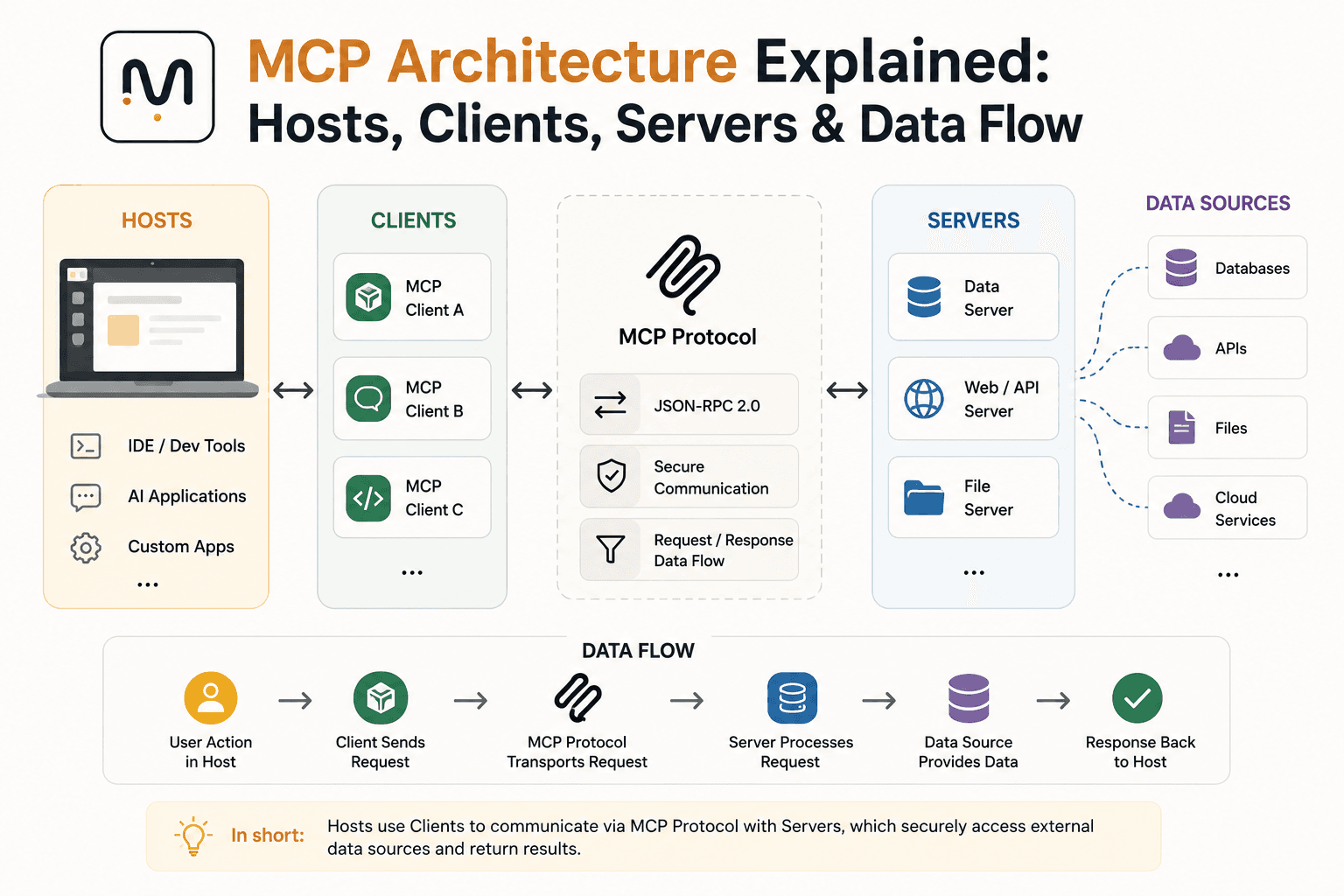
MCP Architecture Explained: Hosts, Clients, Servers & Data Flow
What Is MCP (Model Context Protocol)? A Complete Guide (2026)

OpenRouter API Tutorial: How to Connect & Fetch LLM Responses (JS/Node.js)
The Best AI Tools for Developers in 2026